Second Brain Stack
Welcome to your brain’s new best friend! 🧠
Let’s face it - your mind is like that messy drawer everyone has (you know, the one with random cables you’re sure you’ll need someday).
Ever had that moment when you know you read something super useful but can’t remember where? Or worse, you have 47 browser tabs open “for later” (spoiler alert: later never comes). We’ve all been there, living that digital hoarding life, hoping our browser doesn’t crash and take our precious tabs with it.
Second Brain stack is like having a personal librarian who’s also a mind reader. It’s perfect for knowledge workers, chronic learners, and anyone who’s ever said “I’ll remember that” and then… didn’t. From note-taking that actually makes sense later to organizing your digital life in a way that would make Marie Kondo proud, we’ve got you covered. Because your brain deserves better than being a chaotic filing cabinet! 📚

Notion
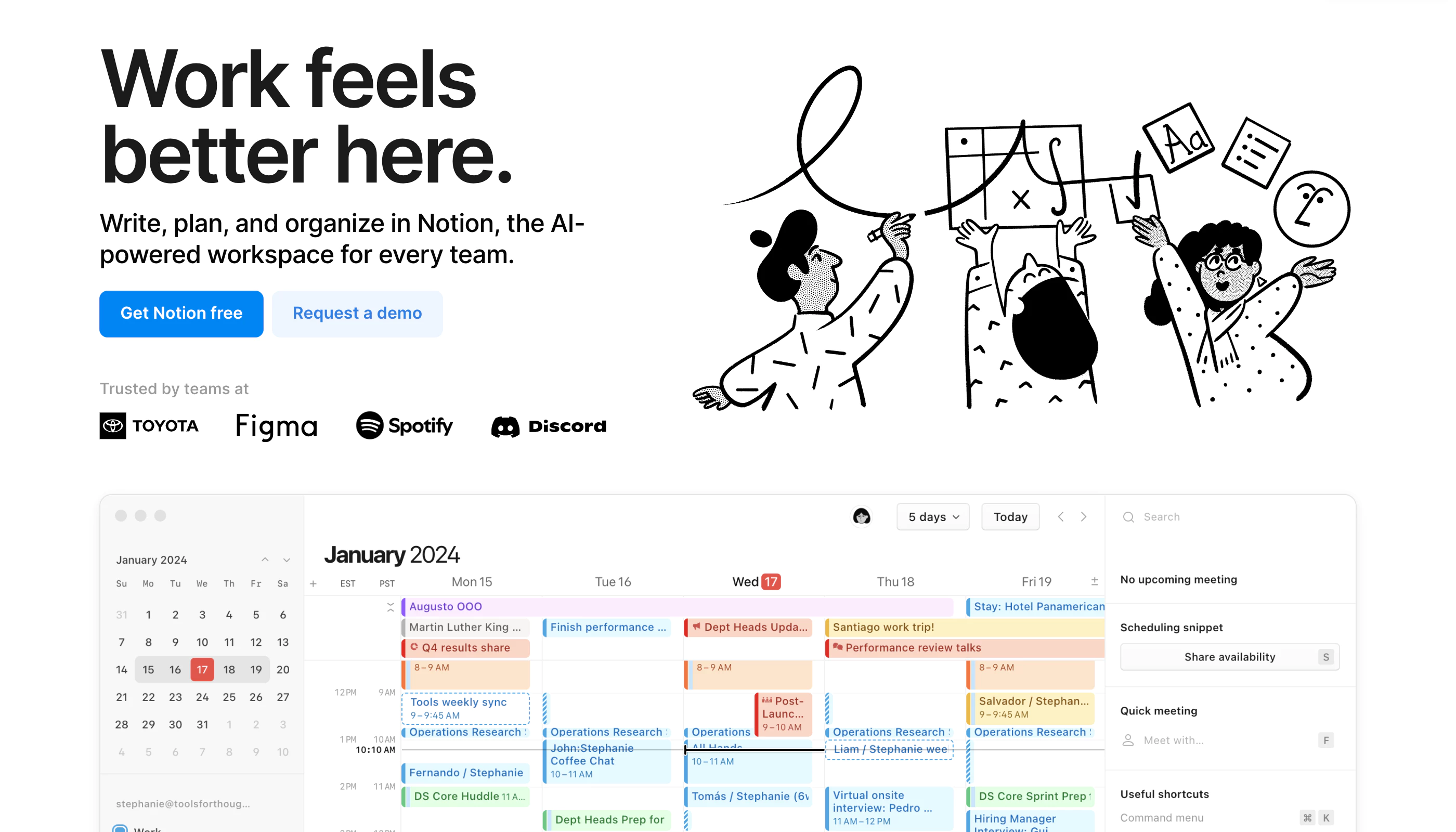
Notion is a highly customizable productivity platform designed for individuals, teams, and organizations. It offers tools for project management, note-taking, databases, and collaboration in a unified workspace. With real-time collaboration features, customizable workflows, and integrations with popular tools like Slack and Google Workspace, Notion caters to a wide range of use cases—from personal organization to complex team projects.
Pricing
- Free: Limited to 5MB file uploads and up to 5 guests.
- Plus: $12 per user/month (billed annually), includes unlimited file uploads and 30-day version history.
- Business: $18 per user/month, supports private team spaces, advanced permissions, and 90-day version history.
- Enterprise: Custom pricing, offers advanced security features and unlimited version history.
- Discounts & Promotions: 20% off with annual billing.
Key features
- 📝 Note-taking: Create rich text notes with media and embedded links.
- ✅ Task management: Organize tasks using to-do lists, Kanban boards, and calendars.
- 🗂 Database management: Build customizable databases for tracking information like CRM, project management, and more.
- 💻 Real-time collaboration: Share workspaces and collaborate with team members in real-time.
- 🛠️ Templates: Use over 50 pre-built templates for tasks, projects, and databases.

Obsidian
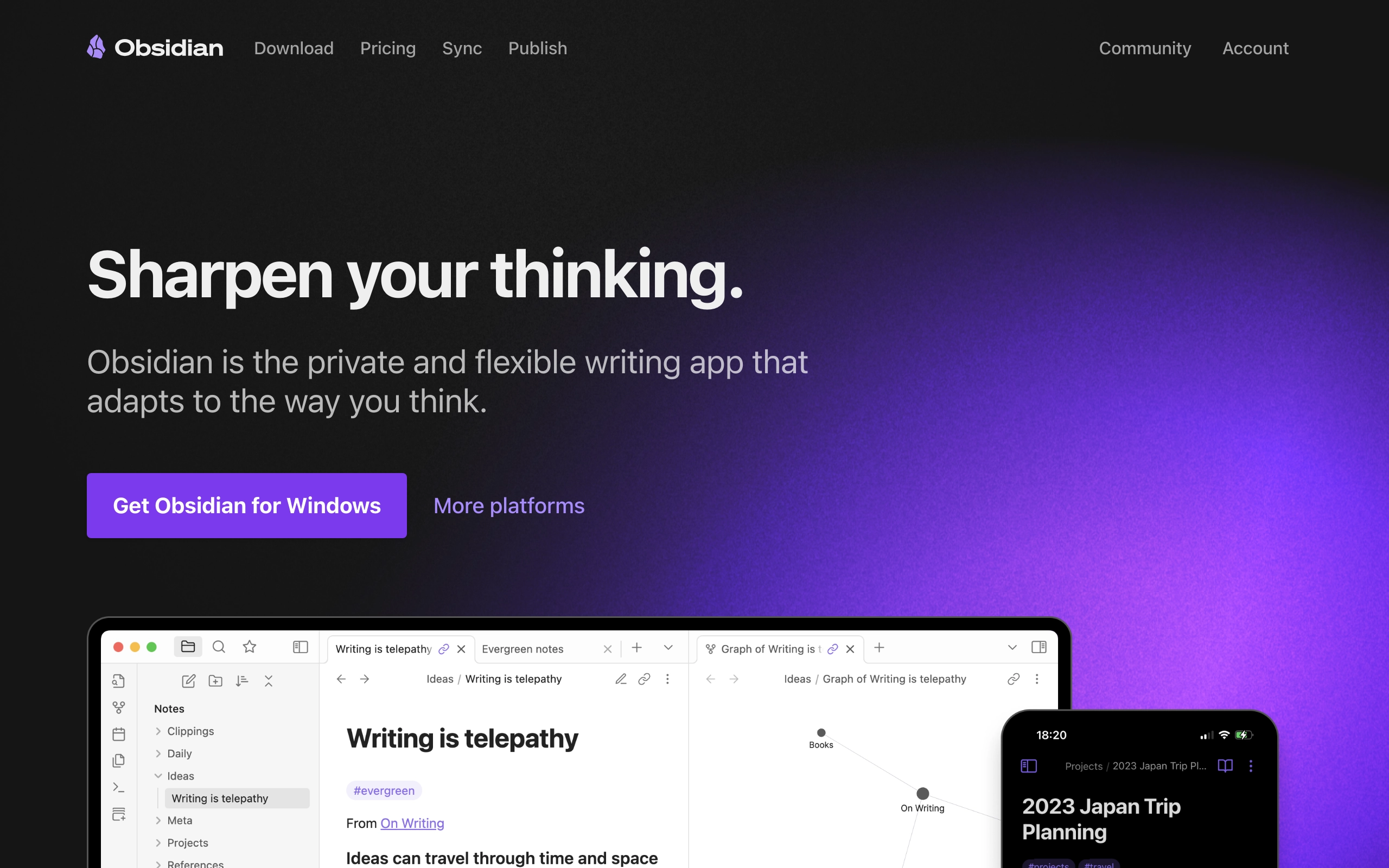
Obsidian is a personal knowledge base and note-taking software application that operates on Markdown files, allowing users to create internal links and visualize connections between notes as a graph. It is designed to help users organize and structure their thoughts and knowledge in a flexible, non-linear way. The software is available on multiple platforms, including Windows, macOS, Android, Linux, and iOS.
Pricing
- Free: $0/month - Personal use with basic features
- Sync: $5/month
- Publish: $10/month
- Commercial: $50/user/month
- Discounts & Promotions: 20% off with annual billing on monthly plans.
Key features
- 📝 Note-taking: Create and manage notes in Markdown format.
- 🔗 Internal Links: Internally link notes and visualize connections as a graph.
- 🎨 Customization: Plugins and themes to extend functionality and personalize the user experience.
- 🔄 Sync: Offers Obsidian Sync for synchronizing notes across devices, including shared vaults for team collaboration.
- 📅 Calendar and Task Management: Community plugins such as a Kanban-style task board and a calendar widget.
- 📄 Collaboration: Real-time updates and collaboration on shared vaults without compromising data privacy.
- 🌐 Cross-platform: Available on Windows, macOS, Android, Linux, and iOS.

Mymind
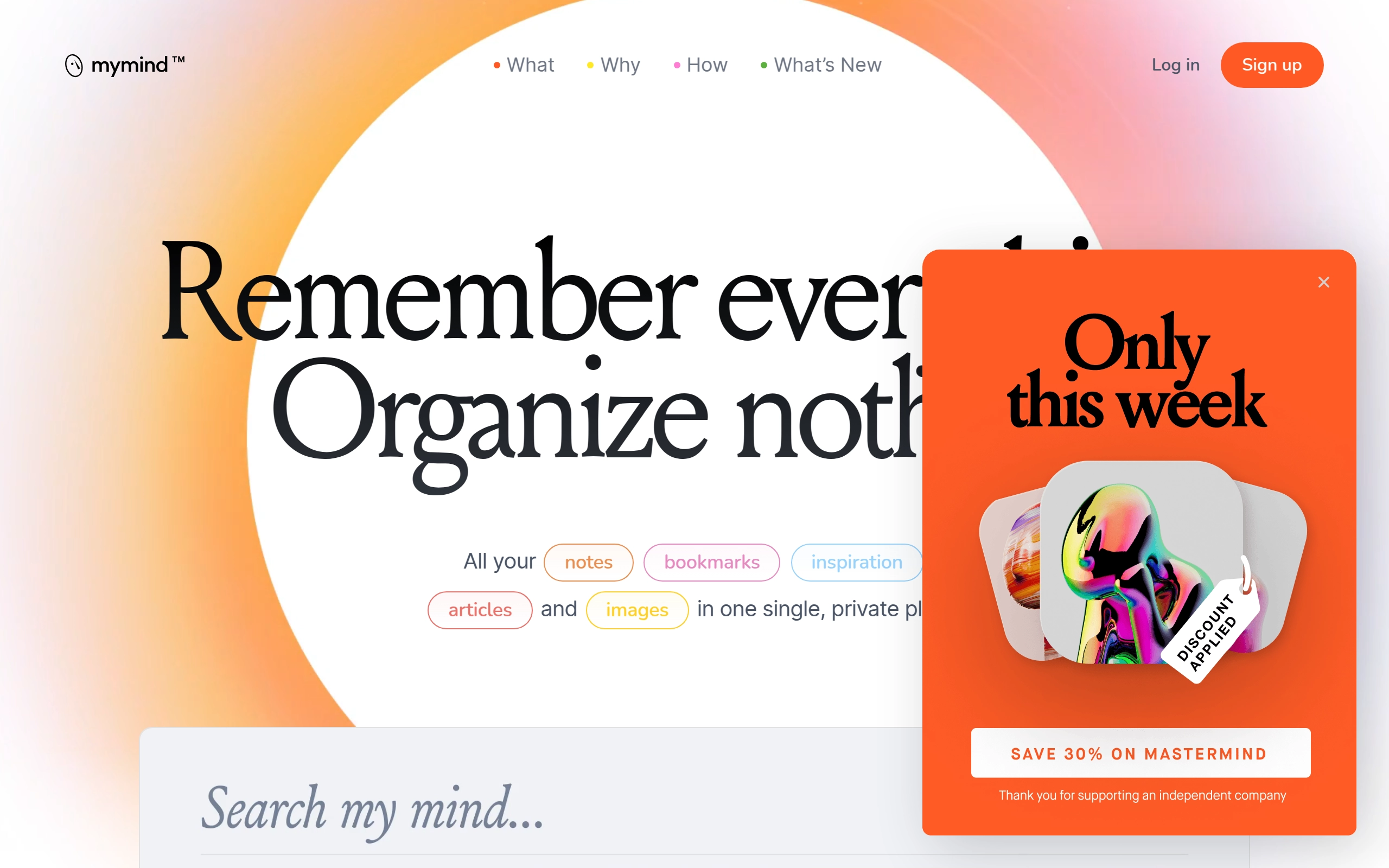
Mymind is a private, AI-enhanced platform designed for visual bookmarking and note-taking, allowing users to store notes, bookmarks, inspiration, articles, and images in a single, organized space. It is tailored for busy individuals who need a hassle-free way to manage their digital content without the need for folders, labels, or complex organizational systems. The platform emphasizes privacy, independence, and the absence of tracking and ads.
Pricing
- The Bookmarker: $4/month
- Student of Life: $7/month
- Mastermind: $13/month
- Discounts & Promotions: 20% off with annual billing.
Key features
- 📚 Intelligent Bookmarks: Automatically organize and visualize saved content in a useful and beautiful way.
- 📝 Frictionless Note Taking: Save quick ideas and notes without clutter or distractions.
- 🖼️ AI Image Tagging: Automatically tag images with objects, colors, or brands for easy search and retrieval.
- 📰 Article Backup: Store entire articles, even if the original source is deleted, and extracts relevant concepts for easy finding.
- 🔍 Associative Searching: Search for content using keywords, phrases, dates, or any other relevant information.
- 📸 Image Text Recognition: Recognizes and searches text within images, including handwriting and memes.
- 📄 PDF Analysis: Analyzes and indexes PDFs, adding AI tags for comprehensive summaries.
- 📹 Video Support: Save GIFs and videos up to 500mb each.
- 🌐 Smart Spaces: Automatically groups saved content around specific searches, themes, or tags.
- 📱 Companion Apps: Syncs across iOS, Android, browser, and MacOS versions.

Raindrop.io
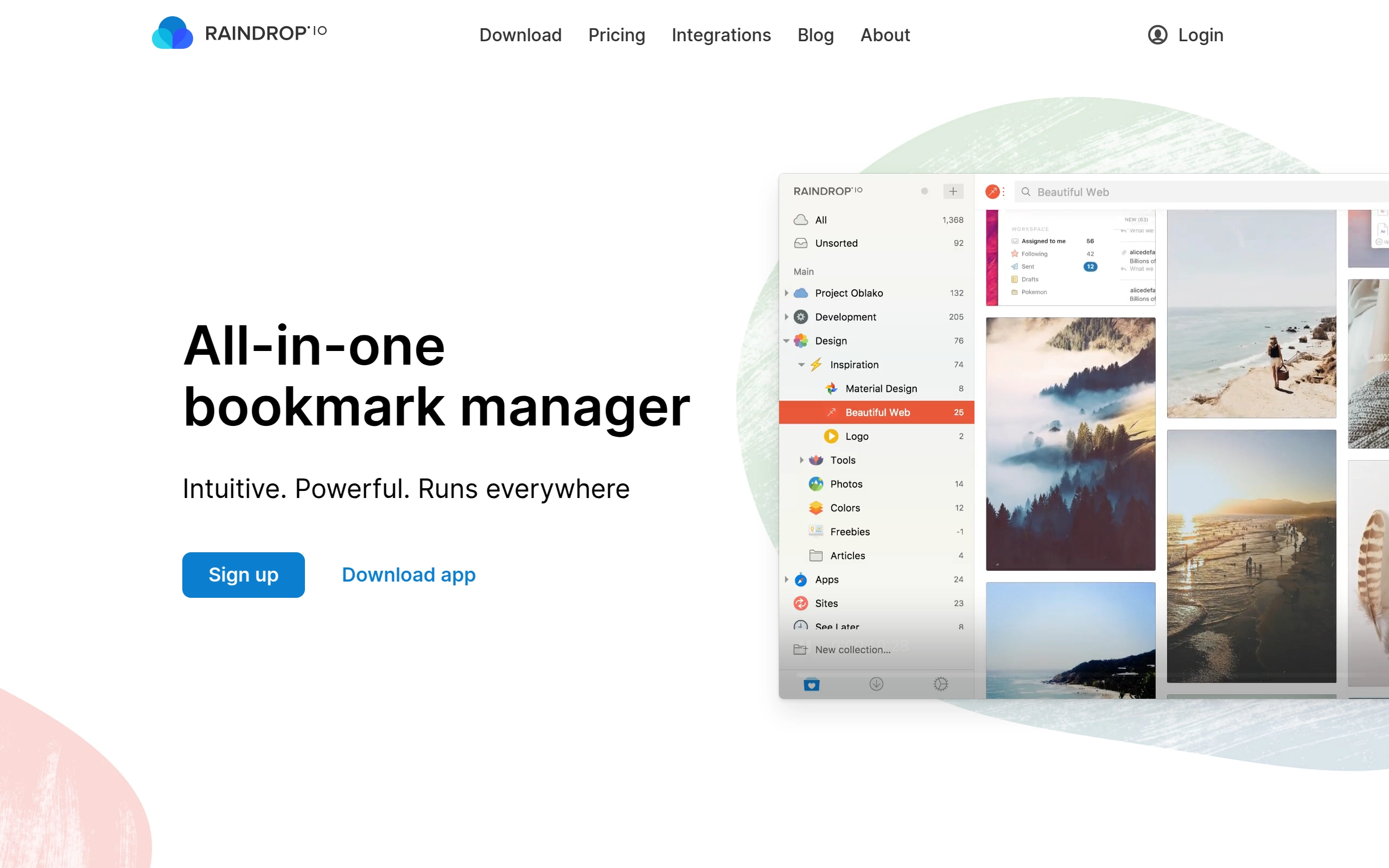
Raindrop.io is an all-in-one bookmark manager designed to help users organize and save various types of content, such as books, songs, articles, and more. It offers a range of features to untangle bookmark messes, including tagging, searching, and annotating capabilities. The platform also provides integrations, automatic backups, and a user-friendly interface to enhance the bookmarking experience.
Pricing
- Free: $0/month - Unlimited bookmarks, collections, and devices. Free to use indefinitely with basic features.
- Pro: $3/month - Adds premium features such as semantic search, better multi-language support, deep content search, AI-driven suggestions, and more.
- Discounts & Promotions: 20% off with annual billing.
Key features
- 📚 Bookmark Organization: Group related bookmarks within the same context and use thousands of predefined icons to categorize them.
- 🗂️ Tagging and Searching: Add tags to classify items and search efficiently by type, tags, or domain.
- 📄 Annotation: Annotate web pages and easily revisit key passages in the future.
- 🌐 Multi-Language Support: Search in your native language, even for bookmarks in different languages (available in Raindrop.io Pro).
- 🔍 Deep Search: Search through the entire content of every bookmark, PDF, and EPUB.
- 📁 AI-Driven Suggestions: Receive AI-driven suggestions for collections and tags (available in Raindrop.io Pro).
- 📅 Reminders and Notifications: Add reminders and notifications to your bookmarks.
- 🔄 Automatic Backups: Automatically create copies of all web pages and files in your collection, and save backups to your cloud drive.
- 🌟 Custom Views: View bookmarks in Grid, Headlines, Masonry, or List view modes.

Raycast
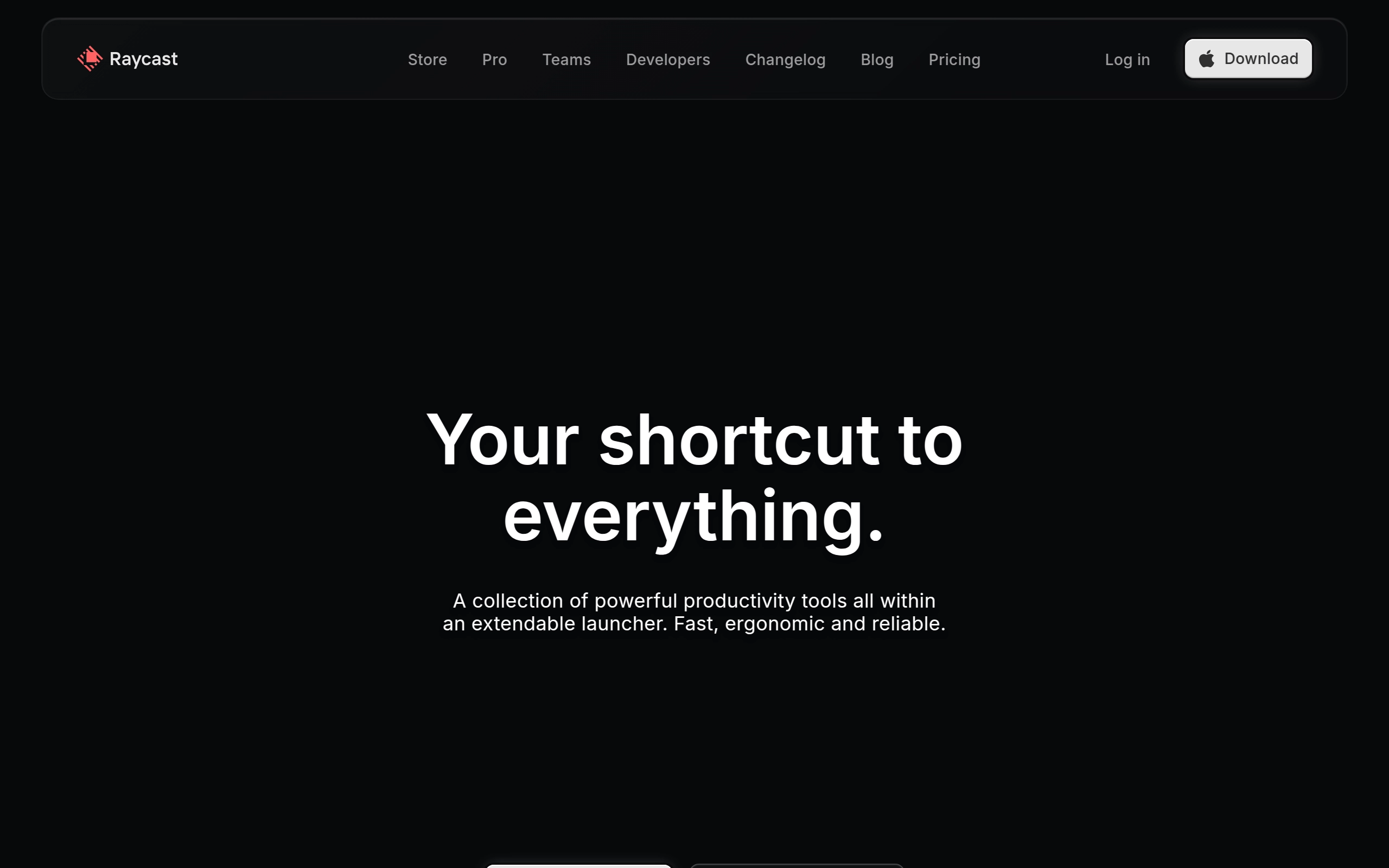
Raycast is a Mac productivity app designed to streamline workflows and enhance efficiency for users, particularly those in tech-related fields. Raycast aims to provide a unified interface for accessing applications, files, commands, and workflows. The app is known for its speed, customizability, and integration with various tools and AI features.
Pricing
- Raycast: $0/month - Basic features and access to the app's core functionalities.
- Raycast Pro: $10/month - Includes additional features such as AI tools, custom themes, Mac syncing, and more advanced workflow automation.
- Team Pro: $15/user/month - Unlimited shared commands, snippets, quicklinks, and team members.
- Discounts & Promotions: 20% off with annual billing.
Key features
- 🔍 Quick Access: Allows users to quickly access applications, files, and commands through a unified interface.
- 🧩 Custom Extensions: Users can create and publish custom extensions to automate tasks and integrate third-party tools.
- 🤖 AI Integration: Incorporates multiple large language models (LLMs) such as GPT-4, Claude, Llama, and Gemini to enhance productivity.
- 📈 Cross-Platform Support: Expanding from Mac to include Windows and iOS versions, with the iOS app serving as a companion tool.
- 📝 Shared Snippets: Enables teams to store and insert frequently used text, such as canned responses and code reviews, to maintain consistency and efficiency.
- 🔗 Quicklinks: Allows teams to convert long links into simple bookmarks for easy access to resources like GitHub repos and project documentation.

Reader
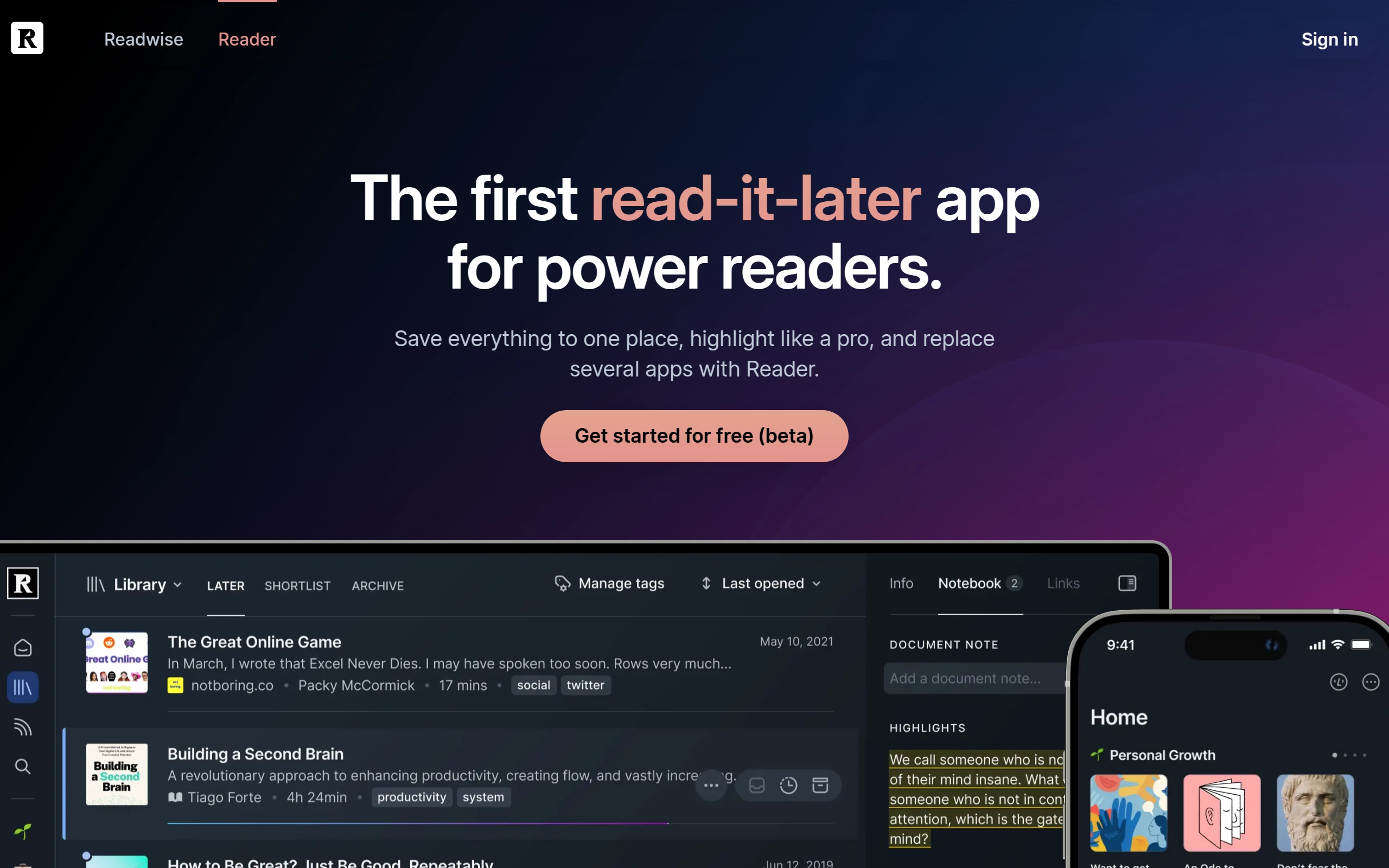
Readwise Reader is a modern read-it-later app that combines article saving, RSS feeds, PDF reading, and ebook management in one unified platform. It features powerful highlighting and annotation capabilities, seamless syncing across devices, and integration with popular note-taking apps. The app is designed to help users process information rather than just collect it.
Pricing
Readwise Reader is included in the Readwise subscription plans.
- Readwise Lite: $5/month; $4.50/month when billed annually.
- Readwise: $9/month; $8/month when billed annually.
- Discounts & Promotions: 50% off to students and other members of academia.
Key features
🔍 Universal content support - handles web articles, PDFs, ebooks, newsletters, YouTube videos, and RSS feeds 📝 Advanced highlighting and annotation system for all content types, including images and tables ⚡ Keyboard-based navigation and offline access for efficient reading 🤖 Built-in AI assistant (Ghostreader) for asking questions and simplifying complex text 🔄 Cross-platform sync between web, iOS, and Android devices 🎯 Smart content organization with quick reads, long reads, and daily digest features 💫 Integration with note-taking apps like Notion, Obsidian, and Evernote

Readwise
Readwise enhances the reading experience and improves knowledge retention. It allows users to import, review, revisit, and remember highlights from ebooks and articles, facilitating a more effective learning process.

Pricing
- Readwise Lite: $5/month; $4.50/month when billed annually - Includes Readwise Reader subscription.
- Readwise: $9/month; $8/month when billed annually.
- Discounts & Promotions: 50% off to students and other members of academia.
Key features
- 📚 Highlight Management: Import and manage highlights from ebooks and articles on platforms like Kindle, Instapaper, Pocket, iBooks, and more.
- 📖 Spaced Repetition: Helps review and remember highlights through a daily email and app, enhancing knowledge retention.
- 💡 Tag, note, search, and organize: Organize and connect ideas using search to find a highlight instantly, tags to cement its spot in your library, and adding own annotations to it.
- 📝 Sync to your favorite note-taking apps: Connect Readwise with your favorite note-taking tools such as Evernote, Notion, and Roam to automatically sync your highlights and notes.

Mailbrew
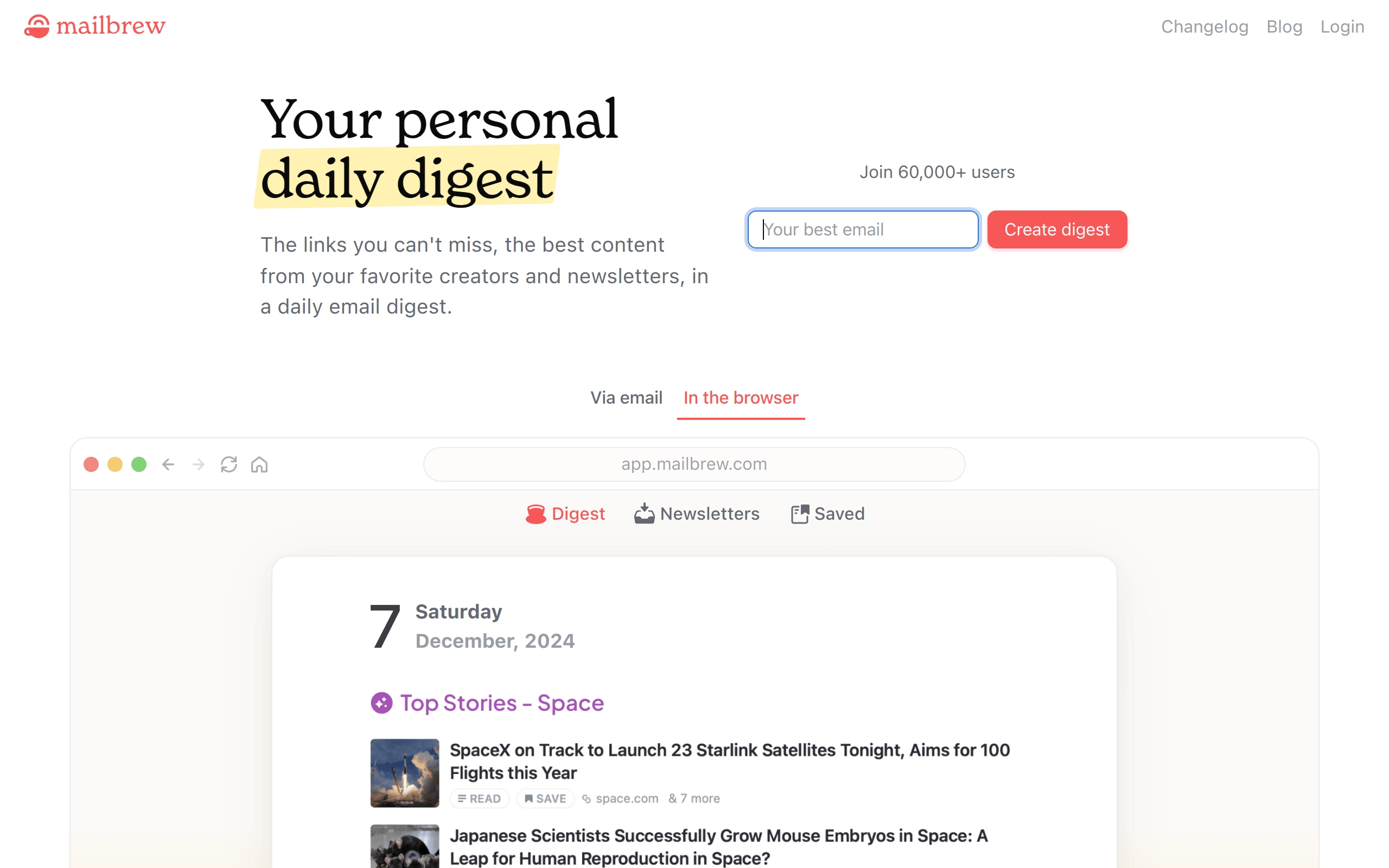
Mailbrew is a content aggregator that allows users to create and receive personalized email digests of news and content from various sources. It aims to reduce the anxiety and guilt associated with constantly checking social media and news feeds by delivering content in bulk at pre-defined times. Mailbrew integrates with sources such as RSS feeds, Twitter, Reddit, YouTube, and Google News to provide a customized and efficient way to stay informed.
Pricing
Mailbrew is free
Key features
- 📧 Customizable Brews: Users can create multiple brews for specific sources, such as Twitter Digest or Morning Brew, and decide the content and timing of these digests.
- 📰 Multi-Source Integration: Supports integrations with RSS feeds, Twitter, Google News, Reddit, YouTube, and website-specific sources, taking into account ratings and popularity of entries.
- 📅 Scheduled Delivery: Allows users to set the time they want to receive their digests, helping to manage information intake efficiently.
- 📄 Saved Articles: Features a read-it-later service where users can save articles using a Chrome extension, bookmarklet, or iOS shortcut and read them later within Mailbrew.
- 📢 Public and Shared Brews: Users can make brews public, subscribe to others, or share public links for anyone to follow, enhancing the social aspect of content curation.
- 📊 Reading Interface: Provides a full-screen reading experience, tracks reading progress, and offers a hosted copy of emails for sharing.

RSS
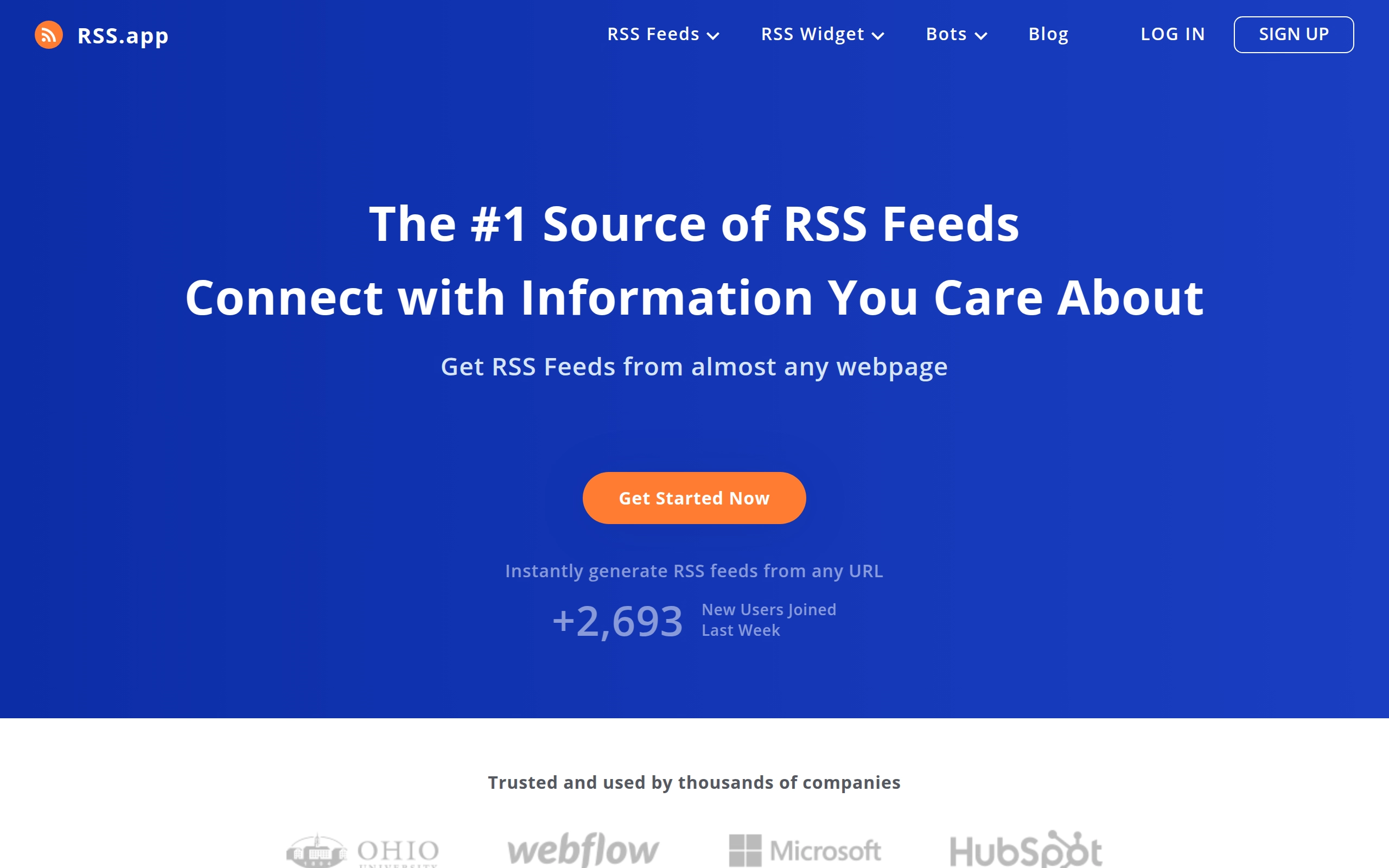
RSS.app helps users manage and generate RSS feeds efficiently. It allows users to convert any webpage into an RSS or JSON feed, organize and analyze content from various sources, and integrate these feeds with numerous third-party applications. RSS service enables content aggregation, news feed embedding, and automated content updates through its AI-powered generator and customizable widgets.
Pricing
- Basic: $10/month
- 15 Feeds
- 4 Widgets
- 60 Minute Refresh Rate
- 25 Posts in Collection
- 4 Email Digest
- 4 Telegram Bots
- 4 Discord Bots
- 4 Slack Bots
- Developer: $20/month
- 100 Feeds
- 20 Widgets
- 15 Minute Refresh Rate
- 200 Posts in Collection
- 20 Email Digest
- 20 Telegram Bots
- 20 Discord Bots
- 20 Slack Bots
- Pro: $100/month
- 500 Feeds
- 100 Widgets
- 15 Minute Refresh Rate
- 1000 Posts in Collection
- 100 Email Digest
- 100 Telegram Bots
- 100 Discord Bots
- 100 Slack Bots
- Discounts & Promotions: up to 17% off with annual billing
Key features
- 🔀 Convert any webpage into an RSS or JSON feed without requiring coding skills.
- 🔗 Integrate generated RSS/JSON feeds with thousands of third-party apps and services like Zapier, IFFFT, Mailchimp, WordPress, Slack, and more.
- 🤖 AI-powered RSS generator that works with almost any website.
- 🔄 Auto-updating feeds that ensure content stays current.
- 🎯 Advanced filtering and customization options for feed content.
- 🖼️ Seven different widget types for website embedding (Wall, List, Carousel, Imageboard, Ticker, Magazine, Feed).
- 📱 Integration support for major platforms (Wix, Shopify, WordPress).
- 📊 Multiple export formats including JSON, CSV, and Email.
- 🔍 RSS finder for discovering existing feeds.
- 📦 Feed bundling capability to combine multiple sources.
Arc
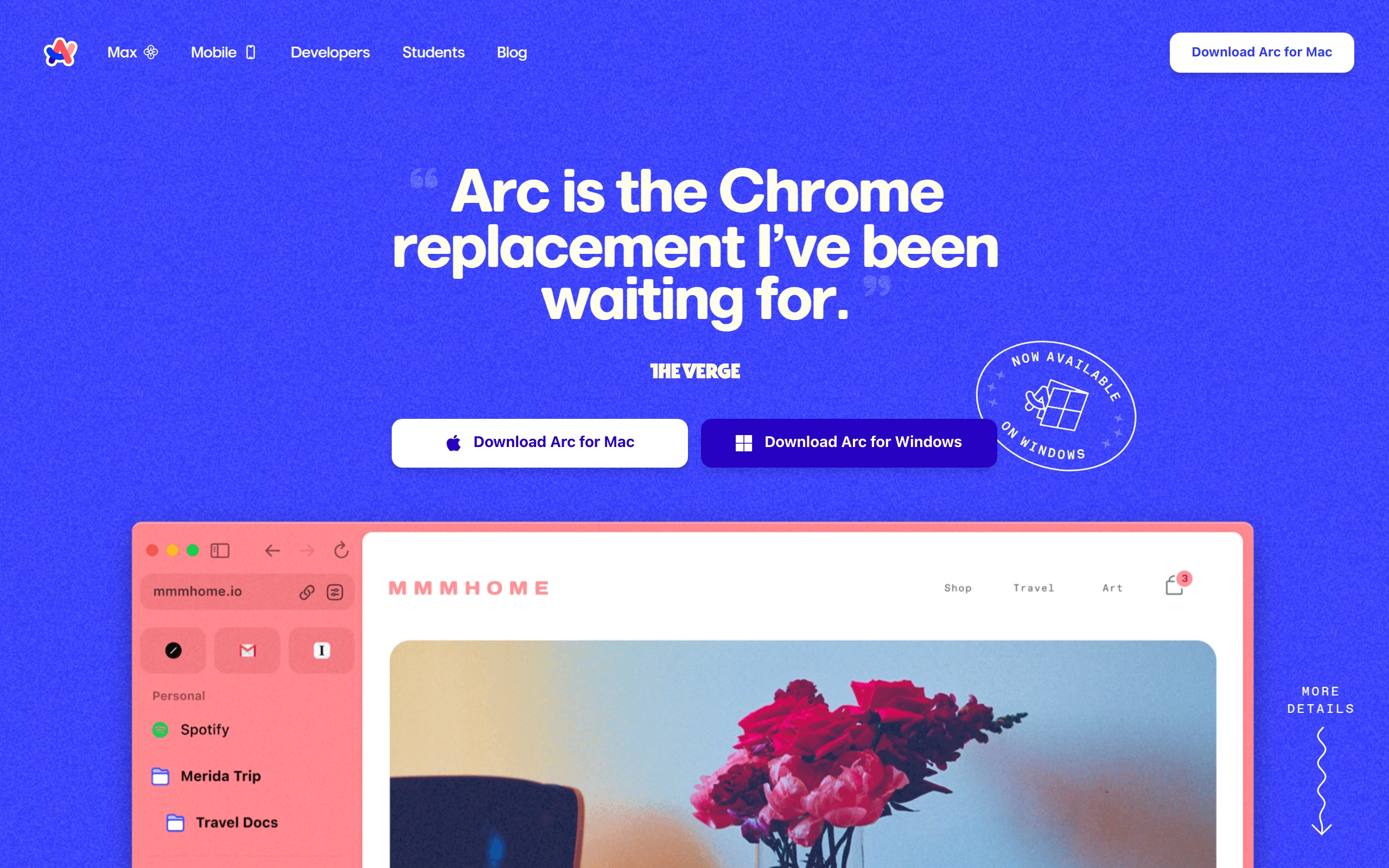
Arc is a Chromium-based browser that reimagines web browsing with a clean, minimalist interface and innovative features like Spaces, Split View, and AI-powered tools. It emphasizes privacy and security while offering powerful organization capabilities through its distinctive left sidebar design.
Pricing
The browser is currently free to use. However, there are plans for a future enterprise subscription model priced at $12/month.
Key features
- 🧘 Clean Design - Minimalist interface with thin bezels and full webpage experience that makes websites look like apps.
- 🔄 Spaces - Effortlessly organize different aspects of browsing (work, personal, hobbies) in separate workspaces.
- 🎨 Boosts: Allows users to cosmetically redesign websites similar to browser extensions.
- 📋 Easel: A scrapbook-style feature for organizing content.
- 🔒 Privacy Focus - Built with privacy in mind, doesn't track website visits or search queries.
- ⚡ Performance - Utilizes Apple Metal for fast tab rendering and uses less memory than Chrome.
- 🎯 Smart Features - Automatic tab archiving, AI-powered website summaries, and built-in picture-in-picture.
- 🧩 Chrome Extension Support - Compatible with Chrome extensions for expanded functionality.
- 📱 Little Arc - Quick peek feature for rapidly viewing links without opening full tabs.
- 🌐 Cross-Platform Compatibility: Available on macOS, iOS, Android, and Windows.