Arc
Summary
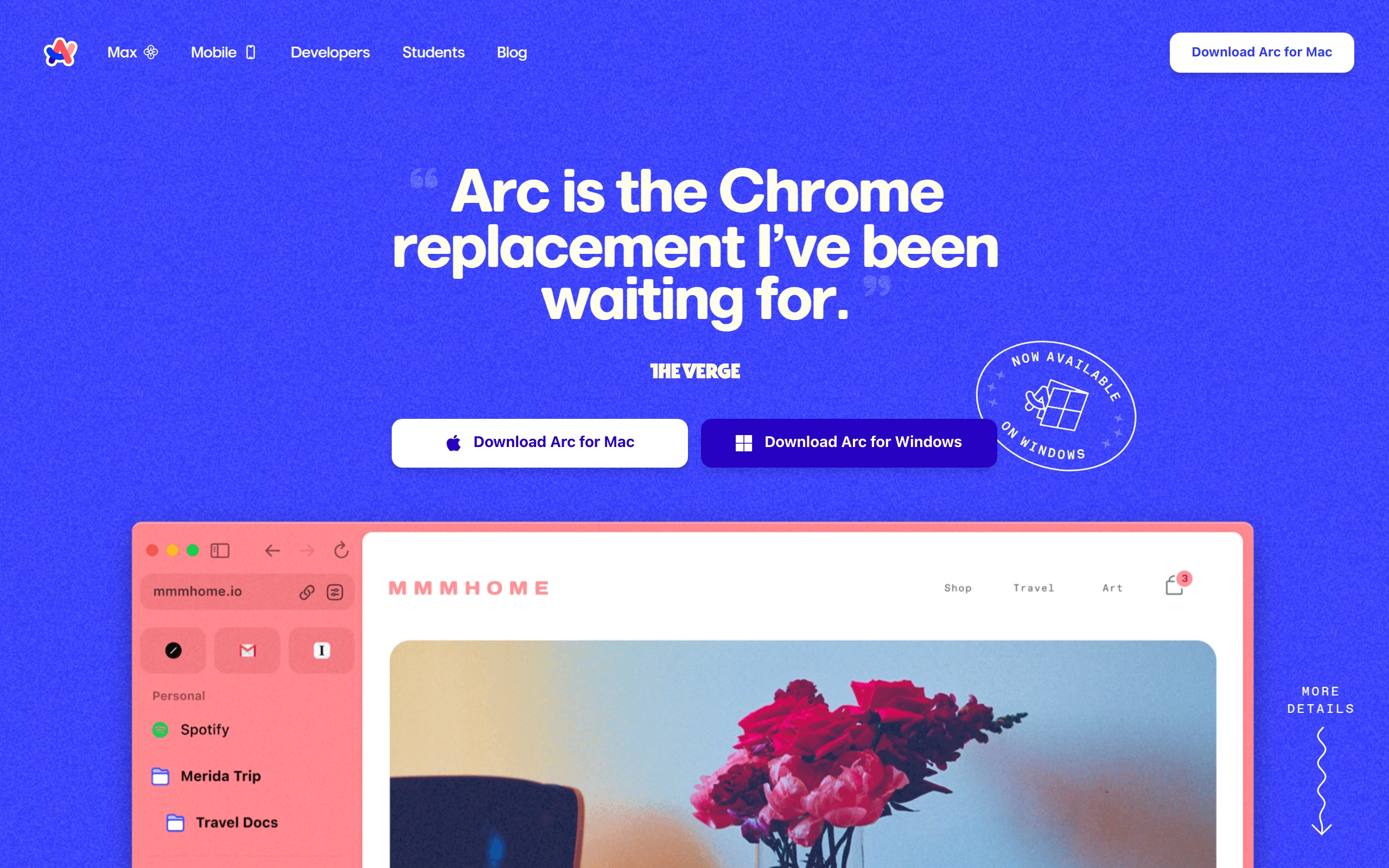
Arc is a Chromium-based browser that reimagines web browsing with a clean, minimalist interface and innovative features like Spaces, Split View, and AI-powered tools. It emphasizes privacy and security while offering powerful organization capabilities through its distinctive left sidebar design.
Key features
- 🧘 Clean Design - Minimalist interface with thin bezels and full webpage experience that makes websites look like apps.
- 🔄 Spaces - Effortlessly organize different aspects of browsing (work, personal, hobbies) in separate workspaces.
- 🎨 Boosts: Allows users to cosmetically redesign websites similar to browser extensions.
- 📋 Easel: A scrapbook-style feature for organizing content.
- 🔒 Privacy Focus - Built with privacy in mind, doesn’t track website visits or search queries.
- ⚡ Performance - Utilizes Apple Metal for fast tab rendering and uses less memory than Chrome.
- 🎯 Smart Features - Automatic tab archiving, AI-powered website summaries, and built-in picture-in-picture.
- 🧩 Chrome Extension Support - Compatible with Chrome extensions for expanded functionality.
- 📱 Little Arc - Quick peek feature for rapidly viewing links without opening full tabs.
- 🌐 Cross-Platform Compatibility: Available on macOS, iOS, Android, and Windows.
Who it’s for
Arc Browser is designed for power users, busy professionals, and freelancers who value organization and productivity in their browsing experience. It’s particularly appealing to users who appreciate clean design and are looking for a more efficient way to manage their online activities, especially those working with multiple contexts or projects.
Pricing
The browser is currently free to use. However, there are plans for a future enterprise subscription model priced at $12/month.
* Pricing details may be out of date.
Related Products
-
Setapp
Setapp is a large collection of powerful Mac apps available by subscription. Sign up and get full access to top software right away. Explore, discover, enjoy.
-

Rize
Rize is a smart time tracker that improves your focus and helps you build better work habits
-

Texts
The ultimate messaging app
-

Raycast
Raycast makes it simple, fast and delightful to control your tools
Featured Products
-

Descript
AI-powered video and podcast editor
-

Canva
Online design and publishing tool
-

AdCreative.ai
AI-generated ads that convert
-

Make
Make is the leading visual platform for anyone to design, build, and automate anything—from tasks and workflows to apps and systems—without the need for coding skills.
-

Blaze
Produce blog posts, social media content, ad copy, and marketing briefs - all in your brand voice.
-

Beehiiv
Access the best tools available in email, helping your newsletter scale and monetize like never before.