Notion
Summary
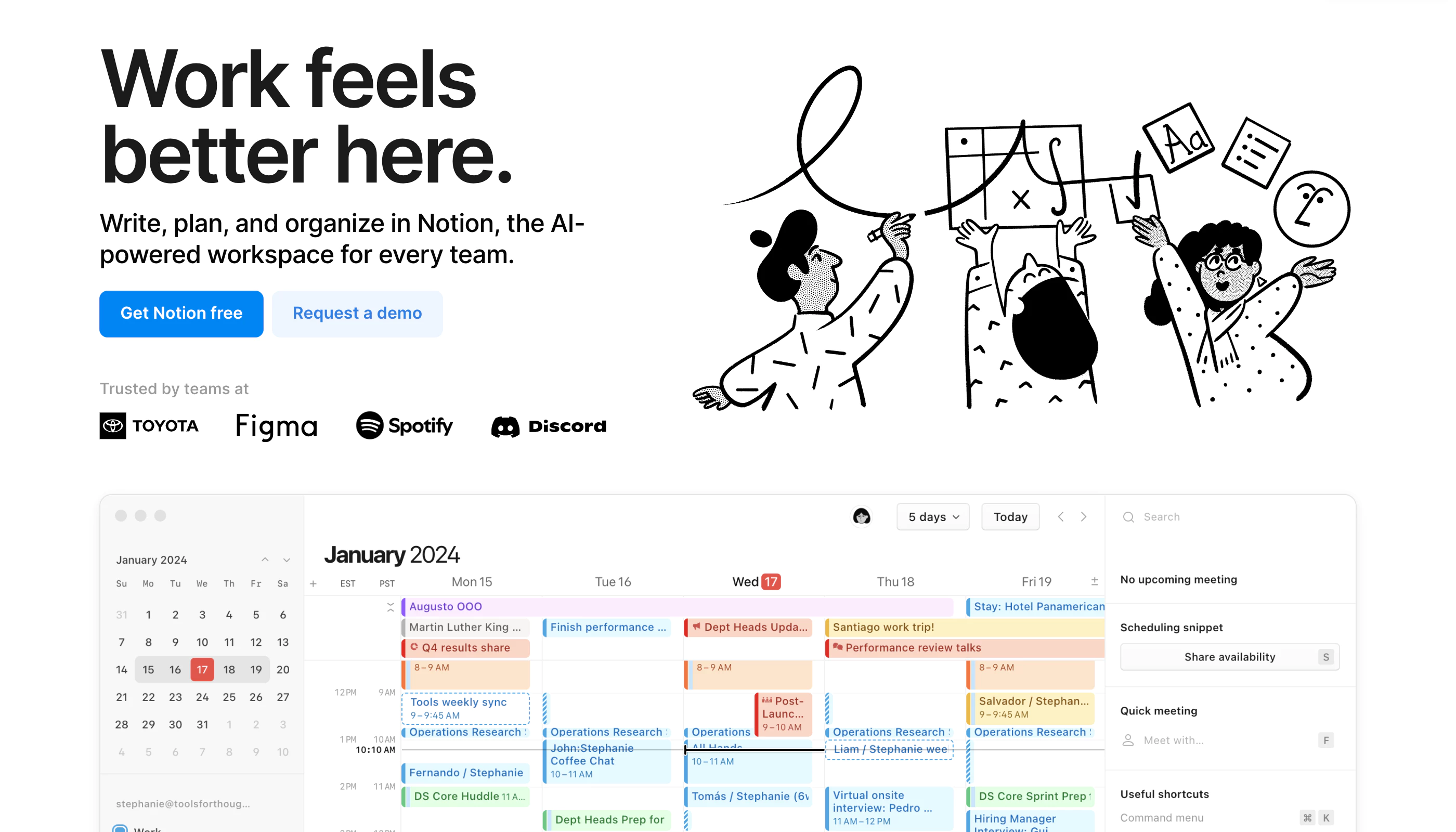
Notion is a highly customizable productivity platform designed for individuals, teams, and organizations. It offers tools for project management, note-taking, databases, and collaboration in a unified workspace. With real-time collaboration features, customizable workflows, and integrations with popular tools like Slack and Google Workspace, Notion caters to a wide range of use cases—from personal organization to complex team projects.
Key features
- 📝 Note-taking: Create rich text notes with media and embedded links.
- ✅ Task management: Organize tasks using to-do lists, Kanban boards, and calendars.
- 🗂 Database management: Build customizable databases for tracking information like CRM, project management, and more.
- 💻 Real-time collaboration: Share workspaces and collaborate with team members in real-time.
- 🛠️ Templates: Use over 50 pre-built templates for tasks, projects, and databases.
Who it’s for
Notion is perfect for individuals who want a flexible, all-in-one tool for personal organization. It’s also ideal for teams of all sizes needing a collaborative workspace to manage projects, documents, and workflows. Its versatility and customization options make it suitable for various industries, including education, tech startups, and creative teams.
Pricing
- Free: Limited to 5MB file uploads and up to 5 guests.
- Plus: $12 per user/month (billed annually), includes unlimited file uploads and 30-day version history.
- Business: $18 per user/month, supports private team spaces, advanced permissions, and 90-day version history.
- Enterprise: Custom pricing, offers advanced security features and unlimited version history.
- Discounts & Promotions: 20% off with annual billing.
* Pricing details may be out of date.
Product Details
- 🗂️ Category: productivity
- #️⃣ Tags: notes to-do project management documents calendar
Related Products
-

Airtable
Airtable is a platform that makes it easy to build powerful, custom applications
-

Asana
Easily organize and plan workflows, projects, and more, so you can keep your team's work on schedule. Start using Asana as your work management tool today.
-

Obsidian
Obsidian is the private and flexible note‑taking app that adapts to the way you think.
-

Monday.com
Monday.com Work OS is a low code- no code platform that democratizes the power of software so organizations can easily build work management tools and software applications to fit their every need
-

Miro
Miro empowers remote, in-office, and hybrid teams to communicate and collaborate across formats, tools, channels, and timezones — without the constraints of physical location, meeting space, and whiteboards.
Featured Products
-

Descript
AI-powered video and podcast editor
-

Canva
Online design and publishing tool
-

AdCreative.ai
AI-generated ads that convert
-

Make
Make is the leading visual platform for anyone to design, build, and automate anything—from tasks and workflows to apps and systems—without the need for coding skills.
-

Blaze
Produce blog posts, social media content, ad copy, and marketing briefs - all in your brand voice.
-

Beehiiv
Access the best tools available in email, helping your newsletter scale and monetize like never before.