Lean Startup Stack
Starting a company is chaotic enough. It’s like trying to build a plane while you’re flying it… except most founders are also trying to design the tools to build the plane at the same time. Make it make sense!
When building a company, your tools can either be your superpower or your kryptonite. Most founders waste their first 6 months playing “startup tool roulette” - signing up for 50 different SaaS products, forgetting passwords, and crying over integration issues.
Lean Startup stack is something I wish I had when I started:
- Tools that talk to each other
- Financial stuff that won’t make your accountant want to quit
- Project management that doesn’t require a PhD to set up
- Plus all the other things you need but don’t know you need yet
Whether you’re grinding solo or running a small squad, these tools have been tested in the real world and are powering some of the fastest-growing startups. This stack is like having a startup co-founder who actually knows what they’re doing (and doesn’t want any equity 😉). Stop wasting time comparing tools and start building your empire. Let’s build something epic! 🚀

Monday.com
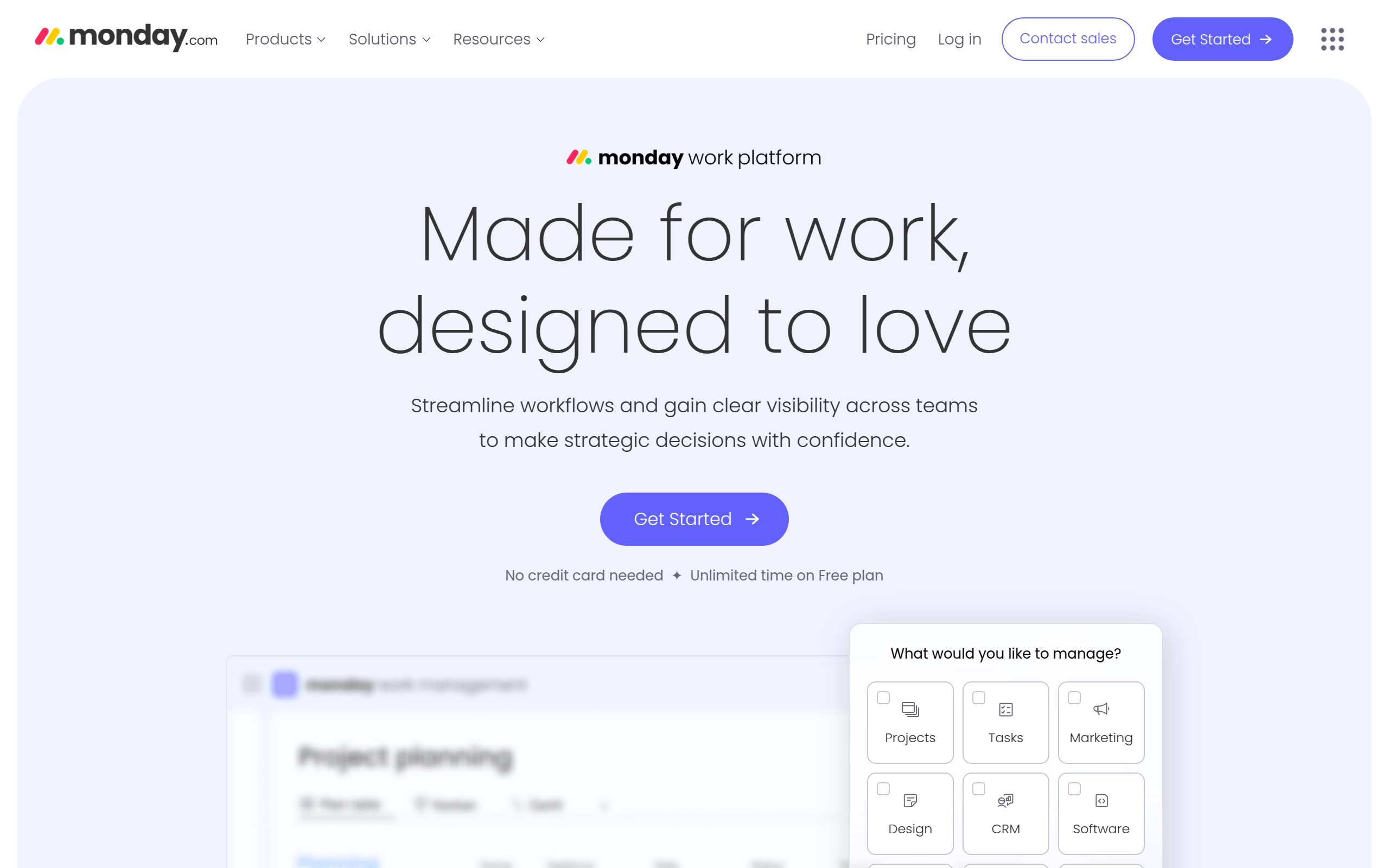
Monday.com is a cloud-based platform that enables users to create their own applications and project management software. It is designed to transform the way teams work together by providing a low-code, no-code environment where organizations can build custom work management tools and software applications. The platform focuses on transparency, collaboration, and automation, making it versatile for various business verticals.
Pricing
- Individual: Free, up to 2 users with basic features.
- Basic: $12 per user per month, offering essential features for small teams.
- Standard: $14 per user per month, adding automations and integrations.
- Pro: $24 per user per month, offering advanced reporting and workflow automations.
- Enterprise: Custom pricing for large organizations with tailored features and enhanced security options.
- Discounts & Promotions: 18% off with annual billing.
Key features
- ✅ Customizable Workflows: Easily tailor workflows to match team needs using a drag-and-drop interface.
- 📊 Visual Project Tracking: Manage tasks with timelines, Gantt charts, and Kanban boards for a clear overview of progress.
- 🔄 Third-Party Integrations: Seamlessly integrate with tools like Slack, Google Drive, and Microsoft Teams.
- 📱 Mobile App: Stay connected and manage work on-the-go with iOS and Android mobile apps.
- 🔔 Automations: Set up custom automations to reduce repetitive tasks and streamline processes.
- 🌐 Integrations: Supports integration with over 40 platforms to automate actions and view real-time data from external sources.
- 🛍️ Apps Marketplace: Offers ready-made apps developed by third-party developers and the monday.com team to expand the platform's capabilities.
- 🧑💻 API: Includes both REST-based JSON API and GraphQL API for handling data and building custom applications.
Notion
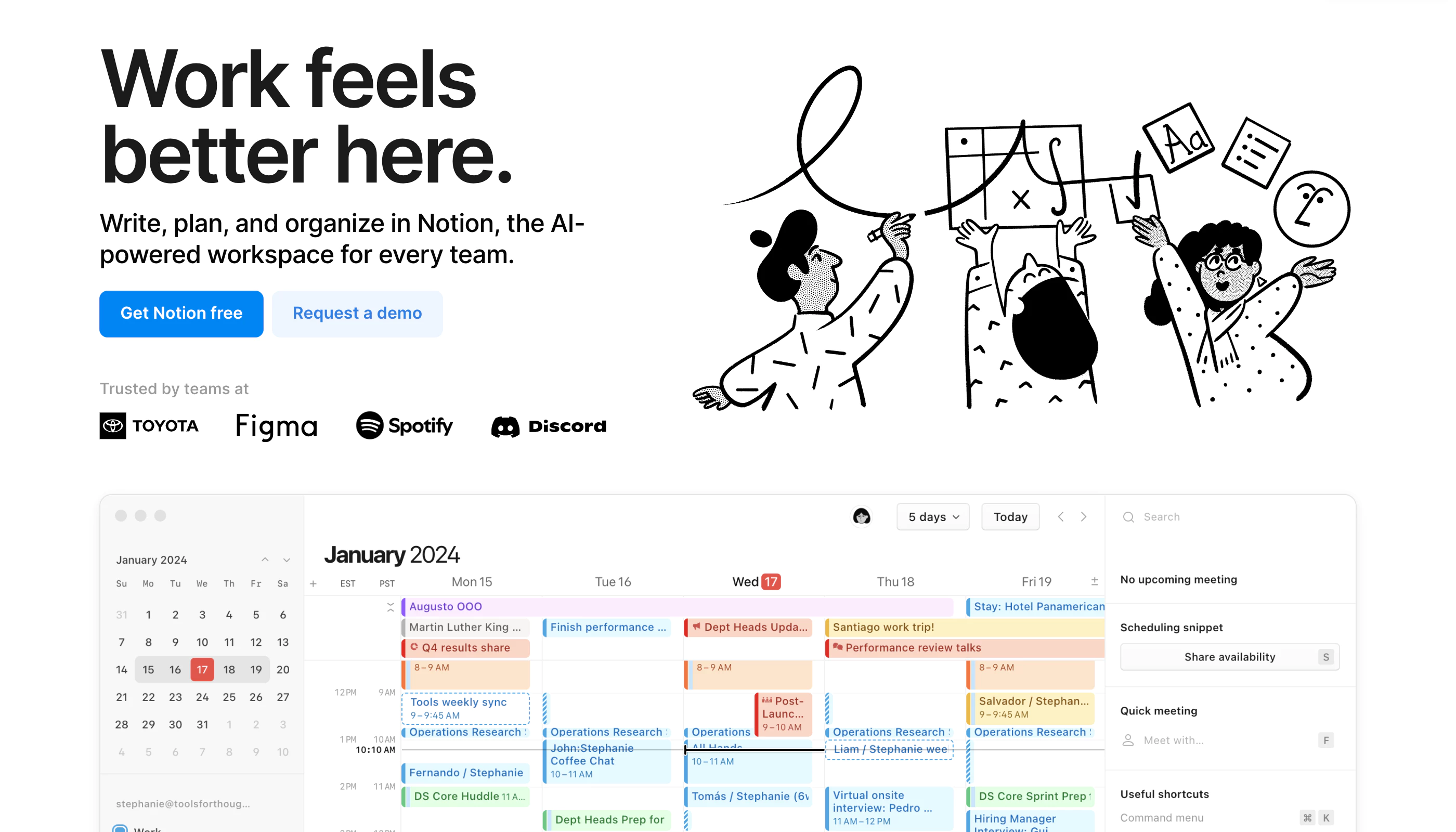
Notion is a highly customizable productivity platform designed for individuals, teams, and organizations. It offers tools for project management, note-taking, databases, and collaboration in a unified workspace. With real-time collaboration features, customizable workflows, and integrations with popular tools like Slack and Google Workspace, Notion caters to a wide range of use cases—from personal organization to complex team projects.
Pricing
- Free: Limited to 5MB file uploads and up to 5 guests.
- Plus: $12 per user/month (billed annually), includes unlimited file uploads and 30-day version history.
- Business: $18 per user/month, supports private team spaces, advanced permissions, and 90-day version history.
- Enterprise: Custom pricing, offers advanced security features and unlimited version history.
- Discounts & Promotions: 20% off with annual billing.
Key features
- 📝 Note-taking: Create rich text notes with media and embedded links.
- ✅ Task management: Organize tasks using to-do lists, Kanban boards, and calendars.
- 🗂 Database management: Build customizable databases for tracking information like CRM, project management, and more.
- 💻 Real-time collaboration: Share workspaces and collaborate with team members in real-time.
- 🛠️ Templates: Use over 50 pre-built templates for tasks, projects, and databases.

Airtable
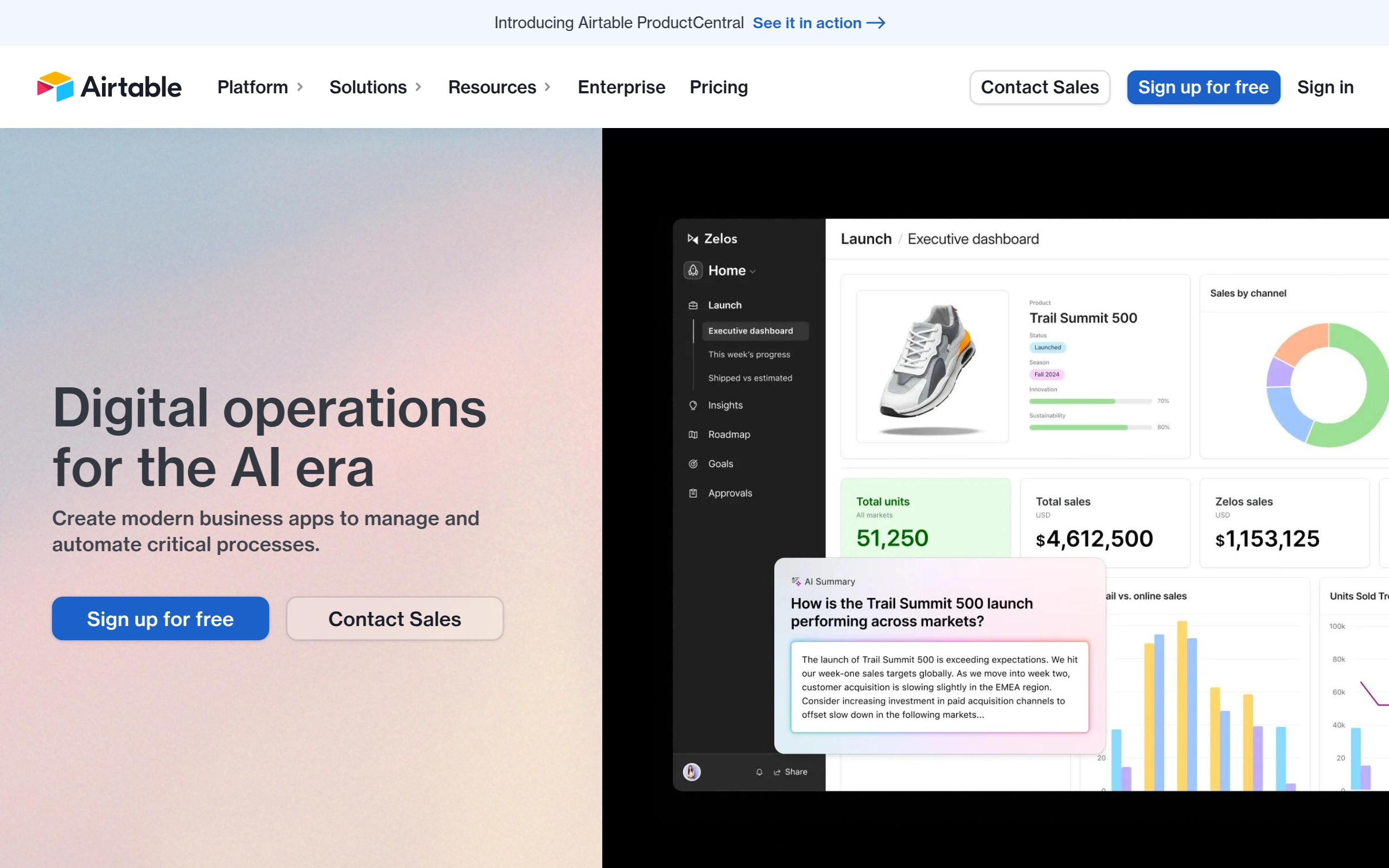
Airtable is a pioneering enterprise software company that provides a robust platform for teams to create custom apps on shared data and manage workflows. The platform connects people and data to support critical business processes, enhancing efficiency and insights for businesses across various sectors. Airtable's solutions are designed to optimize operations and decision-making, leveraging advanced technologies and AI to drive impact.
Pricing
- Free: A basic plan for individuals and small teams, limited to 1,200 records per base and basic features.
- Team: $24/month per seat - Designed for growing teams, offering features like advanced calendar and Gantt views, and 5,000 records per base.
- Business: $54/month per seat - For established teams, providing additional features such as advanced reporting, custom branded forms, and 50,000 records per base.
- Enterprise: Tailored for large organizations, offering advanced security, compliance, and support, along with custom pricing based on specific needs.
- Discounts & Promotions: 20% off with annual billing.
Key features
- 🚀 Custom App Creation: Allows teams to create custom applications using shared data.
- 🔄 Workflow Management: Manages workflows to enhance business processes and efficiency.
- 🗣️ Voice of Customer: Uses AI to discover customer insights from various data sources, including customer support tickets and CRM.
- 📈 Planning and Strategy: Aligns teams to strategic priorities and provides total visibility on execution.
- 📊 Data Synthesis: Aggregates and synthesizes data trends using AI and interactive dashboards.
- 🤖 No-Code Benefits: Offers job-specific solutions with no-code benefits, making it accessible to a broader audience within enterprises.

Miro
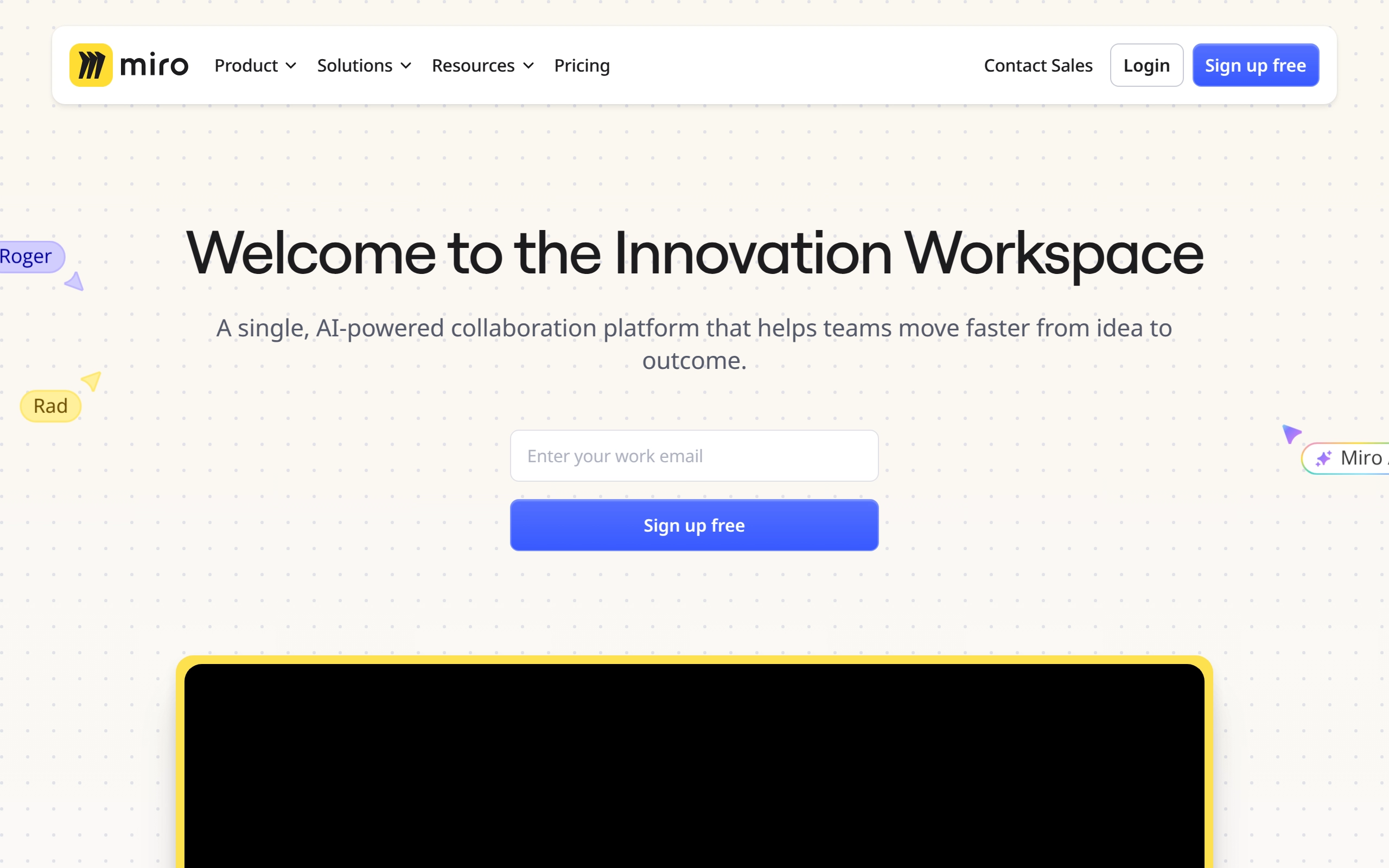
Miro is a visual workspace for innovation that enables distributed teams of any size to collaborate, design, and build projects together. It provides a digital platform where teams can manage projects, design products, and solve real-world problems through various tools and templates. Miro is particularly valuable for remote teams, offering real-time data visualization, diagramming, and workshop facilitation capabilities.
Pricing
- Free: $0/month - Basic features with limited boards and visitors.
- Starter: $10/member/month - Unlimited and private boards, single workspace, 1-click collaborator access, and more.
- Business: $20/member/month - Includes all Starter features plus centralized account management, enterprise-grade security, and advanced collaboration tools.
- Enterprise: Custom pricing for large enterprises. Includes all Business features plus flexible licensing program, SCIM user provisioning, automated access and license requests, and advanced data security and governance features.
- Discounts & Promotions: 20% off with annual billing.
Key features
- 📋 Unlimited Boards: Create and manage unlimited boards for different projects and collaborations.
- 🔄 Miro AI: Utilize AI capabilities for content creation, modification, and interactive walkthroughs.
- 📢 Talktracks: Record and share audio or video walkthroughs of your board to provide context.
- 🛡️ Enterprise-Grade Security: Ensure security with SSO, domain control, data classification, 2FA, and more.
- 📈 Advanced Collaboration Tools: Includes features like timer, voting, video chat, estimation app, and private mode for engaging meetings.
- 🗂️ Spaces: Organize and find boards faster with dedicated Spaces.
- 🔄 Board Version History: Recover lost content and content versions to collaborate with confidence.
- 📊 Centralized Account Management: Manage insights for adoption and usage, and apply organization-wide controls for integrations.

Make
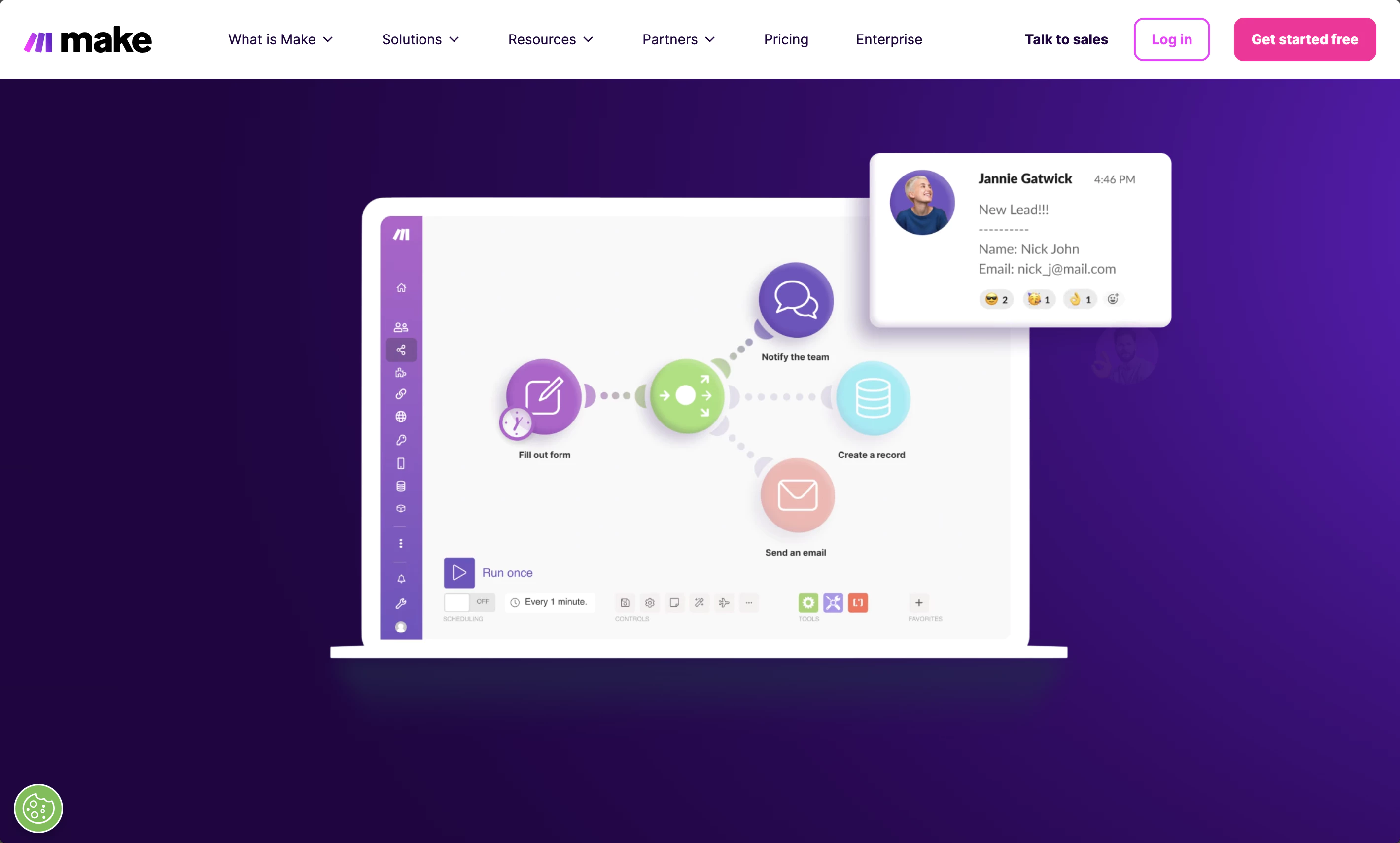
Make.com is a powerful automation platform designed to streamline workflows and integrate various applications seamlessly. It empowers creators, entrepreneurs, and businesses by providing tools to automate repetitive tasks, enhance productivity, and manage workflows in real-time. The platform is user-friendly, allowing users to create complex automations without extensive coding knowledge.
Pricing
Depends on the number of monthly tasks.
- Free: $0/month
- 1000 tasks
- No-code visual workflow builder
- 2000+ apps
- Core: from $10.59/month ($9/month billed annually)
- Unlimited active scenarios
- Minimum 1 minute interval between scheduled scenario executions
- Access to the Make API
- Pro: from $18.32/month ($16/month billed annually)
- Custom variables
- Scenario Inputs
- Full-text execution log search
- Operations usage flexibility
- Priority scenario execution
- Teams: from $34.12/month ($29/month billed annually)
- Multiple teams and permissions
- High priority scenario execution
- Create and share scenario templates
- Enterprise: Custom pricing
- Enhanced security and compliance
- Dedicated always-on support
- Enhanced manageability
- Advanced capabilities
- Discounts & Promotions: Custom discounts for non-profit organizations
Key features
- 🔄 Automation of Repetitive Tasks: Automate routine tasks to save time and reduce manual errors.
- 📈 Integration with Multiple Apps: Connect a wide range of applications, including CRM systems, email marketing tools, and social media platforms.
- 🛠️ Drag-and-Drop Interface: Create complex automation workflows using an intuitive drag-and-drop interface without needing coding knowledge.
- 🔄 Real-Time Data Synchronization: Ensure all integrated applications are up-to-date and functioning correctly with real-time data synchronization.
- 📊 Workflow Monitoring: Monitor and manage workflows in real-time to maintain efficiency and accuracy.
- 📁 Pre-Built Templates: Utilize a vast library of pre-built templates and integrations to simplify the automation process.

Brevo
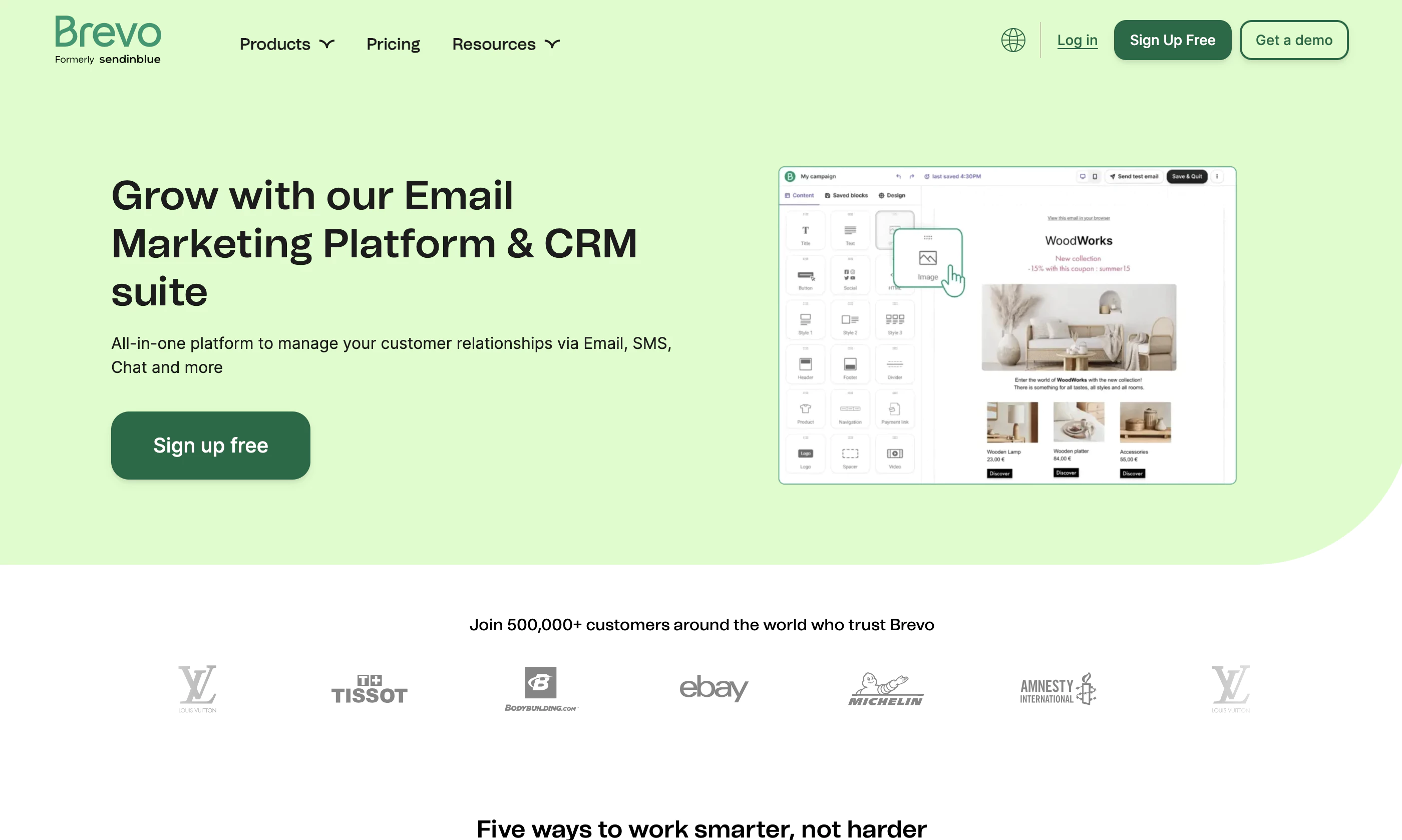
Brevo is a comprehensive marketing and CRM platform that enables businesses to manage customer communication through various channels such as email, SMS, WhatsApp, and live chat. It offers tools for email marketing, transactional emails, automation, and customer data management, allowing businesses to create personalized campaigns, automate workflows, and track performance. With its free plan and affordable paid tiers, Brevo is a strong solution for small to midsize businesses.
Pricing
- Free: 300 emails/day, unlimited contacts, basic email and SMS features.
- Starter: Starting at $9/month with no daily send limit and up to 5,000 emails.
- Business: Starting at $18/month with advanced features like marketing automation, landing pages, and phone support.
- Enterprise: Custom pricing with features like sub-account management and premium support for large businesses.
Key features
- 📧 Email Marketing: Create and automate personalized email campaigns with a drag-and-drop editor.
- 💬 Multi-channel Campaigns: Manage SMS, WhatsApp, and chat campaigns to reach customers on different platforms.
- 🤖 Marketing Automation: Build automation workflows to nurture leads and optimize customer journeys.
- 📊 Advanced Reporting: Access analytics for email performance, sales pipelines, and customer insights.
- 📞 Sales CRM & Phone Integration: Integrated CRM with phone call tracking, call recordings, and customer data management.

Canva
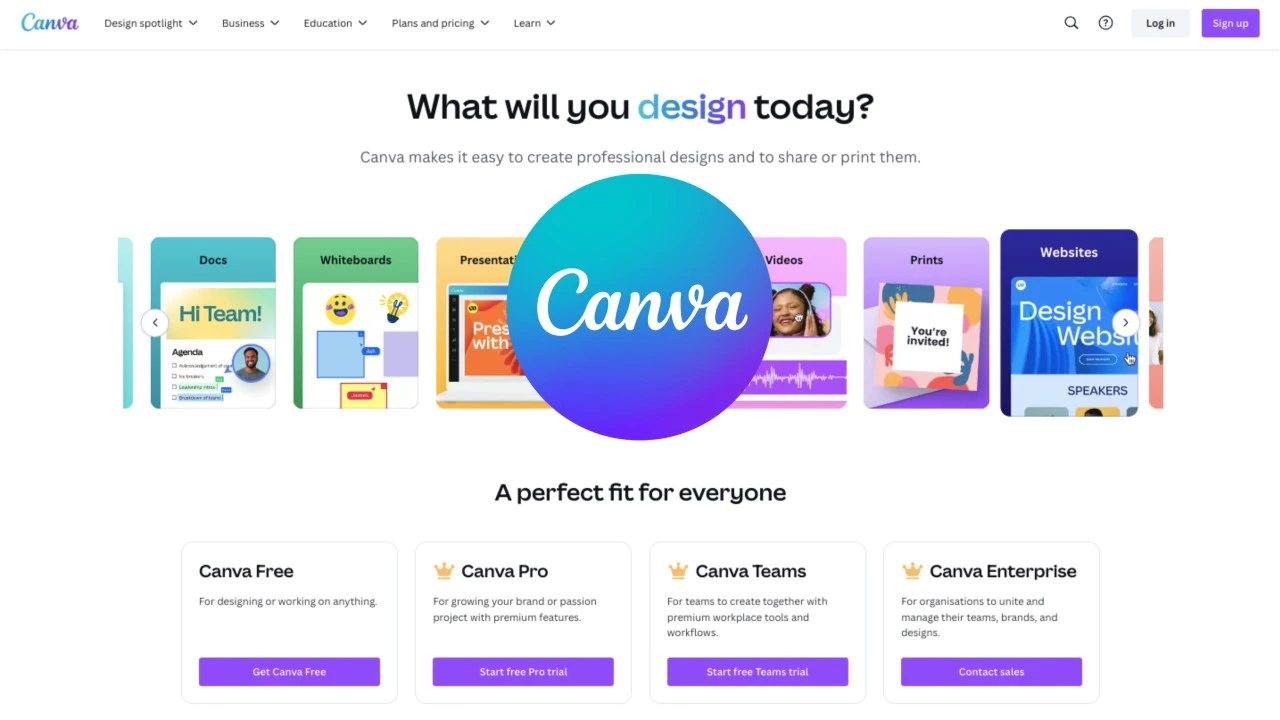
Canva is a user-friendly online platform that empowers users to design anything from social media graphics to presentations, videos, and more. With its intuitive drag-and-drop interface, Canva offers access to over 100 million design assets, including templates, photos, and graphics. Its recent AI-powered tools, such as Magic Studio, further enhance creativity and productivity by simplifying tasks like image editing, content creation, and resizing designs for different platforms.
Pricing
- Free: $0/year, with access to 5GB cloud storage, basic templates, and assets.
- Pro: $15/month or $119.99/year, offering 1TB storage, access to 100 million+ premium assets, and AI-powered tools.
- Teams: $10/user/month (minimum 3 users), with additional collaboration tools and 1TB storage per user.
- Enterprise: Custom pricing for larger organizations with enhanced security features and unlimited storage.
- Discounts & Promotions: 16% off with annual billing, free for K-12, primary, and secondary school teachers and students.
Key features
- ✨ Magic Studio: Includes 20+ AI-powered tools such as Magic Media for text-to-image and video generation, Magic Resize, and Magic Write for content generation.
- 🖼️ Background Remover: Quickly remove backgrounds from images with a single click, ideal for product images or social media posts.
- 📊 Brand Kit & Collaboration: Manage brand assets and collaborate with teams in real-time, including feedback and approval workflows.
- 🎨 Drag-and-Drop Interface: Canva offers an intuitive drag-and-drop interface, making it easy for users to create designs without any prior design experience.
- 📚 Extensive Template Library: The platform provides thousands of customizable templates across various categories, including social media, marketing materials, and more.

Figma
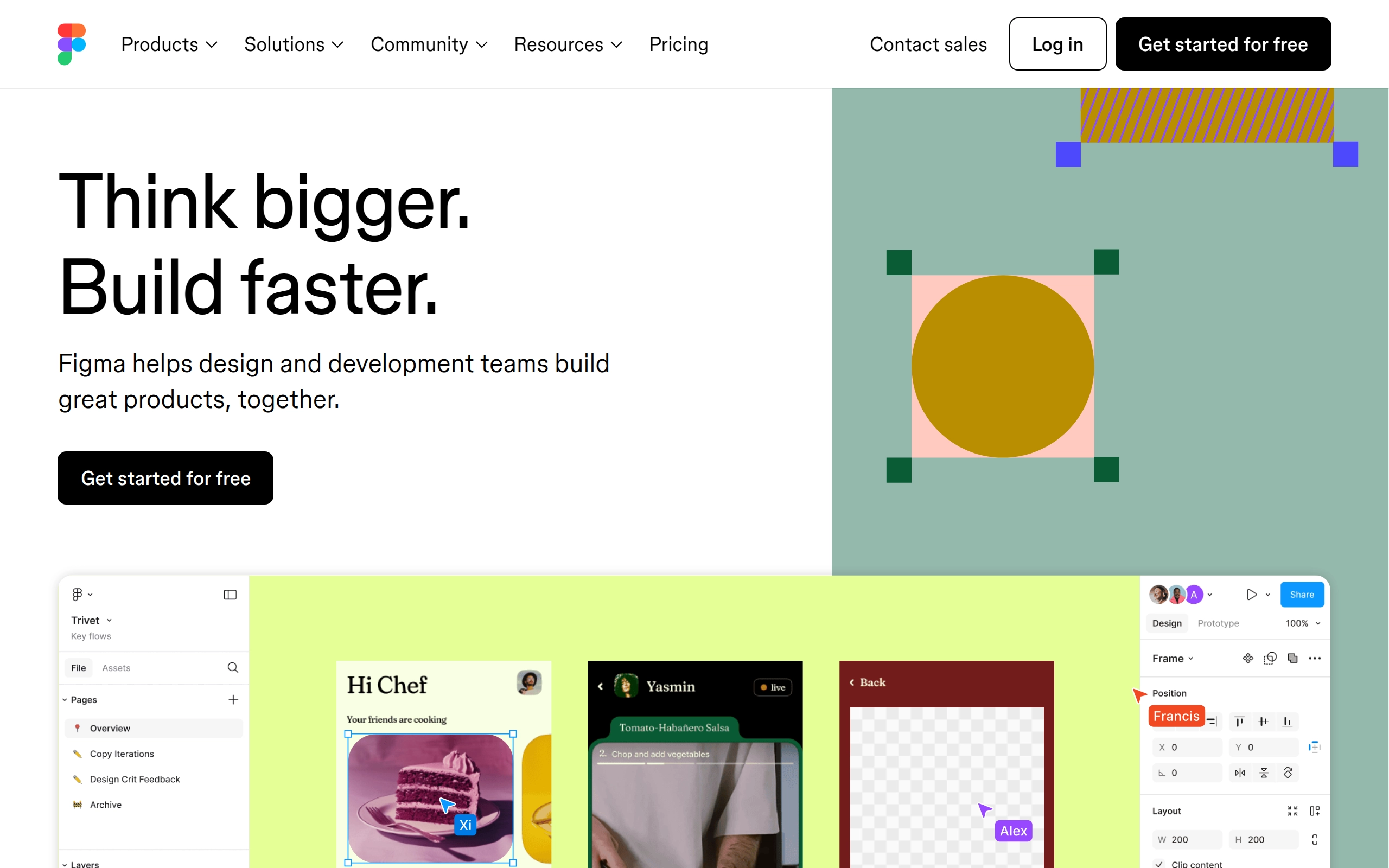
Figma is a cloud-based design platform designed for teams to create, share, test, and ship user interface designs collaboratively. It offers a range of tools for UI flows, wireframes, and interactive prototypes, supporting vector graphics and responsive design principles. Figma is accessible on various operating systems, including Windows, macOS, and Linux, and is used by notable companies such as Airbnb, Netflix, and Microsoft.
Pricing
- Free: For individual users with limited features
- Professional: $15/user/month, with advanced features
- Organization: $45/user/month, includes advanced admin controls
- Enterprise: $75/user/month, tailored for large organizations
- Discounts & Promotions: 20% off with annual billing for Professional plan
Key features
- 🖌 Collaborative Design: Allows real-time collaboration on design projects, enabling multiple users to work together simultaneously.
- 📈 Vector Graphics Editor: Provides tools for creating and editing vector graphics, essential for UI and UX design.
- 🔄 Prototyping Tools: Enables the creation of interactive prototypes to test and refine designs.
- 📱 Cross-Platform Compatibility: Available on Windows, macOS, Linux, Android, and iOS, ensuring accessibility across different devices.
- 📝 FigJam: A digital whiteboarding capability that allows users to collaborate using sticky notes, emojis, and drawing tools.
- 🔄 Dev Mode: Helps developers translate designs into code faster, bridging the gap between design and development.

Framer
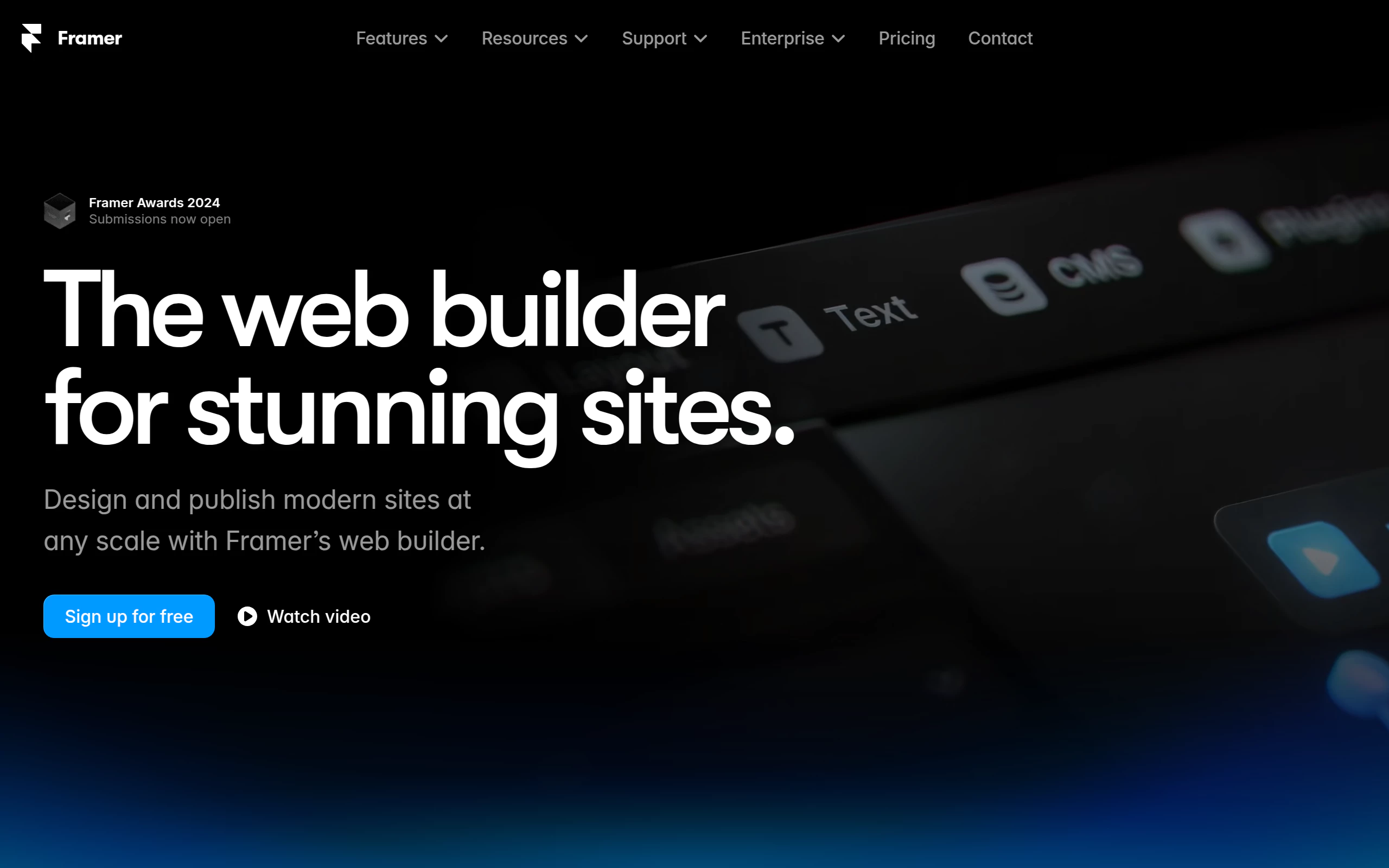
Framer is a sophisticated website building platform that combines design, publishing, and scaling capabilities. It offers an intuitive design experience similar to Figma, with AI-powered features for quick website generation and a built-in CMS for content management. The platform has evolved since 2015 to bridge the gap between design and development, making website creation accessible to both professionals and beginners.
Pricing
- Free: $0 Forever
- Mini: $10 Per site/month
- Basic: $20 Per site/month
- Pro: $40 Per site/month
- Enterprise: Custom annual billing
- Discounts & Promotions: 25-50% off with annual billing
Key features
- 🎨 Design-first approach with familiar canvas and responsive layouts
- 🚀 One-click publishing with SEO optimization
- 🤖 AI-powered tools for translation and content generation
- 📱 Responsive breakpoints and flexible layouts
- 💻 Built-in CMS for content management
- 🌐 Advanced localization capabilities
- ⚡ High-performance and SEO-optimized output
- 🤝 Real-time collaboration tools

Doola
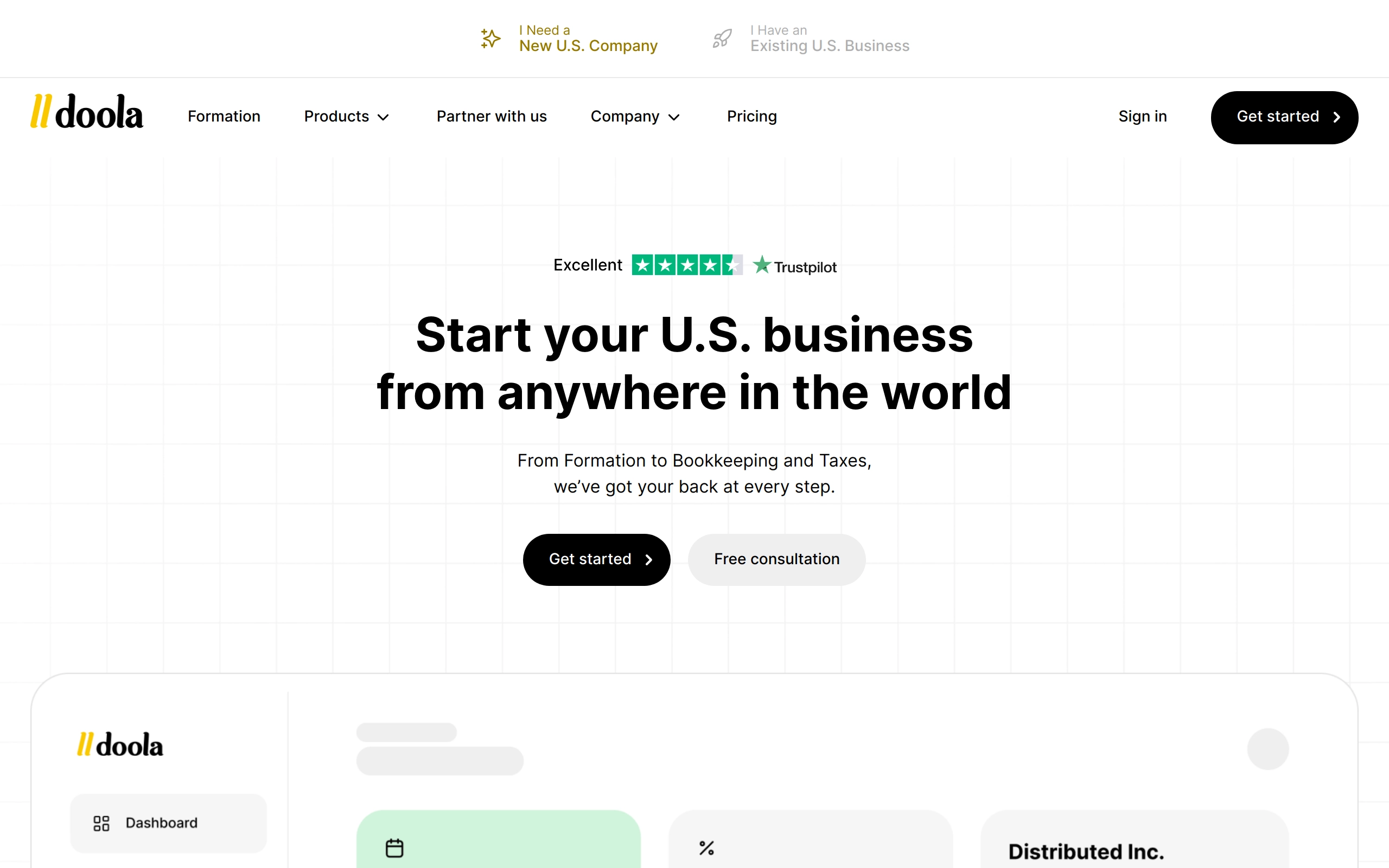
Doola is an all-in-one platform designed to help global entrepreneurs start, manage, and grow a business in the US. It offers services such as forming LLCs, C-Corps, and DAO LLCs, along with banking, bookkeeping, tax support, and compliance. The platform streamlines complex legal and financial processes, enabling users to access US payment systems and banking without requiring US residency or a Social Security Number (SSN). With Doola, users can handle everything from company formation to ongoing tax filings and compliance from a single dashboard.
Pricing
- Starter: $297/year (billed annually)
- Total Compliance: $167/month (billed annually)
- Total Compliance Max: $329/month
- Discounts & Promotions: 25% off Total Compliance Max with annual billing
Key features
- 📈 Company Formation: Helps founders form U.S. LLCs, C Corps, and DAO LLCs remotely and hassle-free.
- 💼 Business-in-a-Box™: Includes everything needed to launch and maintain a business—formation, EIN, US address, and banking.
- 📊 Bookkeeping & Tax Support: Year-round bookkeeping services, tax filings, and free CPA consultations.
- 💻 Access to US Payment Systems: Enables businesses to connect with US financial networks, including setting up bank accounts.
- 🛠️ Compliance Management: Automated state and IRS filings to keep businesses legally compliant.
- 🎁 Startup Perks: Offers $50,000 in startup perks to help new businesses grow.
- ⚙️ White Label Bookkeeping and Tax API: Allows platforms to offer automated bookkeeping, financial statements, and tax compliance services.

QuickBooks
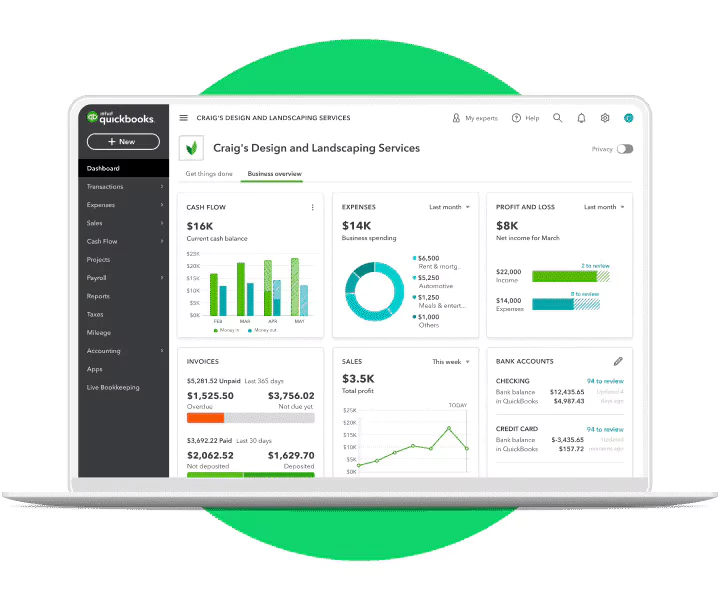
QuickBooks, developed and marketed by Intuit, is an accounting software package primarily designed for small and medium-sized businesses. It offers a range of features including on-premises accounting applications and cloud-based versions that enable businesses to manage payments, bills, payroll, and other financial tasks. The software has evolved over the years to include industry-specific versions and advanced features such as remote access, electronic payment functions, and integration with other services like Google Maps and Microsoft Outlook.
Pricing
- Simple Start: $35/month, includes basic bookkeeping tools for solo entrepreneurs.
- Essentials: $65/month, supports up to 3 users and adds bill management and time tracking.
- Plus: $99/month, includes inventory tracking and project profitability.
- Advanced: $235/month, designed for larger businesses with more complex needs like custom workflows, advanced reporting, and support for up to 25 users.
- Discounts & Promotions: All plans offer a 30 day free trial, 50% off for the first 3 months, and 10% off with annual billing.
Key features
- 📊 Accounting and Financial Management: Provides comprehensive accounting and financial management tools, including double-entry accounting and full audit trail capabilities.
- 🧮 Real-time financial reports: Generate profit and loss statements, balance sheets, and cash flow reports.
- 💳 Invoice and payments: Accept credit cards and bank transfers directly from invoices, with automated reminders.
- 📱 Mobile app: Manage your finances on the go with the QuickBooks mobile app for receipt scanning, mileage tracking, and more.
- 🛒 Inventory management: Track inventory costs and quantities, create purchase orders, and manage vendors.
- 🤝 Payroll and time tracking: Automate payroll, manage 1099 contractors, and integrate time tracking for accurate billing.
- 📧 Electronic Payment and Banking: Supports electronic payment functions, online banking, and reconciliation.
- 🗺️ Mapping and Marketing Integration: Integrates with Google Maps for mapping features and with Google for marketing options.
- 📝 Automated Reports and Invoices: Generates automated reports, sends batch invoices.

LastPass
LastPass is a password and identity management solution that specializes in enhancing online security through various cybersecurity features. It offers a secure vault for storing passwords, single-sign-on capabilities, and adaptive multi-factor authentication. LastPass is designed to make securing digital lives easy, catering to both personal and business users.
Pricing
- Free: $0/month - Basic features including password storage and autofill, but with limited device synchronization.
- Premium: $3/month - Enhanced features such as advanced multi-factor authentication, dark web monitoring, and unlimited device synchronization.
- Families: $4/month - A family plan for sharing passwords, bank account info, and other sensitive data among family members.
- Teams: $4/user/month - A plan designed for small to medium-sized businesses, offering features like shared folders and centralized administration.
- Business: $7/user/month - Includes features like business password sharing, single sign-on, and adaptive multi-factor authentication, tailored for enterprise needs.
- Discounts & Promotions: 50% off Premium and Family plans with annual billing; 20-30% off Teams and Business plans with annual billing.
Key features
- 🛡️ Password Vault: Store all your passwords and sensitive information in an encrypted password vault.
- 🔄 Save and Autofill: Save a password once and LastPass will autofill it for you the next time you need to log in.
- 🔑 Password Generator: Create strong, unique, hacking-resistant passwords for new and existing accounts.
- 📧 Username Generator: Generate random, unique usernames to protect your identity online.
- 🌐 Dark Web Monitoring: LastPass will immediately alert you if your personal information is found on the dark web.
- 📊 Security Dashboard: Get notified of weak, reused, and old passwords with personalized recommendations and alerts.
- 👥 Personal Password Sharing: Securely share passwords with family and friends while managing and controlling access.
- 🏢 Business Password Sharing: Safely share business passwords with team members, freelancers, and vendors.
- 🔒 Multi-Factor Authentication: Includes SMS options, fingerprinting, face scanning, one-time passwords, and voice recognition.

Rize
Rize is an AI-powered time tracker designed to improve focus and build better work habits. It is available for both macOS and Windows and offers a free tier as well as a paid subscription. The tool provides users with actionable insights to enhance their productivity. Rize's AI productivity coach analyzes your activity to advise you in real-time on when to focus, when to take breaks, and when you're getting off track.
Pricing
- Free: $0/month - Includes basic features with no credit card required.
- Standard: $10/month when billed monthly.
- Professional: $24/month when billed annually.
- Discounts & Promotions: 7-day free trial with full access to the product.
Key features
- 💻 Multi-Platform Support: Available for both macOS and Windows.
- 🕒 Automatic Time Tracking: Capture any time spent on your computer without having to start or stop timers.
- 📊 Daily & Weekly Reports: Receive a report of your time breakdown and productivity metrics every day via email.
- ⚙️ Customizable Categories: Easily create custom categories that give you better insights into how your time is spent.
- 📋 Customizable Tracking Schedule: Automatically start and stop tracking your work activity based on a set schedule.
- 🧘 AI Break Notifications: Get notified when to take a break based off of your work activity. No pomodoro timers necessary.
- 🥵 AI Overworking Notification: Get notified when you have worked a set number of hours in a day to prevent overworking yourself.
- 📅 Google & Outlook Calendar Integration: Create better categorization rules around your meetings by connecting your Google & Outlook calendars.
- 🤝 Meeting Categorization: Automatically categorize your meetings based on keywords like recruiting, interviews, stand-up, etc.
- 🏷️ AI Automatic Project Tagging: Tag blocks of time with project tags to further segment how your time is spent.
- ⏱️ Session Timer: Start and stop manually timed sessions to work in a Pomodoro technique way.
- 🎯 AI Focus Notifications: Receive AI notifications whenever Rize identifies an opportunity for deep work.
- ⛔️ Distraction Blocker: Automatically configured to display warnings when using distracting apps and websites, helping you stay focused and productive.
- 🎵 Focus Music: Access a curated selection of concentration-enhancing music tracks to boost your productivity during focused sessions.
- 🗂️ AI Time Categorization: AI-powered suggestions for efficient time categorization.
- 📜 Beautiful PDF Project Exports: Create stunning and visually appealing PDF project exports to share with clients.

Taplio
Taplio is an AI-powered LinkedIn assistant for content creation, scheduling, engagement, and lead generation on the platform. It offers intuitive content creation tools, robust scheduling features, and insightful analytics to help users grow their professional network and achieve their LinkedIn goals more efficiently. Taplio specializes in LinkedIn, providing deeper insights and more tailored recommendations than general social media management tools.
Pricing
- Starter: $39/month
- Write and preview posts
- Schedule your posts with a queue
- Get inspired by +5M viral posts
- Bookmark favorite LinkedIn posts
- Get advanced analytics from your posts
- Standard: $65/month
- Everything in Starter
- 250 AI credits + 100 commenting credits
- Generate posts using Taplio's AI
- AI Chat Assistant to generate ideas and polish your content
- Create & design carousel posts
- Grow your network with the Relationship Builder
- Manage your Contacts
- Find any contact's email address
- Pro: $199/month
- Everything in Standard
- 5000 AI credits + 1500 commenting credits
- Access over 3M+ enriched profiles with our Lead Database
- Discounts & Promotions: 20% off with annual billing
Key features
- 📅 AI-Generated Posts & Content Creation: Generate relevant post ideas, questions, polls, and carousels.
- 🕒 Efficient Content Scheduling: Schedule posts with one click, ensuring consistent posting and optimal engagement times.
- 📈 Advanced Analytics: Performance metrics to measure post engagemnt performance, helping users refine their content strategies based on data.
- 📢 Lead Generation and Network Expansion: Identifies high-potential leads, integrates sales prospecting functionalities, and facilitates effective lead prioritization and qualification.
- 📱 Chrome Extension (Taplio X): Access analytics, discover top-performing posts, and get suggestions for trending, viral posts directly on LinkedIn.

Texts
Texts.com is a unified messaging platform that consolidates messages from all major messaging apps, such as iMessage, WhatsApp, Instagram, Telegram, Messenger, LinkedIn, Signal, Slack, Discord, and X, into a single, easy-to-use interface. This platform is designed to help individuals and businesses manage multiple communication channels efficiently, ensuring that no messages are missed. Founded in 2020 by Kishan Bagaria, Texts.com was acquired by Automattic in October 2023 for $50 million.

Pricing
- Free: $0/month - Limited to 10 accounts.
- Personal: $15/month - Complete access to all platforms, AI features, 20 accounts.
- Work: $30/month - Unlimited accounts.
- Discounts & Promotions: Free 30 day trial.
Key features
- 📱 Unified Inbox: Combines messages from all major messaging platforms into one inbox.
- 🔒 End-to-End Encryption: Ensures that messages sent through the platform are secure and do not touch the company's servers.
- 🗂️ Thread Labels and Filters: Helps keep the inbox clean and easy to read with labels and filter panes.
- 🗣️ Voice Transcription: Converts voice messages from any platform and language into text.
- 🕒 Scheduled Messages: Allows users to schedule messages to be sent at a later time.
- 🔍 Global Inbox Search: Enables users to find messages regardless of the platform they were sent on.
- ⌨️ Keyboard Shortcuts: Provides handy shortcuts for quickly finding threads or contacts.