Remote Team Stack
The remote work revolution continues! Except this time, we’re not talking about your Zoom background collection.
Listen up digital nomads and pajama professionals! Let me put you onto the secret sauce that’s powering some of the most efficient remote teams. And no, it’s not just “having good WiFi”.
Think of this stack as your digital HQ on steroids. It’s like someone took all the best parts of an office (collaboration, water cooler chat, getting stuff done) and removed all the worst parts.
Your team:
- Could be spread across 17 time zones
- Half of them might be working from beach hammocks
- And somehow… everything still works smoothly
No more “sorry, I was muted” moments, no more “which document version is the latest?” chaos, and definitely no more “let’s hop on a quick call” that turns into a 2-hour existential crisis.
Whether you’re managing developers across continents or running a tight-knit squad from your respective kitchen tables, Remote Team stack has you covered. Now go build something amazing - pants are optional 🚀

Asana
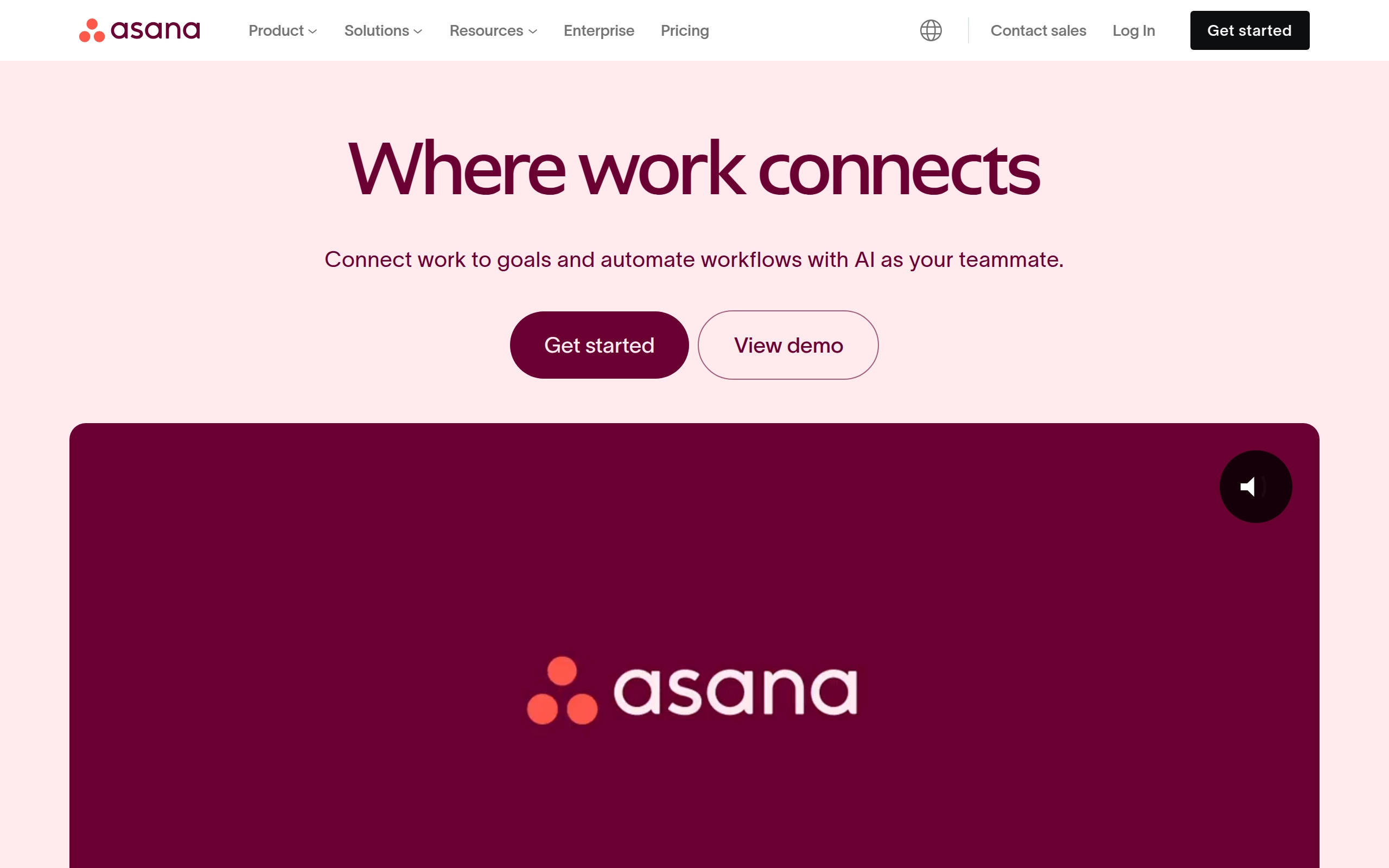
Asana is an enterprise software designed to reduce "work about work," the administrative and logistical tasks that distract from the core work of an organization. Asana aims to streamline project management and enhance productivity. The platform offers a range of features to manage tasks, projects, and workflows efficiently.
Pricing
- Personal: $0/month
- Starter: $13.50/user/month; $10.99/user/month billed annually
- Advanced: $30.50/user/month; $24.99/user/month billed annually
- Enterprise: Custom pricing
- Enterprise+: Custom pricing
- Discounts & Promotions: Discount on an Asana Starter or Asana Advanced annual plan for eligible nonprofit organizations
Key features
- 🏆 Goals: Set and track long-term objectives.
- 📅 Timeline: Visualize project timelines and dependencies.
- 🗂️ Portfolios: Manage multiple projects and track progress across departments.
- 📊 Workload: Balance team workloads and prevent overallocation.
- 📝 Forms: Create custom forms to collect information and automate workflows.
- 🤖 Automation: Automate repetitive tasks and workflows.
- 🧠 Asana AI: Utilize generative AI for smart status updates, summaries, and chat.
- 📈 Project Dashboards: Monitor project progress with customizable dashboards.
- 🔍 Advanced Search: Use advanced filters to find specific tasks and projects.
- 📁 Custom Project Templates: Create and use custom templates for projects.

Notion
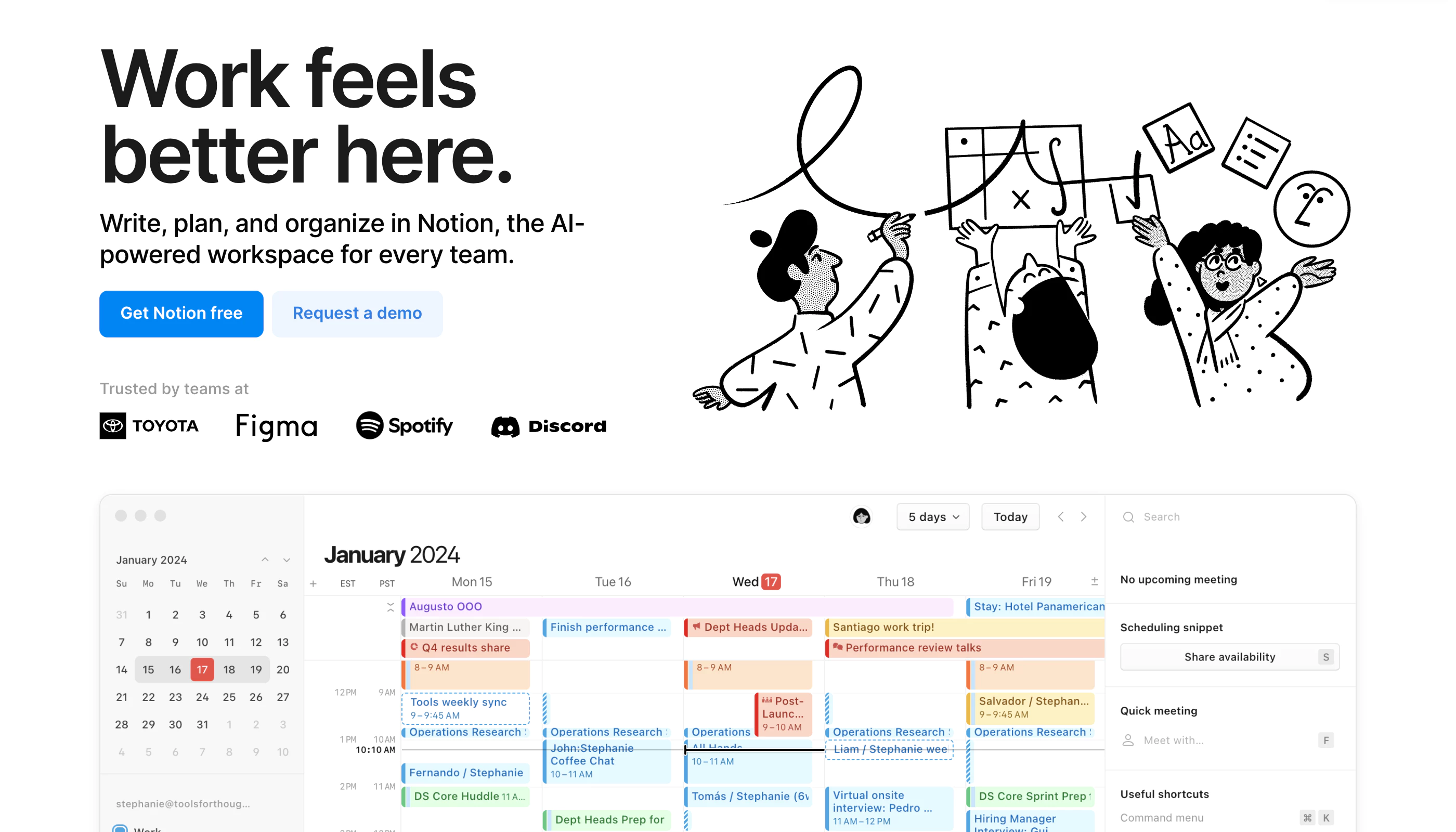
Notion is a highly customizable productivity platform designed for individuals, teams, and organizations. It offers tools for project management, note-taking, databases, and collaboration in a unified workspace. With real-time collaboration features, customizable workflows, and integrations with popular tools like Slack and Google Workspace, Notion caters to a wide range of use cases—from personal organization to complex team projects.
Pricing
- Free: Limited to 5MB file uploads and up to 5 guests.
- Plus: $12 per user/month (billed annually), includes unlimited file uploads and 30-day version history.
- Business: $18 per user/month, supports private team spaces, advanced permissions, and 90-day version history.
- Enterprise: Custom pricing, offers advanced security features and unlimited version history.
- Discounts & Promotions: 20% off with annual billing.
Key features
- 📝 Note-taking: Create rich text notes with media and embedded links.
- ✅ Task management: Organize tasks using to-do lists, Kanban boards, and calendars.
- 🗂 Database management: Build customizable databases for tracking information like CRM, project management, and more.
- 💻 Real-time collaboration: Share workspaces and collaborate with team members in real-time.
- 🛠️ Templates: Use over 50 pre-built templates for tasks, projects, and databases.

Miro
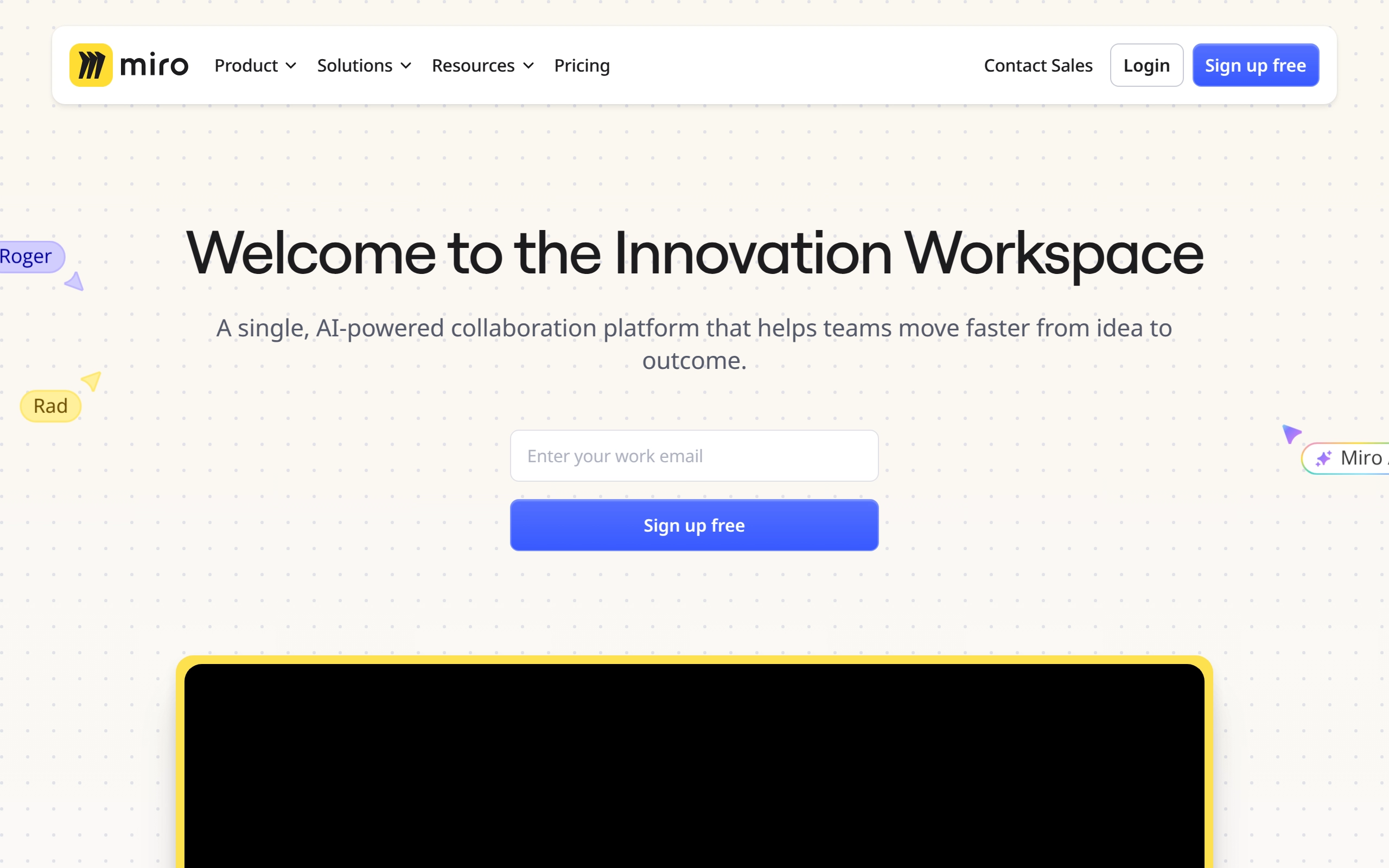
Miro is a visual workspace for innovation that enables distributed teams of any size to collaborate, design, and build projects together. It provides a digital platform where teams can manage projects, design products, and solve real-world problems through various tools and templates. Miro is particularly valuable for remote teams, offering real-time data visualization, diagramming, and workshop facilitation capabilities.
Pricing
- Free: $0/month - Basic features with limited boards and visitors.
- Starter: $10/member/month - Unlimited and private boards, single workspace, 1-click collaborator access, and more.
- Business: $20/member/month - Includes all Starter features plus centralized account management, enterprise-grade security, and advanced collaboration tools.
- Enterprise: Custom pricing for large enterprises. Includes all Business features plus flexible licensing program, SCIM user provisioning, automated access and license requests, and advanced data security and governance features.
- Discounts & Promotions: 20% off with annual billing.
Key features
- 📋 Unlimited Boards: Create and manage unlimited boards for different projects and collaborations.
- 🔄 Miro AI: Utilize AI capabilities for content creation, modification, and interactive walkthroughs.
- 📢 Talktracks: Record and share audio or video walkthroughs of your board to provide context.
- 🛡️ Enterprise-Grade Security: Ensure security with SSO, domain control, data classification, 2FA, and more.
- 📈 Advanced Collaboration Tools: Includes features like timer, voting, video chat, estimation app, and private mode for engaging meetings.
- 🗂️ Spaces: Organize and find boards faster with dedicated Spaces.
- 🔄 Board Version History: Recover lost content and content versions to collaborate with confidence.
- 📊 Centralized Account Management: Manage insights for adoption and usage, and apply organization-wide controls for integrations.
Airtable
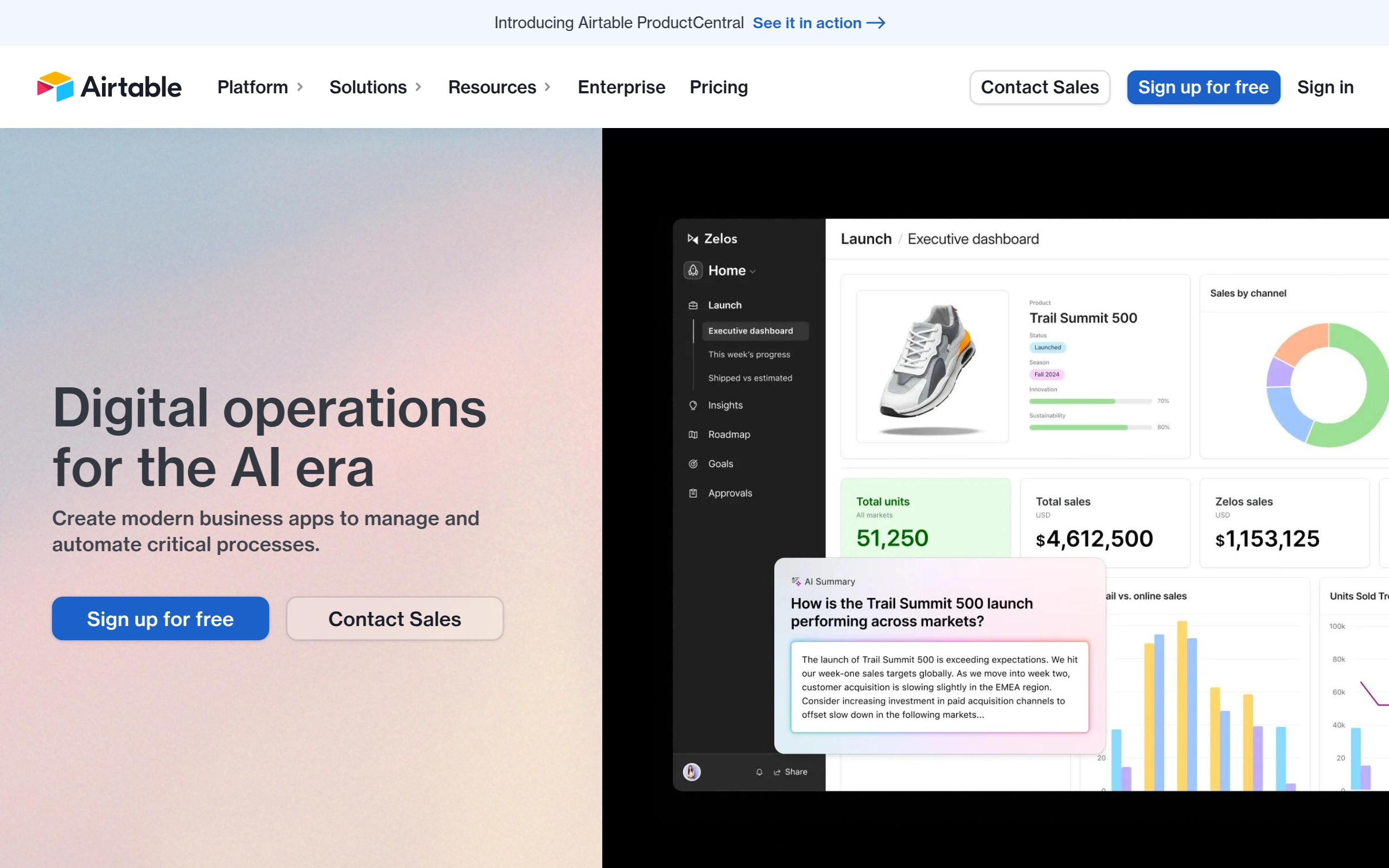
Airtable is a pioneering enterprise software company that provides a robust platform for teams to create custom apps on shared data and manage workflows. The platform connects people and data to support critical business processes, enhancing efficiency and insights for businesses across various sectors. Airtable's solutions are designed to optimize operations and decision-making, leveraging advanced technologies and AI to drive impact.
Pricing
- Free: A basic plan for individuals and small teams, limited to 1,200 records per base and basic features.
- Team: $24/month per seat - Designed for growing teams, offering features like advanced calendar and Gantt views, and 5,000 records per base.
- Business: $54/month per seat - For established teams, providing additional features such as advanced reporting, custom branded forms, and 50,000 records per base.
- Enterprise: Tailored for large organizations, offering advanced security, compliance, and support, along with custom pricing based on specific needs.
- Discounts & Promotions: 20% off with annual billing.
Key features
- 🚀 Custom App Creation: Allows teams to create custom applications using shared data.
- 🔄 Workflow Management: Manages workflows to enhance business processes and efficiency.
- 🗣️ Voice of Customer: Uses AI to discover customer insights from various data sources, including customer support tickets and CRM.
- 📈 Planning and Strategy: Aligns teams to strategic priorities and provides total visibility on execution.
- 📊 Data Synthesis: Aggregates and synthesizes data trends using AI and interactive dashboards.
- 🤖 No-Code Benefits: Offers job-specific solutions with no-code benefits, making it accessible to a broader audience within enterprises.

Figma
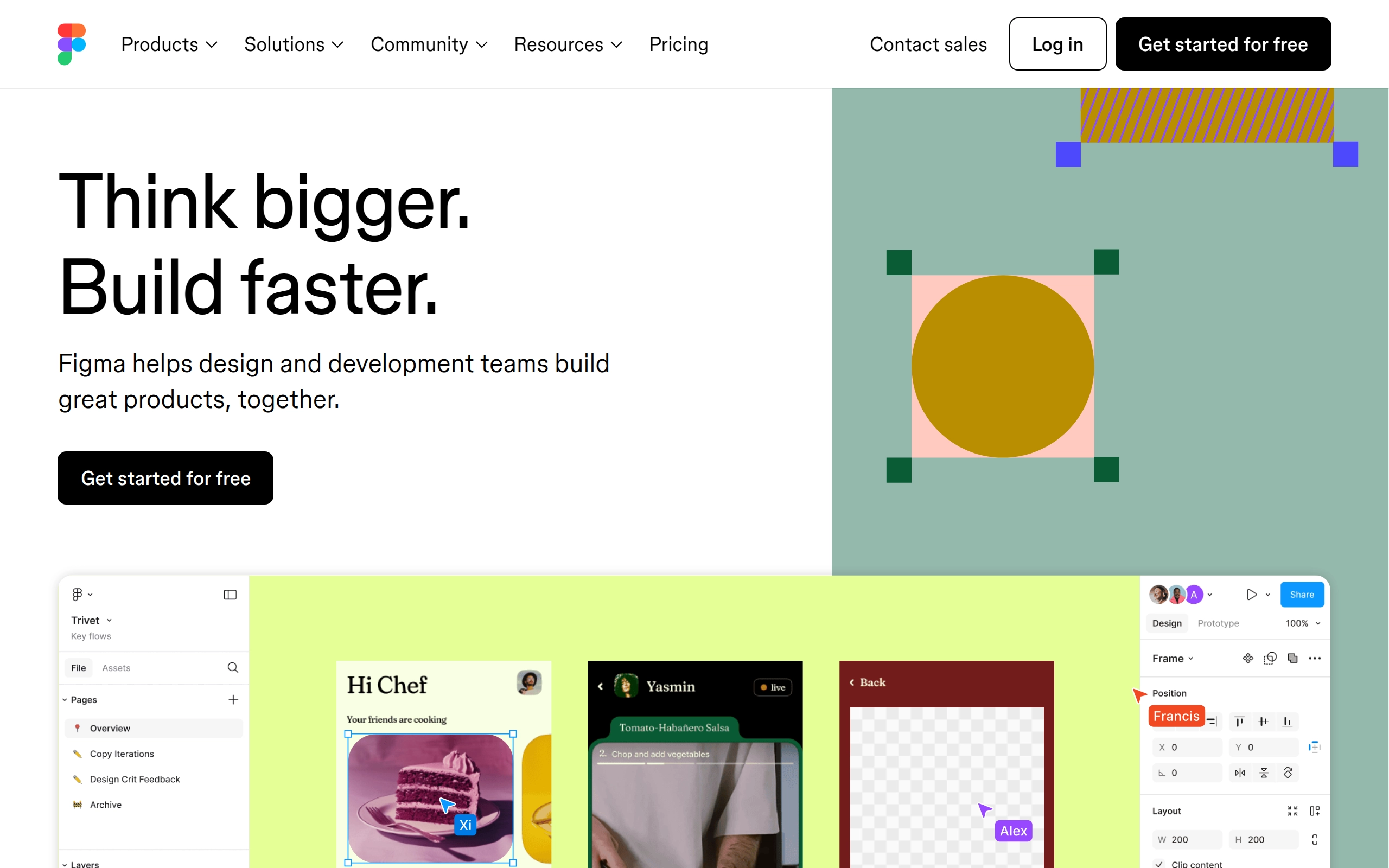
Figma is a cloud-based design platform designed for teams to create, share, test, and ship user interface designs collaboratively. It offers a range of tools for UI flows, wireframes, and interactive prototypes, supporting vector graphics and responsive design principles. Figma is accessible on various operating systems, including Windows, macOS, and Linux, and is used by notable companies such as Airbnb, Netflix, and Microsoft.
Pricing
- Free: For individual users with limited features
- Professional: $15/user/month, with advanced features
- Organization: $45/user/month, includes advanced admin controls
- Enterprise: $75/user/month, tailored for large organizations
- Discounts & Promotions: 20% off with annual billing for Professional plan
Key features
- 🖌 Collaborative Design: Allows real-time collaboration on design projects, enabling multiple users to work together simultaneously.
- 📈 Vector Graphics Editor: Provides tools for creating and editing vector graphics, essential for UI and UX design.
- 🔄 Prototyping Tools: Enables the creation of interactive prototypes to test and refine designs.
- 📱 Cross-Platform Compatibility: Available on Windows, macOS, Linux, Android, and iOS, ensuring accessibility across different devices.
- 📝 FigJam: A digital whiteboarding capability that allows users to collaborate using sticky notes, emojis, and drawing tools.
- 🔄 Dev Mode: Helps developers translate designs into code faster, bridging the gap between design and development.

Make
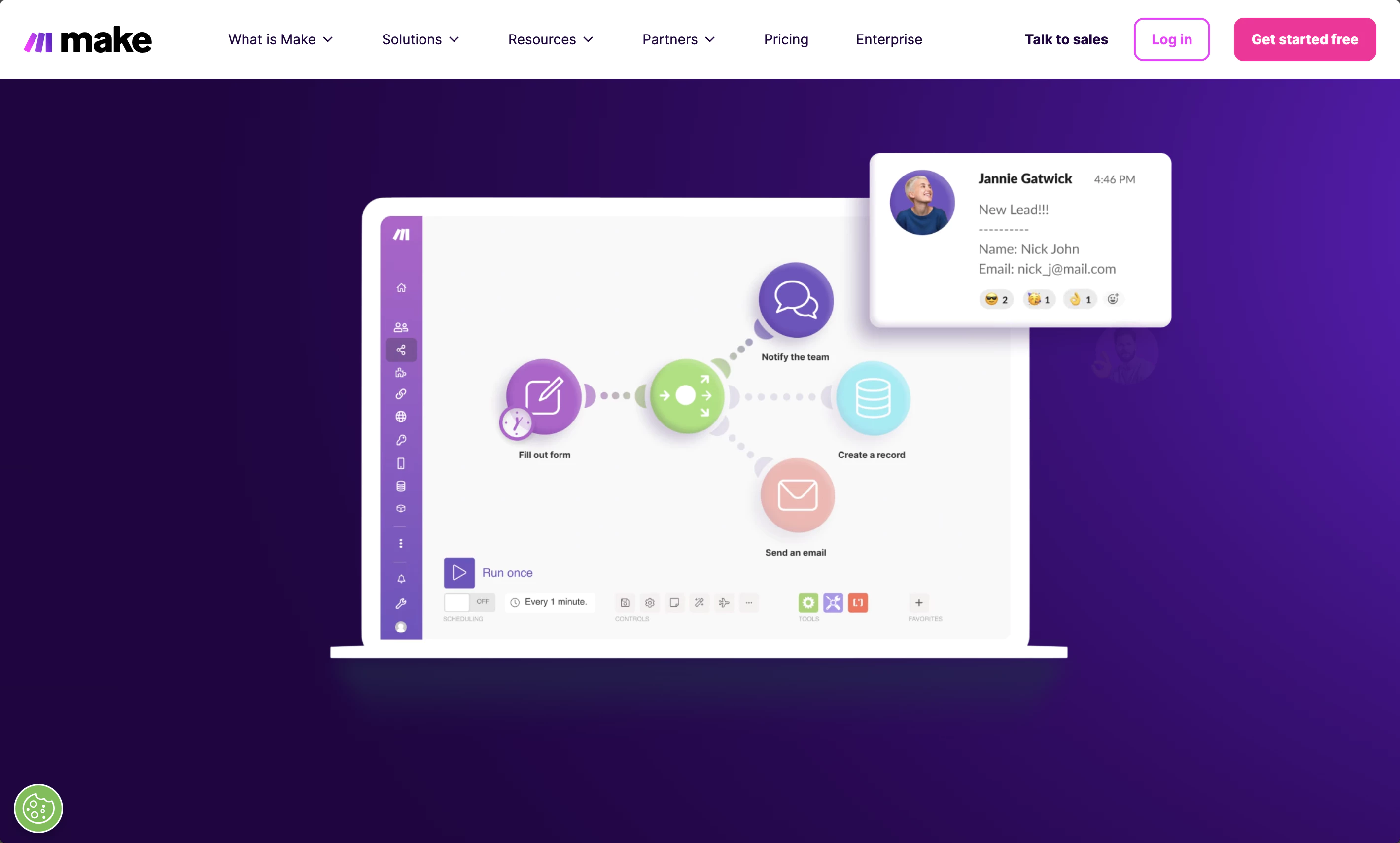
Make.com is a powerful automation platform designed to streamline workflows and integrate various applications seamlessly. It empowers creators, entrepreneurs, and businesses by providing tools to automate repetitive tasks, enhance productivity, and manage workflows in real-time. The platform is user-friendly, allowing users to create complex automations without extensive coding knowledge.
Pricing
Depends on the number of monthly tasks.
- Free: $0/month
- 1000 tasks
- No-code visual workflow builder
- 2000+ apps
- Core: from $10.59/month ($9/month billed annually)
- Unlimited active scenarios
- Minimum 1 minute interval between scheduled scenario executions
- Access to the Make API
- Pro: from $18.32/month ($16/month billed annually)
- Custom variables
- Scenario Inputs
- Full-text execution log search
- Operations usage flexibility
- Priority scenario execution
- Teams: from $34.12/month ($29/month billed annually)
- Multiple teams and permissions
- High priority scenario execution
- Create and share scenario templates
- Enterprise: Custom pricing
- Enhanced security and compliance
- Dedicated always-on support
- Enhanced manageability
- Advanced capabilities
- Discounts & Promotions: Custom discounts for non-profit organizations
Key features
- 🔄 Automation of Repetitive Tasks: Automate routine tasks to save time and reduce manual errors.
- 📈 Integration with Multiple Apps: Connect a wide range of applications, including CRM systems, email marketing tools, and social media platforms.
- 🛠️ Drag-and-Drop Interface: Create complex automation workflows using an intuitive drag-and-drop interface without needing coding knowledge.
- 🔄 Real-Time Data Synchronization: Ensure all integrated applications are up-to-date and functioning correctly with real-time data synchronization.
- 📊 Workflow Monitoring: Monitor and manage workflows in real-time to maintain efficiency and accuracy.
- 📁 Pre-Built Templates: Utilize a vast library of pre-built templates and integrations to simplify the automation process.

Texts
Texts.com is a unified messaging platform that consolidates messages from all major messaging apps, such as iMessage, WhatsApp, Instagram, Telegram, Messenger, LinkedIn, Signal, Slack, Discord, and X, into a single, easy-to-use interface. This platform is designed to help individuals and businesses manage multiple communication channels efficiently, ensuring that no messages are missed. Founded in 2020 by Kishan Bagaria, Texts.com was acquired by Automattic in October 2023 for $50 million.

Pricing
- Free: $0/month - Limited to 10 accounts.
- Personal: $15/month - Complete access to all platforms, AI features, 20 accounts.
- Work: $30/month - Unlimited accounts.
- Discounts & Promotions: Free 30 day trial.
Key features
- 📱 Unified Inbox: Combines messages from all major messaging platforms into one inbox.
- 🔒 End-to-End Encryption: Ensures that messages sent through the platform are secure and do not touch the company's servers.
- 🗂️ Thread Labels and Filters: Helps keep the inbox clean and easy to read with labels and filter panes.
- 🗣️ Voice Transcription: Converts voice messages from any platform and language into text.
- 🕒 Scheduled Messages: Allows users to schedule messages to be sent at a later time.
- 🔍 Global Inbox Search: Enables users to find messages regardless of the platform they were sent on.
- ⌨️ Keyboard Shortcuts: Provides handy shortcuts for quickly finding threads or contacts.

LastPass
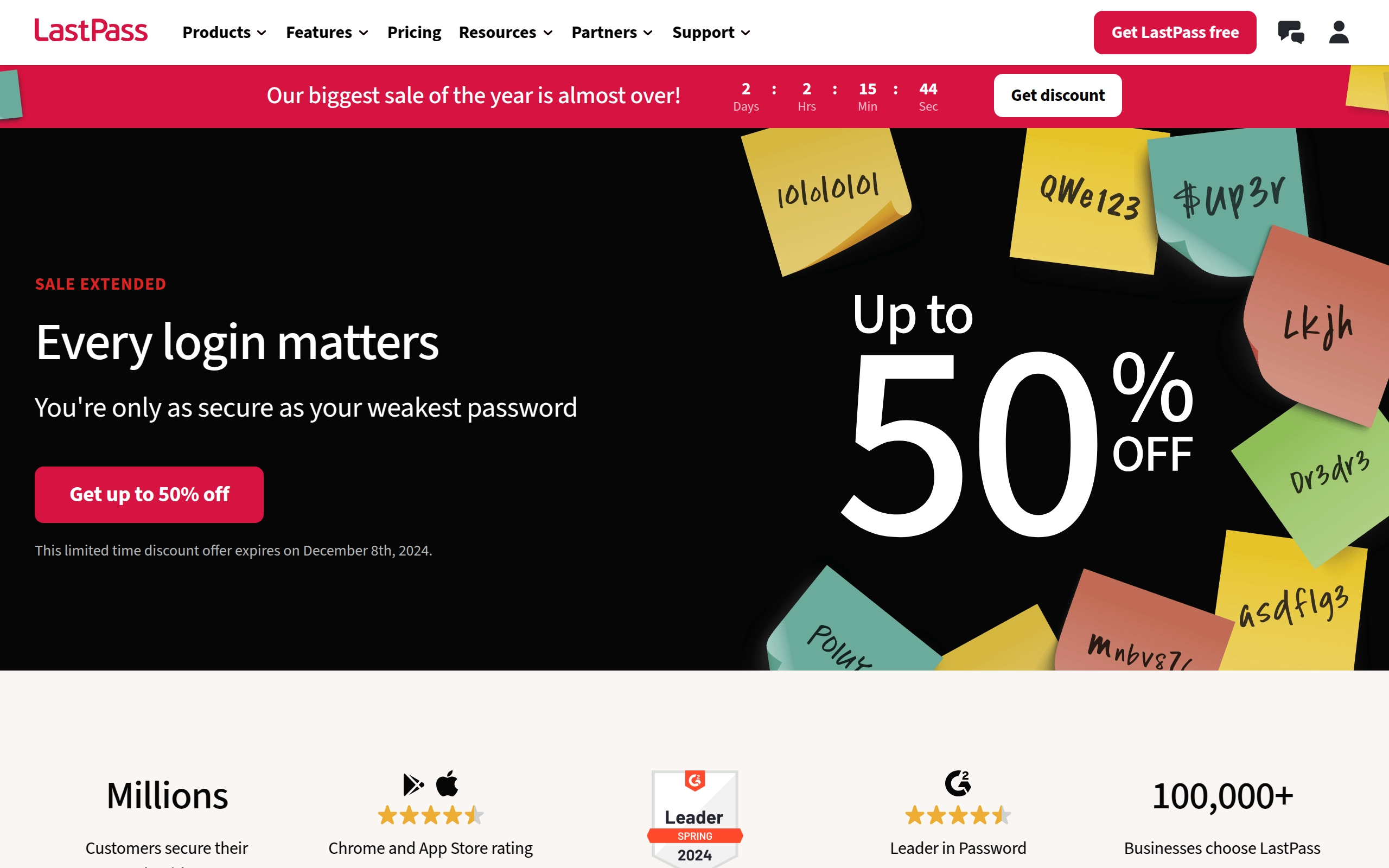
LastPass is a password and identity management solution that specializes in enhancing online security through various cybersecurity features. It offers a secure vault for storing passwords, single-sign-on capabilities, and adaptive multi-factor authentication. LastPass is designed to make securing digital lives easy, catering to both personal and business users.
Pricing
- Free: $0/month - Basic features including password storage and autofill, but with limited device synchronization.
- Premium: $3/month - Enhanced features such as advanced multi-factor authentication, dark web monitoring, and unlimited device synchronization.
- Families: $4/month - A family plan for sharing passwords, bank account info, and other sensitive data among family members.
- Teams: $4/user/month - A plan designed for small to medium-sized businesses, offering features like shared folders and centralized administration.
- Business: $7/user/month - Includes features like business password sharing, single sign-on, and adaptive multi-factor authentication, tailored for enterprise needs.
- Discounts & Promotions: 50% off Premium and Family plans with annual billing; 20-30% off Teams and Business plans with annual billing.
Key features
- 🛡️ Password Vault: Store all your passwords and sensitive information in an encrypted password vault.
- 🔄 Save and Autofill: Save a password once and LastPass will autofill it for you the next time you need to log in.
- 🔑 Password Generator: Create strong, unique, hacking-resistant passwords for new and existing accounts.
- 📧 Username Generator: Generate random, unique usernames to protect your identity online.
- 🌐 Dark Web Monitoring: LastPass will immediately alert you if your personal information is found on the dark web.
- 📊 Security Dashboard: Get notified of weak, reused, and old passwords with personalized recommendations and alerts.
- 👥 Personal Password Sharing: Securely share passwords with family and friends while managing and controlling access.
- 🏢 Business Password Sharing: Safely share business passwords with team members, freelancers, and vendors.
- 🔒 Multi-Factor Authentication: Includes SMS options, fingerprinting, face scanning, one-time passwords, and voice recognition.

Raindrop.io
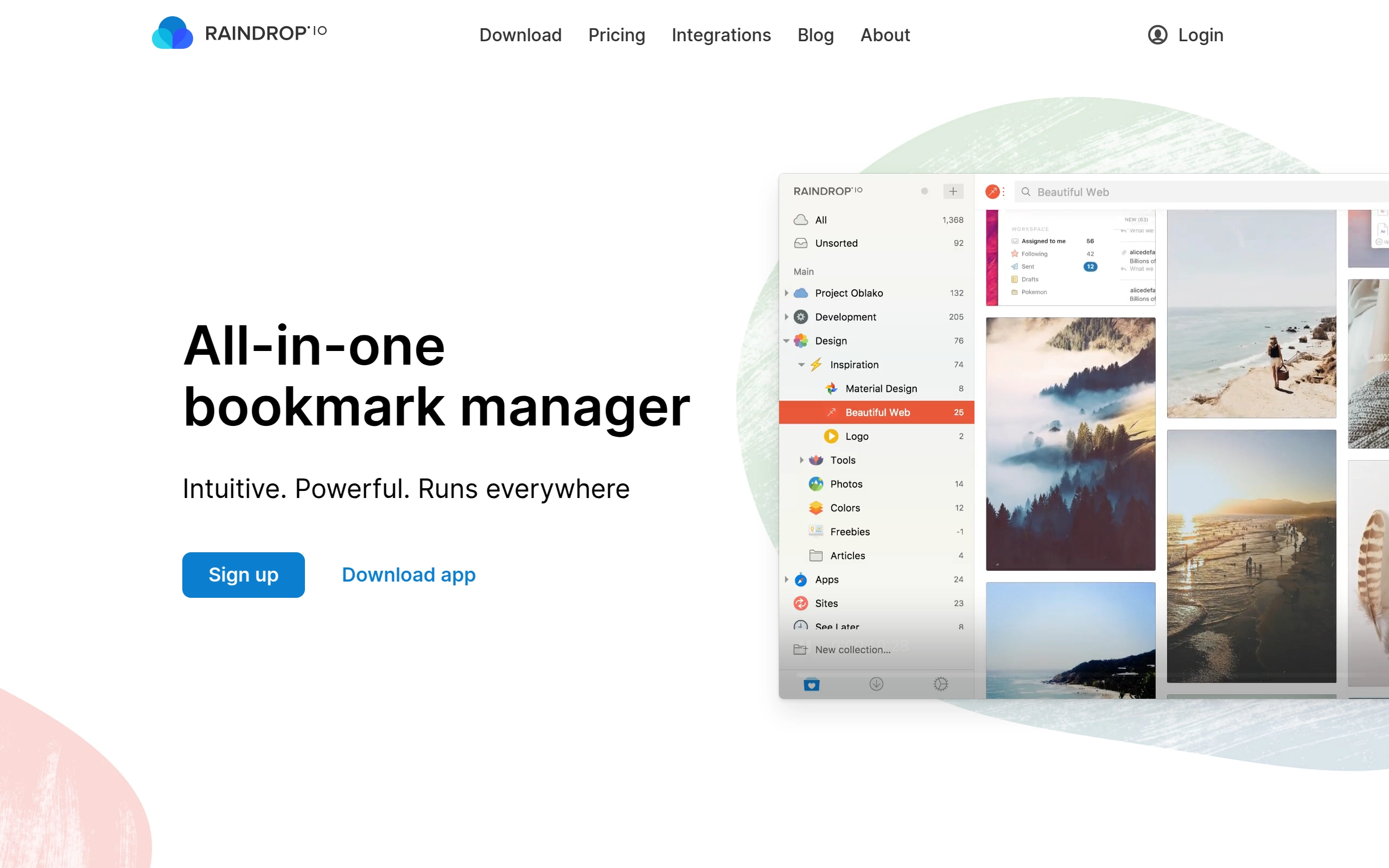
Raindrop.io is an all-in-one bookmark manager designed to help users organize and save various types of content, such as books, songs, articles, and more. It offers a range of features to untangle bookmark messes, including tagging, searching, and annotating capabilities. The platform also provides integrations, automatic backups, and a user-friendly interface to enhance the bookmarking experience.
Pricing
- Free: $0/month - Unlimited bookmarks, collections, and devices. Free to use indefinitely with basic features.
- Pro: $3/month - Adds premium features such as semantic search, better multi-language support, deep content search, AI-driven suggestions, and more.
- Discounts & Promotions: 20% off with annual billing.
Key features
- 📚 Bookmark Organization: Group related bookmarks within the same context and use thousands of predefined icons to categorize them.
- 🗂️ Tagging and Searching: Add tags to classify items and search efficiently by type, tags, or domain.
- 📄 Annotation: Annotate web pages and easily revisit key passages in the future.
- 🌐 Multi-Language Support: Search in your native language, even for bookmarks in different languages (available in Raindrop.io Pro).
- 🔍 Deep Search: Search through the entire content of every bookmark, PDF, and EPUB.
- 📁 AI-Driven Suggestions: Receive AI-driven suggestions for collections and tags (available in Raindrop.io Pro).
- 📅 Reminders and Notifications: Add reminders and notifications to your bookmarks.
- 🔄 Automatic Backups: Automatically create copies of all web pages and files in your collection, and save backups to your cloud drive.
- 🌟 Custom Views: View bookmarks in Grid, Headlines, Masonry, or List view modes.