Caffeinated Developer Stack
The stack designed to make your life 10x easier and your code 10x less likely to explode in production 💥
You know that feeling when you’re trying to juggle 3 deployment environments, and that one mysterious bug that only shows up every third Tuesday when Mercury is in retrograde? Yeah, we’ve all been there.
But here’s the thing - we’ve put together the development equivalent of Tony Stark’s workshop. It’s like if all your favorite dev tools had a party and decided to become best friends. We’re talking:
- Backend works in tandem with frontend (imagine that!)
- Deployments smoother than your tech lead’s rehearsed standup updates
- Monitoring that actually tells you what’s wrong before your users start tweeting about it
In today’s world, writing code is the easy part. It’s all the other stuff - the infrastructure, the scaling, the “why is my database crying?” moments - that turns developers into part-time detectives and full-time coffee addicts.
Whether you’re building a tiny side project that your mom will use (hi mom! 👋), or scaling the next billion-user unicorn, this stack’s got your back. Minus the endless Slack debates about tabs vs spaces.
Let’s be honest - you’d rather spend your time building cool features than debugging an existential crisis of your Docker container. Your users will thank you, your engineering team will thank you, and most importantly, your 3 AM self will thank you when production isn’t on fire 🔥

Cursor
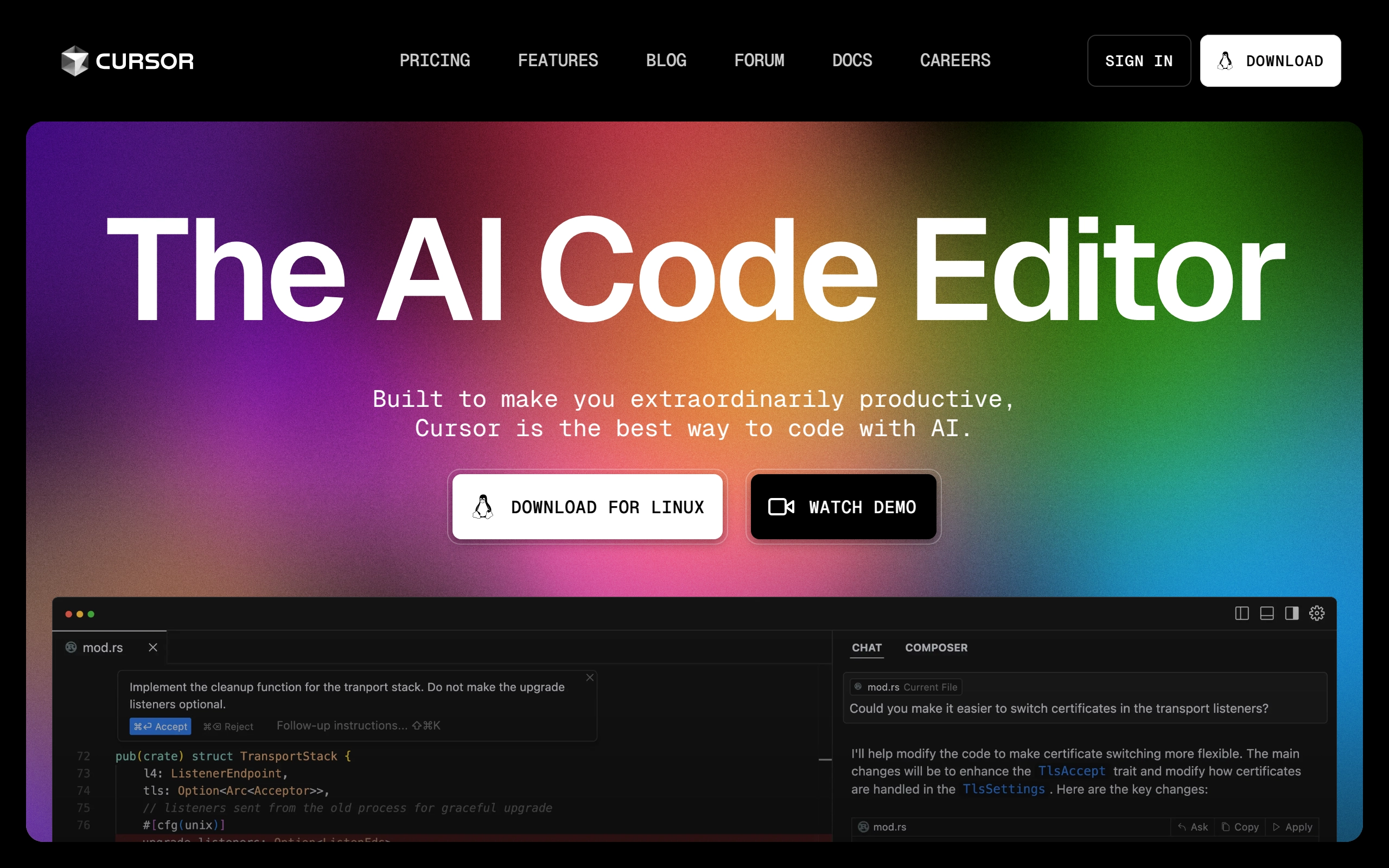
Cursor is an advanced code editor that combines familiar IDE features with AI-powered capabilities. It offers intelligent code completion, codebase analysis, and natural language code editing functionality, making it a powerful alternative to traditional editors like VSCode.
Pricing
- Hobby: $0/month
- 2000 completions
- 50 slow premium requests
- Pro: $20/month
- Unlimited completions
- 500 fast premium requests per month
- Unlimited slow premium requests
- 10 o1-mini uses per day
- Business: $40/user/month
- Enforce privacy mode org-wide
- Centralized team billing
- Admin dashboard with usage stats
- SAML/OIDC SSO
- Discounts & Promotions: 20% off with annual billing
Key features
- 🔄 Next-Edit Prediction: Predicts the next edit in the code, allowing developers to breeze through changes quickly.
- 📚 Codebase Knowledge: Write code using instructions and update entire classes or functions with simple prompts.
- 🔄 Instant Answers: Provides answers from the codebase or refers to files and documents with a single click.
- 🛠️ Fast Code Rewrites: Speculative inference for fast code rewrites.
- 📁 Shadow Workspace: Iterate on code in the background without affecting the user, using hidden Electron windows and kernel-level folder proxies.

StackBlitz
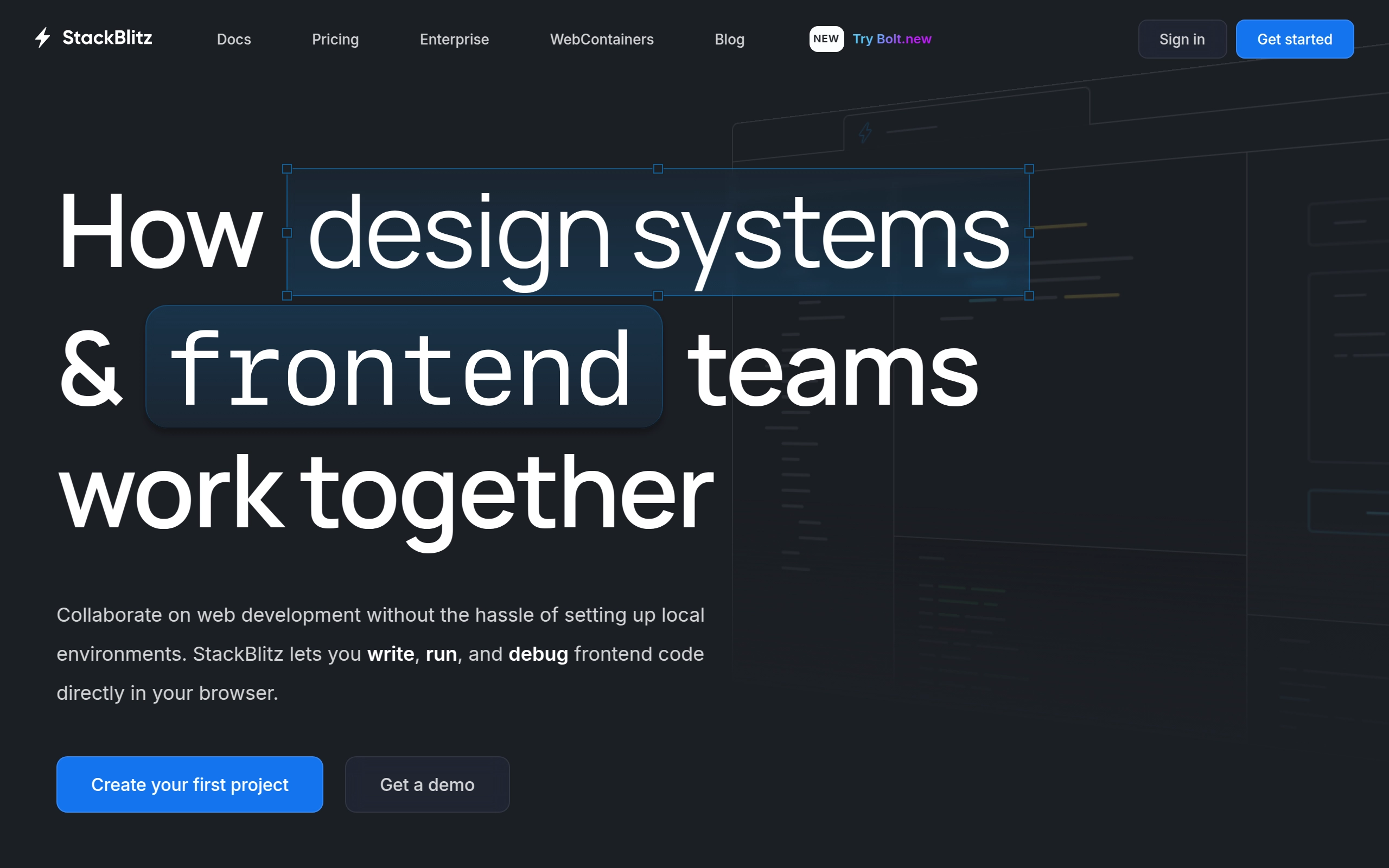
StackBlitz is a collaborative online integrated development environment (IDE) that allows developers to write, run, and debug frontend and server-side code directly in their web browser. It supports various web frameworks such as React, Angular, and Next.js, and is known for its real-time hot-reloading and secure, browser-based development environment. This platform eliminates the need for complex local environment setups, enabling rapid collaboration and development.
Pricing
- Personal: $0/month - Free access to the core online IDE, Bolt Personal, unlimited public projects, up 1 MB file uploads per project.
- Pro: $20/month - Unlimited file uploads, Bolt Pro, CORS-protected APIs, connect with local backends and APIs.
- Teams: $35/user/month - Private Github repositories and NPM registries, Bolt Teams.
- Enterprise: Custom pricing.
- Discounts & Promotions: 10-18% off with annual billing.
Key features
- 🚀 Instant Boot: Boots development environments in milliseconds using WebContainer technology.
- 🔒 Browser-Based Computing: All computation occurs within the browser, ensuring security and speed.
- 🔄 Real-time Hot-Reloading: Fastest development environment with instant updates.
- 🔗 URL Sharing: Share complete development environments with a single link.
- 🛠️ WebContainer API: Embed code in documentation or build custom experiences.
- 👥 GitHub Integration: Seamless collaboration with GitHub repositories and organizations.
- 💻 Offline Capability: Continue working without network connection.
- 🤝 Collaboration: Share complete development environments with a single URL.
- 🔧 Quick Reset: Reset broken containers with a simple page refresh.
- 📦 Templates: A large number of web framework templates, including React, Angular, and Next.js, as well as support for Node.js, Python, and PHP projects.
- 📄 Embeddable Code: Embed code in documentation, blogs, or websites using the StackBlitz SDK and WebContainer API.

Replit
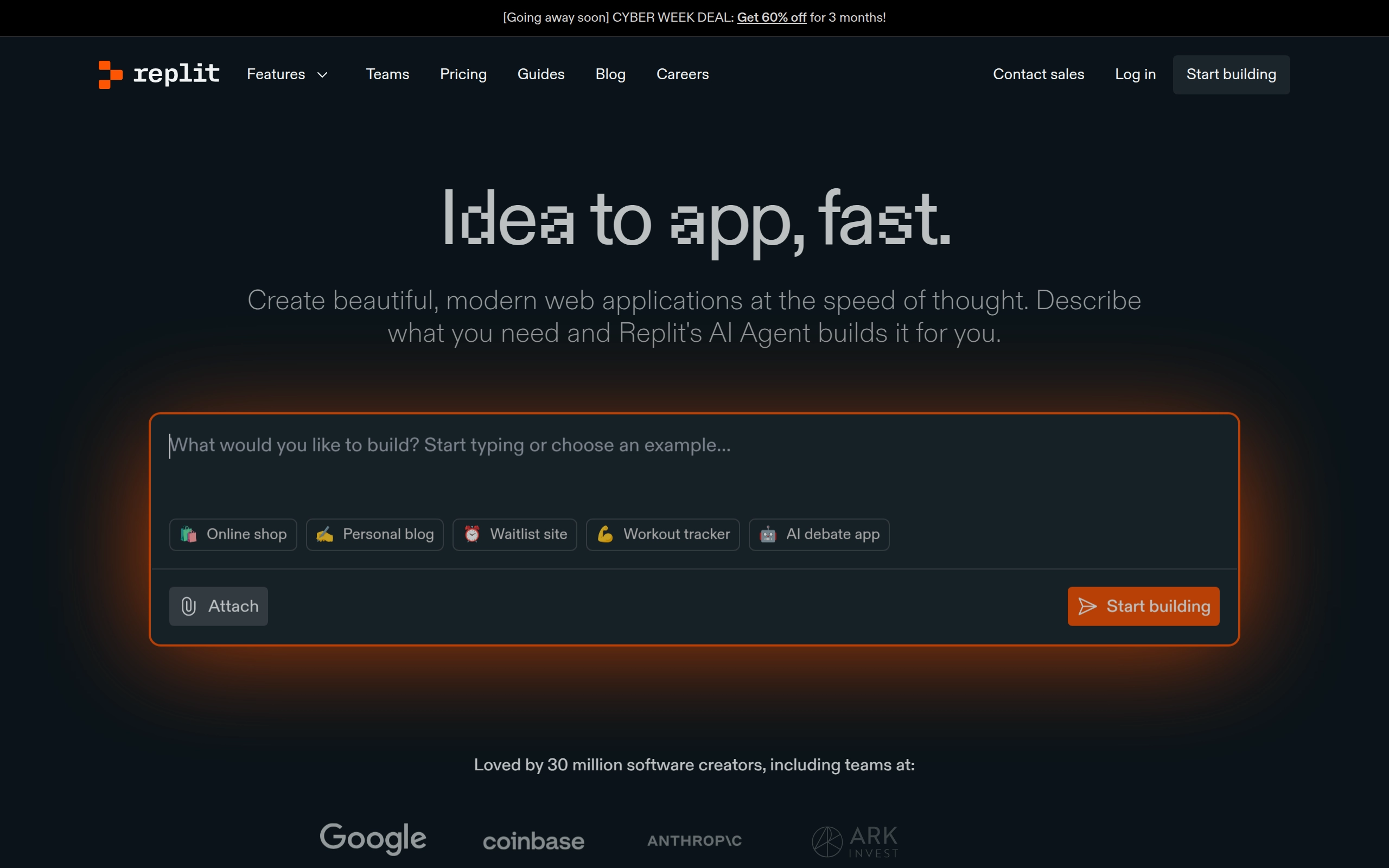
Replit is an AI-powered software development and deployment platform that allows users to build, share, and deploy software quickly. It provides a cloud-based IDE where developers can create and deploy applications in various programming languages without the need for setup, downloads, or additional tools. The platform includes built-in AI capabilities for coding assistance and is designed for collaborative work, enabling real-time coding and direct deployment to production.
Pricing
- Starter: $0/month - Basic workspace, limited access to Replit AI, 3 public projects.
- Replit Core: $25/month - Unlimited responses from basic Replit AI, access to advanced AI models, unlimited public and private projects.
- Replit Teams: $40/user/month - Role-based access control, private deployments, and advanced AI models.
- Discounts & Promotions: $120 off Replit Core with annual billing.
Key features
- 🤖 AI-powered development assistant (Replit Agent) that helps build applications from descriptions
- 🌐 Instant deployment capabilities backed by Google Cloud infrastructure
- 👥 Real-time collaboration tools for team programming and code sharing
- 📱 Cross-platform accessibility through Desktop, Mobile, and Tablet apps
- 💻 All-in-one cloud workspace supporting multiple programming languages
- 🔄 Interactive feedback system for continuous project refinement
- 🚀 Zero-setup environment for immediate development start

Warp
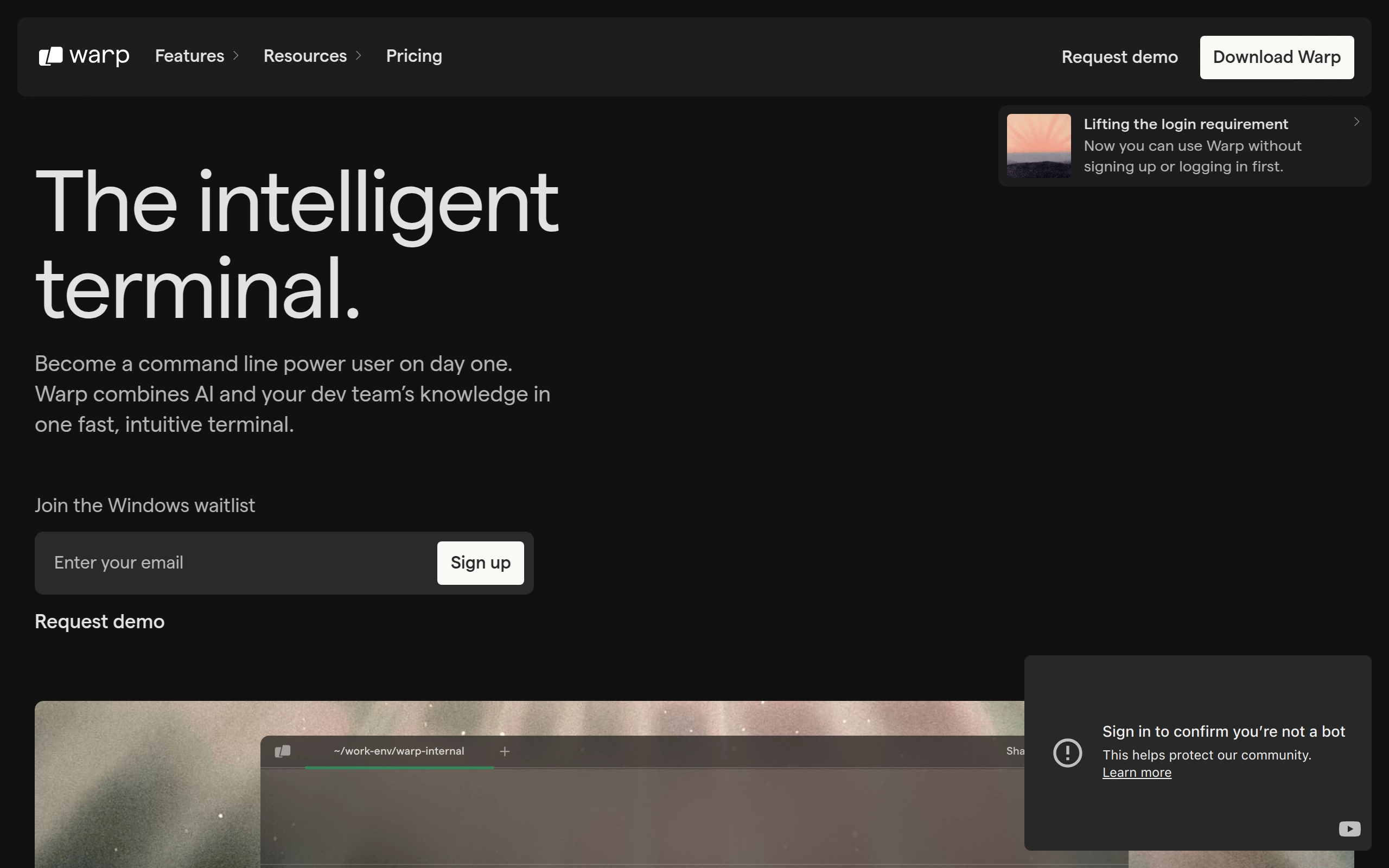
Warp is a high-performance terminal built with Rust that integrates AI capabilities, modern text editing features, and collaborative tools. It offers an IDE-like experience with smart command completion, customizable workflows, and real-time sharing capabilities.
Pricing
- Free: $0/month - Includes up to 100 AI requests monthly, personal Warp Drive, and core terminal features.
- Pro: $15/user/month (annually) - Includes 1,000 AI requests monthly and private email support.
- Team: $22/user/month (annually) - Includes unlimited AI requests, shared notebooks, and real-time session sharing.
- Enterprise: Custom pricing with advanced security and compliance features.
Key features
- 🚀 Hardware-accelerated performance with Rust-based architecture.
- 🤖 AI-powered command suggestions and error debugging.
- ⌨️ IDE-style text editing with multi-cursor support and syntax highlighting.
- 📦 Block-based command grouping for better organization.
- 🔄 Reusable workflows and command sharing capabilities.
- 🎨 Customizable themes and keyboard shortcuts.
- 💻 Cross-platform support for macOS and Linux.
- 🤝 Real-time session sharing for team collaboration.

Supabase
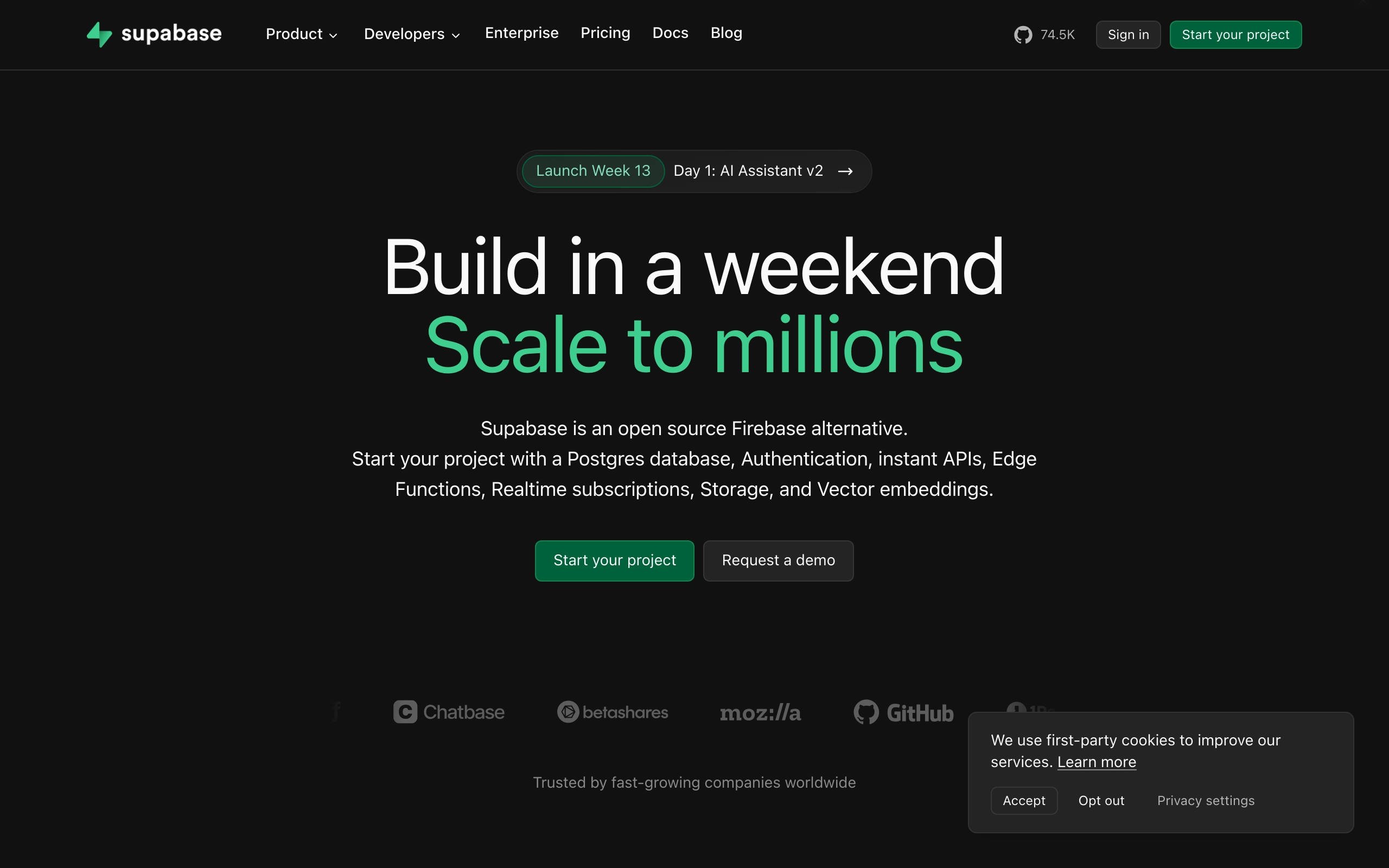
Supabase is an open-source backend as a service (BaaS) platform designed to simplify the development process for web, mobile, and AI applications. It provides a Postgres database, real-time and RESTful APIs, authentication, file storage, and other essential backend services, all without the need for writing additional code. Supabase aims to offer a powerful, scalable, and secure alternative to proprietary backend services like Firebase.
Pricing
- Free Plan: Ideal for hobby projects with 500 MB of database storage and 1 GB file storage.
- Pro Plan ($25/month): Includes 8 GB of database storage, 250 GB bandwidth, and advanced features like backups and custom domains.
- Team Plan ($599/month): Tailored for larger teams, with more storage, increased bandwidth, and advanced security features.
- Enterprise: Custom pricing for large organizations requiring dedicated support and advanced compliance features.
Key features
- 🗄️ PostgreSQL Database: A fully managed and scalable database with support for SQL queries.
- 🔑 Authentication: Built-in user authentication supporting email, social logins, and passwordless methods.
- 🌐 Realtime Subscriptions: Instant synchronization of data changes, perfect for real-time applications.
- 🗂️ Storage: Easy-to-use storage for managing files, including images and videos.
- 🧠 Edge Functions: Serverless functions for executing custom business logic in response to events.
- 🧑🤝🧑 Collaboration Tools: Role-based access control and multi-user management.
- 🔄 Realtime: Supports real-time data synchronization for building multiplayer experiences.
- 🤖 Vector Embeddings: Integrates with ML models to store, index, and search vector embeddings from providers like OpenAI and Hugging Face.
- ⚙️ Instant APIs: Automatically generates APIs from Postgres schemas, eliminating the need for manual API development.

FlutterFlow
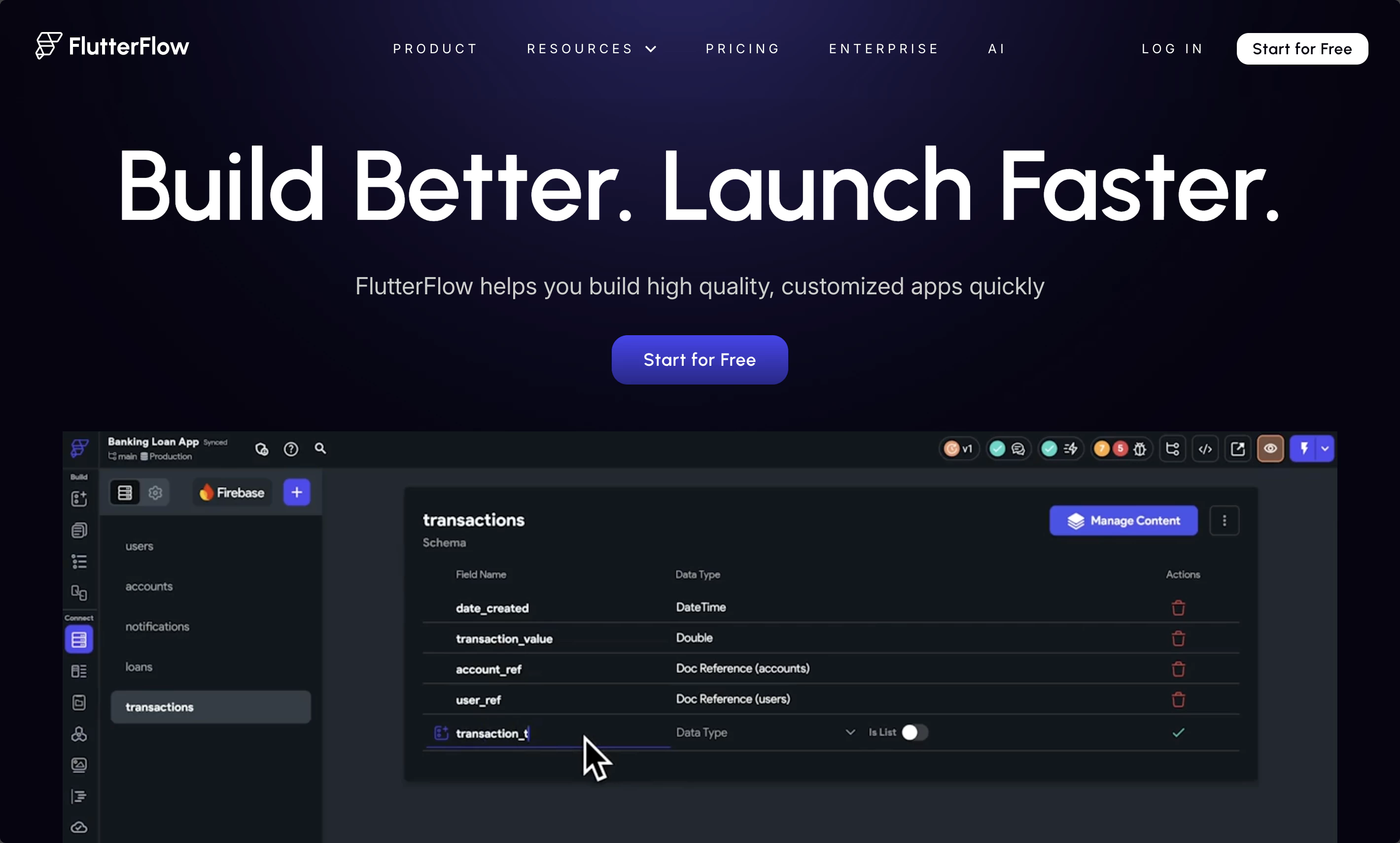
FlutterFlow is a visual application development platform designed to help companies and product teams build high-quality, customized mobile and web apps quickly. It leverages Google's Flutter framework to improve developer efficiency, accelerate project timelines, and reduce costs. The platform is used by over 1.3 million users in more than 200 countries and is particularly popular among large enterprises in banking, consulting, telecom, and manufacturing.
Pricing
- Free: $0/month - Basic features for building and testing apps.
- Standard: $30/month - Download code and APK, connect custom domain, and test on real devices.
- Pro: $70/month - Version control, branching, and one-click deployments to App Store, Play Store, and Web.
- Teams: $70/user/month - Real-time collaboration, audit logs, centralized billing, and more.
- Discounts & Promotions: 25% off with annual billing; students and educators are eligible to receive a free one year trial of FlutterFlow Premium.
Key features
- 🎨 Design System: Create your own design system in FlutterFlow or import themes from Figma to match your brand design. Easily share design systems across projects.
- 📊 Live Data Integration: Connect your app to live data using integrations with Firebase, Supabase, or a custom backend with RESTful API support.
- 🧪 Testing & Debugging: Test your app on real devices, create automated tests, and use the Debug Panel to troubleshoot issues.
- 🖱️ Visual UI Builder: 200+ pre-designed elements and Figma import capability.
- 🔄 Visual Action Flow Editor Add app logic and interactions.
- 🔌 Built-in Integrations: Connect Firebase, Supabase, and third-party APIs.
- 🤝 Team Collaboration: Including branching and task management.
- 📱 Cross-Platform Deployment: Instant deploys to App Store, Play Store, and Web.
- 💻 Code Export: Export entire codebase with no vendor lock-in.
- 🧪 Test Mode: Easy debugging and app testing.

BuildShip
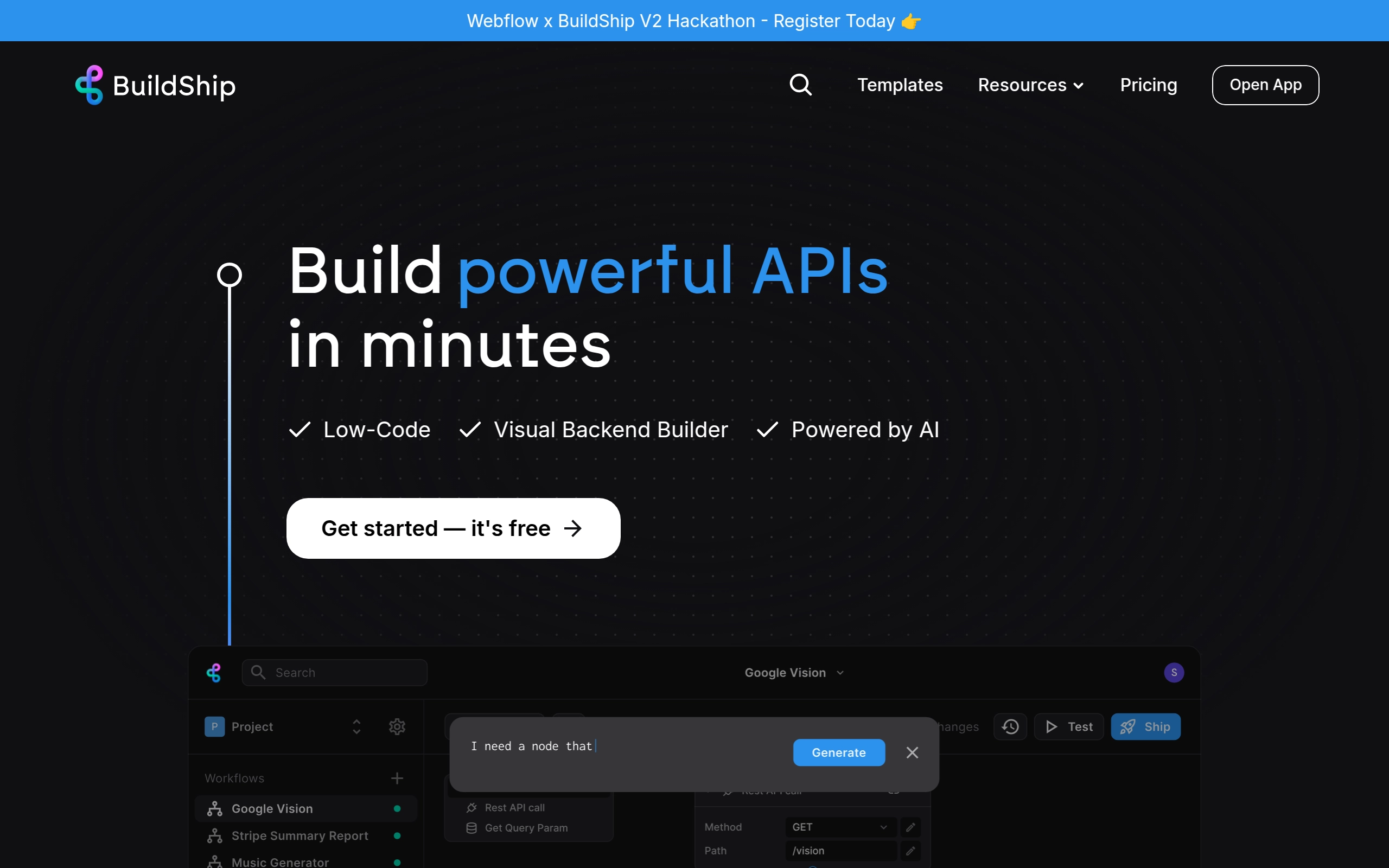
BuildShip is a powerful, scalable, and visual low-code backend builder that integrates AI into workflows, enabling users to quickly create and deploy backend tasks such as APIs, scheduled jobs, and cloud functions. It combines the ease of no-code tools with the flexibility and power of low-code development, allowing users to build and ship workflows rapidly. BuildShip supports extensive integrations with various AI tools, databases, and services.
Pricing
- Free: $0/month
- 3K credits
- 5 flows
- 1 team member
- 2 database tables
- 5 concurrent executions
- 10 GB Storage
- 1 days logs retention
- Starter: $25/month
- 20K credits
- 20 flows
- 3 team members
- 10 database tables
- 20 concurrent executions
- 50 GB Storage
- 7 days logs retention
- Pro: $79/month
- 100K credits
- 150 flows
- 10 team members
- 50 databases tables
- 100 concurrent executions
- 500 GB Storage
- 14 days logs retention
- Business: $599/month
- 300K credits
- 300 flows
- 25 team members
- 100 databases tables
- 100 concurrent executions
- 5000 GB Storage
- 30 days logs retention
- Version control
- Discounts & Promotions: 25% off with annual billing
Key features
- 🌐 Scalable APIs: BuildShip allows users to create scalable APIs and backend cloud functions.
- 🕒 Scheduled Tasks / CRON Jobs: Users can set up scheduled tasks and CRON jobs easily.
- 🤖 AI Integration: Integrates with AI models and tools like Google Vision, OpenAI, and Anthropic.
- 📈 Extensive Integrations: Supports integrations with tools like Stripe, Firebase, Supabase, MongoDB, and more.
- 📝 JavaScript/TypeScript Support: Allows for development using JavaScript/TypeScript and access to over 1 million NPM packages.
- 🚀 One-click Deploy: Enables instant deployment of backend workflows with a single click.
- 🛠️ Custom Nodes: Users can create custom nodes using AI if any integrations are missing.
- 📊 Version Control and Dev Tools: Provides version control, logging, and a code editor with autocomplete and a debugger.

n8n.io
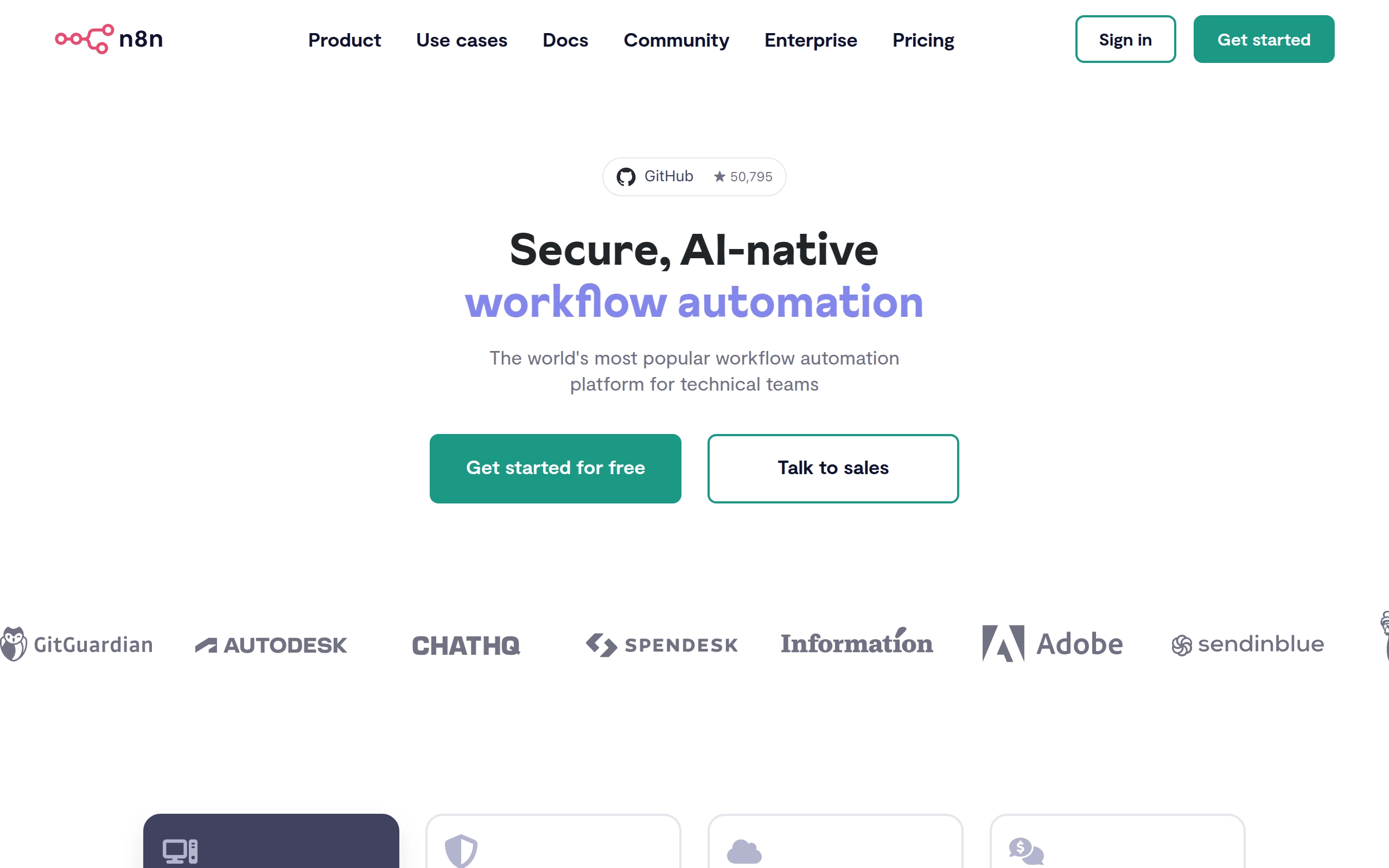
n8n is a free and open node-based Workflow Automation Tool that allows users to automate repetitive tasks by building multi-step workflows. It can be self-hosted or used in the cloud, and it integrates with third-party web applications and custom in-house tools. n8n enables the creation of complex automations that combine both 3rd party APIs and internal tools, making it a versatile solution for various automation needs.
Pricing
Depends on the number of monthly tasks.
- Starter: $24/month
- 1 shared project
- Unlimited users
- Forum support
- Pro: $60/month
- 3 shared projects
- Admin roles
- Global variables
- Workflow history
- Execution search
- Debug in editor
- Enterprise: Custom pricing
- Unlimited shared projects
- SSO SAML and LDAP
- Different environments
- External secret store integration
- Log streaming
- Version control using Git
- Scaling options
- Extended data retention
- Dedicated support with SLA
- Invoice billing
- Discounts & Promotions: 20% off with annual billing
Key features
- 🔄 Workflow Automation: Multi-step workflows combining 3rd party APIs and internal tools.
- 🔒 Security: Encrypted data transfers, secure credential storage, RBAC functionality, and compliance with industry-standard security practices (SOC2 compliant).
- 🔄 Templates: Pre-built workflow templates for various categories, including product operations, to help users get started quickly.
- 🧩 Integrations: Extensive integration capabilities with a wide range of tools, ensuring seamless integration into existing workflows.
- 🌐 Self-Hosting and Cloud Options: Self-hosted and cloud-based options provide flexibility in deployment.
- 🛠️ Customizable and Extensible: Easily extended with JavaScript and integrates with over 422+ apps and services.
Bubble
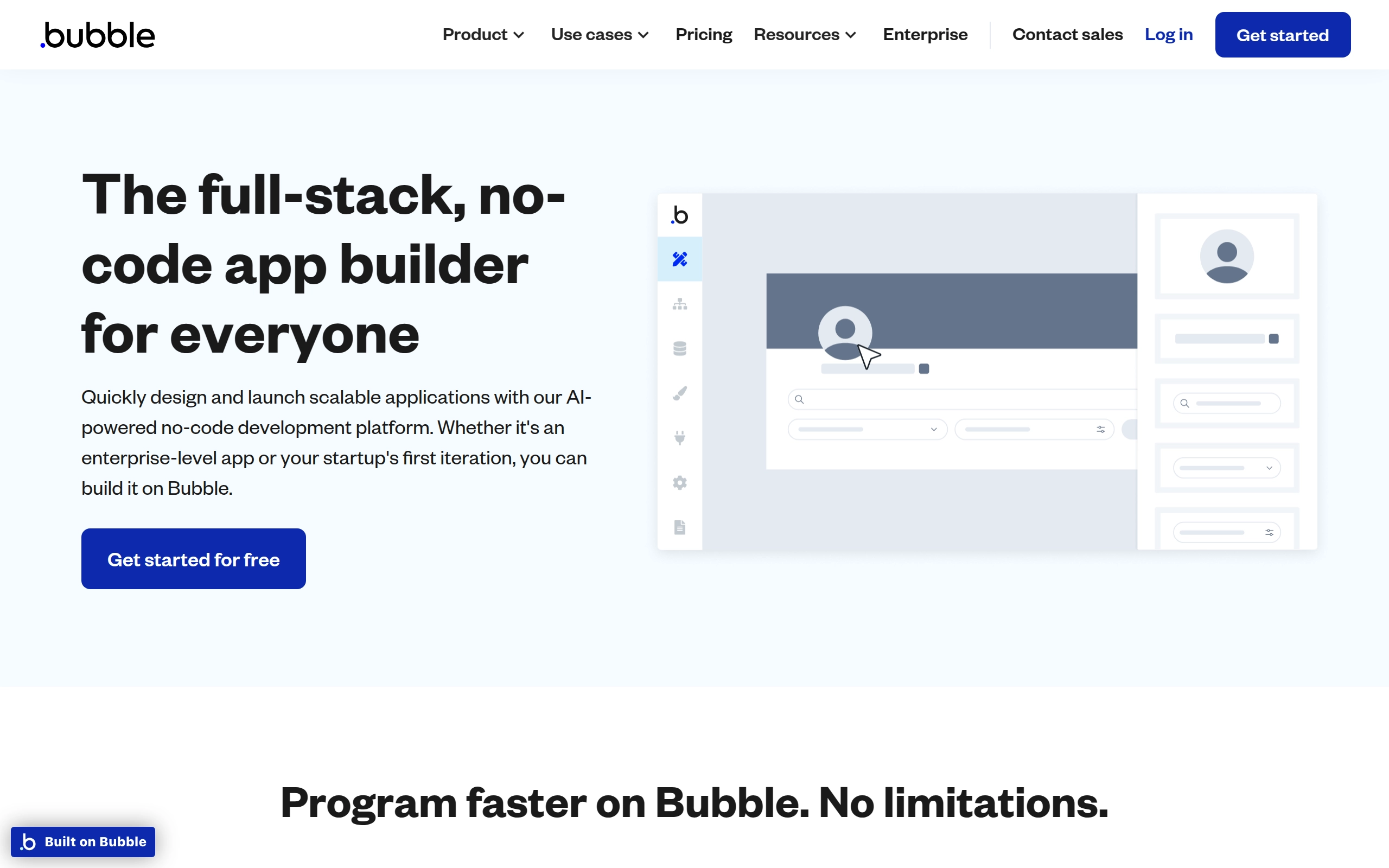
Bubble is a no-code development platform and a Platform-as-a-Service (PaaS) developed by Bubble Group. It allows users with limited or no programming experience to create web applications through a visual interface, eliminating the need for traditional coding. The platform is used for designing, building, and deploying web applications, making it accessible to a wide range of users, including non-technical start-up founders, educational institutions, and commercial organizations.
Pricing
- Free: $0/month.
- Starter: $32/month.
- Growth: $134/month.
- Team: $399/month.
- Enterprise: Custom pricing.
- Discounts & Promotions: 10% off with annual billing.
Key features
- 📈 User Accounts: Allows users to sign up with email or social media accounts.
- 💽 Database Management: Enables users to create, browse, and manage items from the database.
- 🔄 API Integrations: Supports API integrations and external database queries.
- 📝 Forms & Surveys: Allows the creation of forms and surveys with dynamic results.
- 💳 Payments: Supports direct, subscription, and peer-to-peer payments.
- 📊 Data Visualization: Includes tools for charts, graphs, and data visualization.
- 📱 Notifications: Offers notifications through email, SMS, or push notifications.
- 📈 App Analytics: Integrates with analytics tools like Mixpanel and Amplitude.
- 🤖 AI/Machine Learning: Supports integrations with AI and machine learning services or custom algorithms.
- 🛠️ Custom Code Plugins: Allows the integration of custom code plugins for additional functionality.

Figma
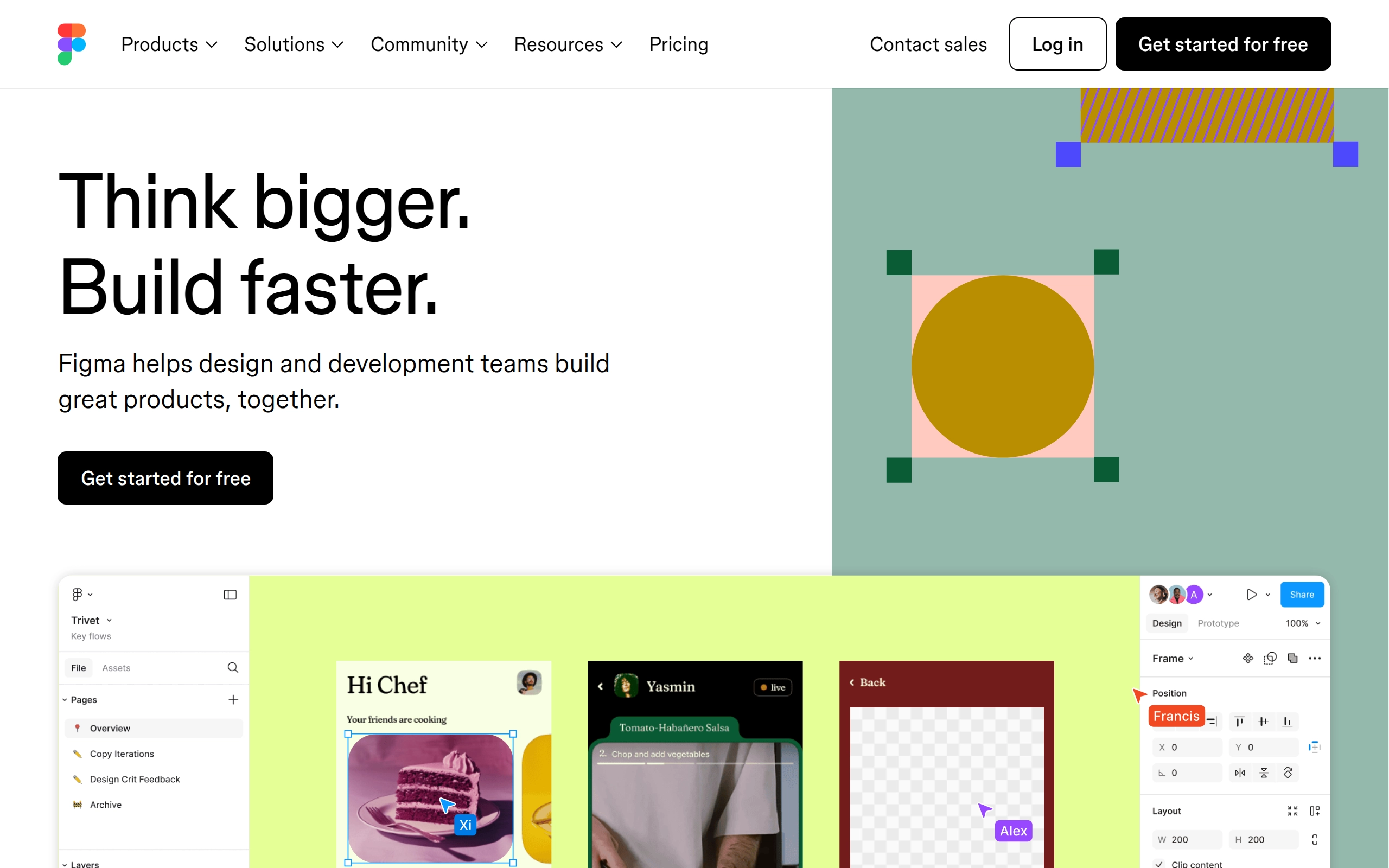
Figma is a cloud-based design platform designed for teams to create, share, test, and ship user interface designs collaboratively. It offers a range of tools for UI flows, wireframes, and interactive prototypes, supporting vector graphics and responsive design principles. Figma is accessible on various operating systems, including Windows, macOS, and Linux, and is used by notable companies such as Airbnb, Netflix, and Microsoft.
Pricing
- Free: For individual users with limited features
- Professional: $15/user/month, with advanced features
- Organization: $45/user/month, includes advanced admin controls
- Enterprise: $75/user/month, tailored for large organizations
- Discounts & Promotions: 20% off with annual billing for Professional plan
Key features
- 🖌 Collaborative Design: Allows real-time collaboration on design projects, enabling multiple users to work together simultaneously.
- 📈 Vector Graphics Editor: Provides tools for creating and editing vector graphics, essential for UI and UX design.
- 🔄 Prototyping Tools: Enables the creation of interactive prototypes to test and refine designs.
- 📱 Cross-Platform Compatibility: Available on Windows, macOS, Linux, Android, and iOS, ensuring accessibility across different devices.
- 📝 FigJam: A digital whiteboarding capability that allows users to collaborate using sticky notes, emojis, and drawing tools.
- 🔄 Dev Mode: Helps developers translate designs into code faster, bridging the gap between design and development.

Miro
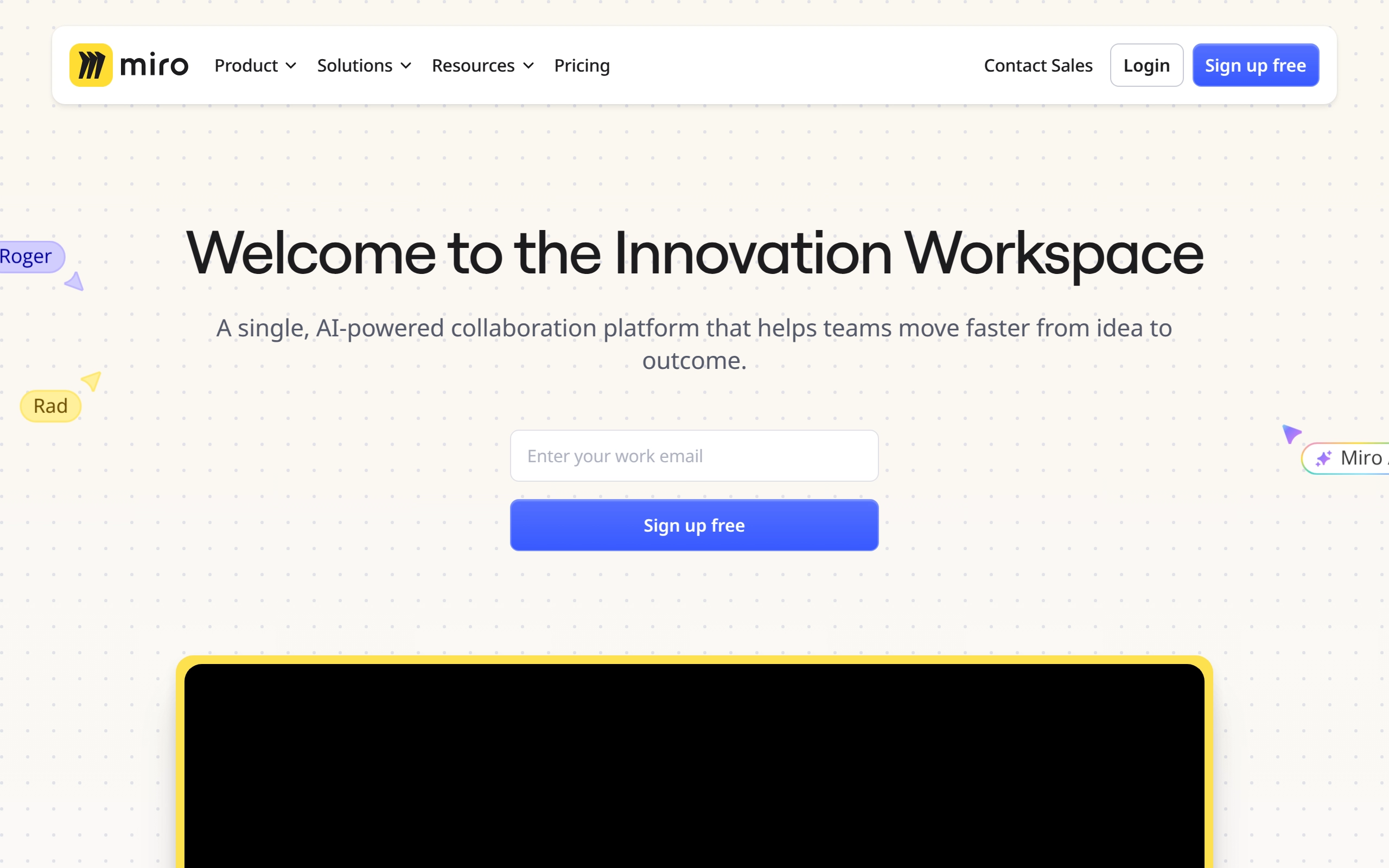
Miro is a visual workspace for innovation that enables distributed teams of any size to collaborate, design, and build projects together. It provides a digital platform where teams can manage projects, design products, and solve real-world problems through various tools and templates. Miro is particularly valuable for remote teams, offering real-time data visualization, diagramming, and workshop facilitation capabilities.
Pricing
- Free: $0/month - Basic features with limited boards and visitors.
- Starter: $10/member/month - Unlimited and private boards, single workspace, 1-click collaborator access, and more.
- Business: $20/member/month - Includes all Starter features plus centralized account management, enterprise-grade security, and advanced collaboration tools.
- Enterprise: Custom pricing for large enterprises. Includes all Business features plus flexible licensing program, SCIM user provisioning, automated access and license requests, and advanced data security and governance features.
- Discounts & Promotions: 20% off with annual billing.
Key features
- 📋 Unlimited Boards: Create and manage unlimited boards for different projects and collaborations.
- 🔄 Miro AI: Utilize AI capabilities for content creation, modification, and interactive walkthroughs.
- 📢 Talktracks: Record and share audio or video walkthroughs of your board to provide context.
- 🛡️ Enterprise-Grade Security: Ensure security with SSO, domain control, data classification, 2FA, and more.
- 📈 Advanced Collaboration Tools: Includes features like timer, voting, video chat, estimation app, and private mode for engaging meetings.
- 🗂️ Spaces: Organize and find boards faster with dedicated Spaces.
- 🔄 Board Version History: Recover lost content and content versions to collaborate with confidence.
- 📊 Centralized Account Management: Manage insights for adoption and usage, and apply organization-wide controls for integrations.

Monday.com
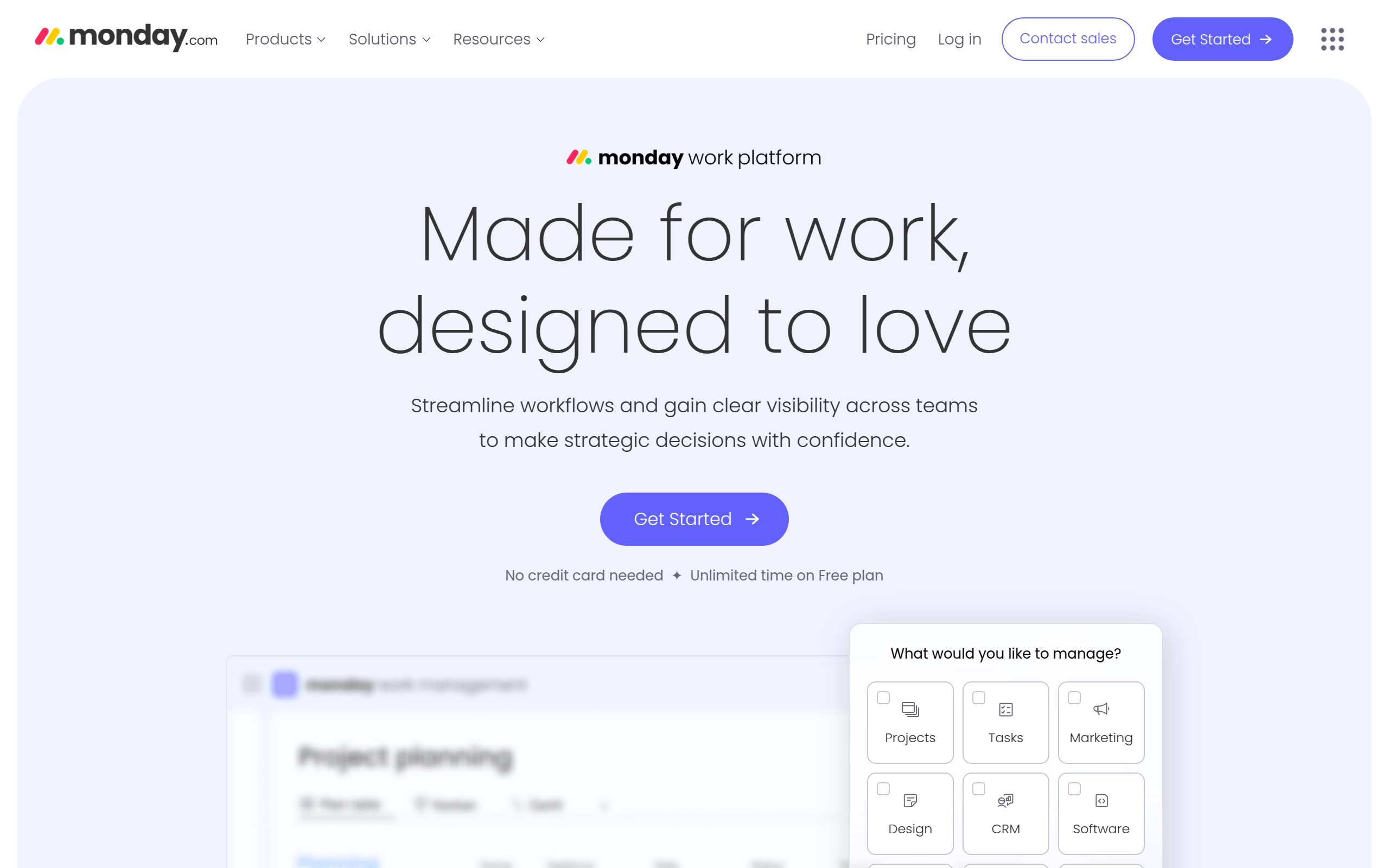
Monday.com is a cloud-based platform that enables users to create their own applications and project management software. It is designed to transform the way teams work together by providing a low-code, no-code environment where organizations can build custom work management tools and software applications. The platform focuses on transparency, collaboration, and automation, making it versatile for various business verticals.
Pricing
- Individual: Free, up to 2 users with basic features.
- Basic: $12 per user per month, offering essential features for small teams.
- Standard: $14 per user per month, adding automations and integrations.
- Pro: $24 per user per month, offering advanced reporting and workflow automations.
- Enterprise: Custom pricing for large organizations with tailored features and enhanced security options.
- Discounts & Promotions: 18% off with annual billing.
Key features
- ✅ Customizable Workflows: Easily tailor workflows to match team needs using a drag-and-drop interface.
- 📊 Visual Project Tracking: Manage tasks with timelines, Gantt charts, and Kanban boards for a clear overview of progress.
- 🔄 Third-Party Integrations: Seamlessly integrate with tools like Slack, Google Drive, and Microsoft Teams.
- 📱 Mobile App: Stay connected and manage work on-the-go with iOS and Android mobile apps.
- 🔔 Automations: Set up custom automations to reduce repetitive tasks and streamline processes.
- 🌐 Integrations: Supports integration with over 40 platforms to automate actions and view real-time data from external sources.
- 🛍️ Apps Marketplace: Offers ready-made apps developed by third-party developers and the monday.com team to expand the platform's capabilities.
- 🧑💻 API: Includes both REST-based JSON API and GraphQL API for handling data and building custom applications.

Notion
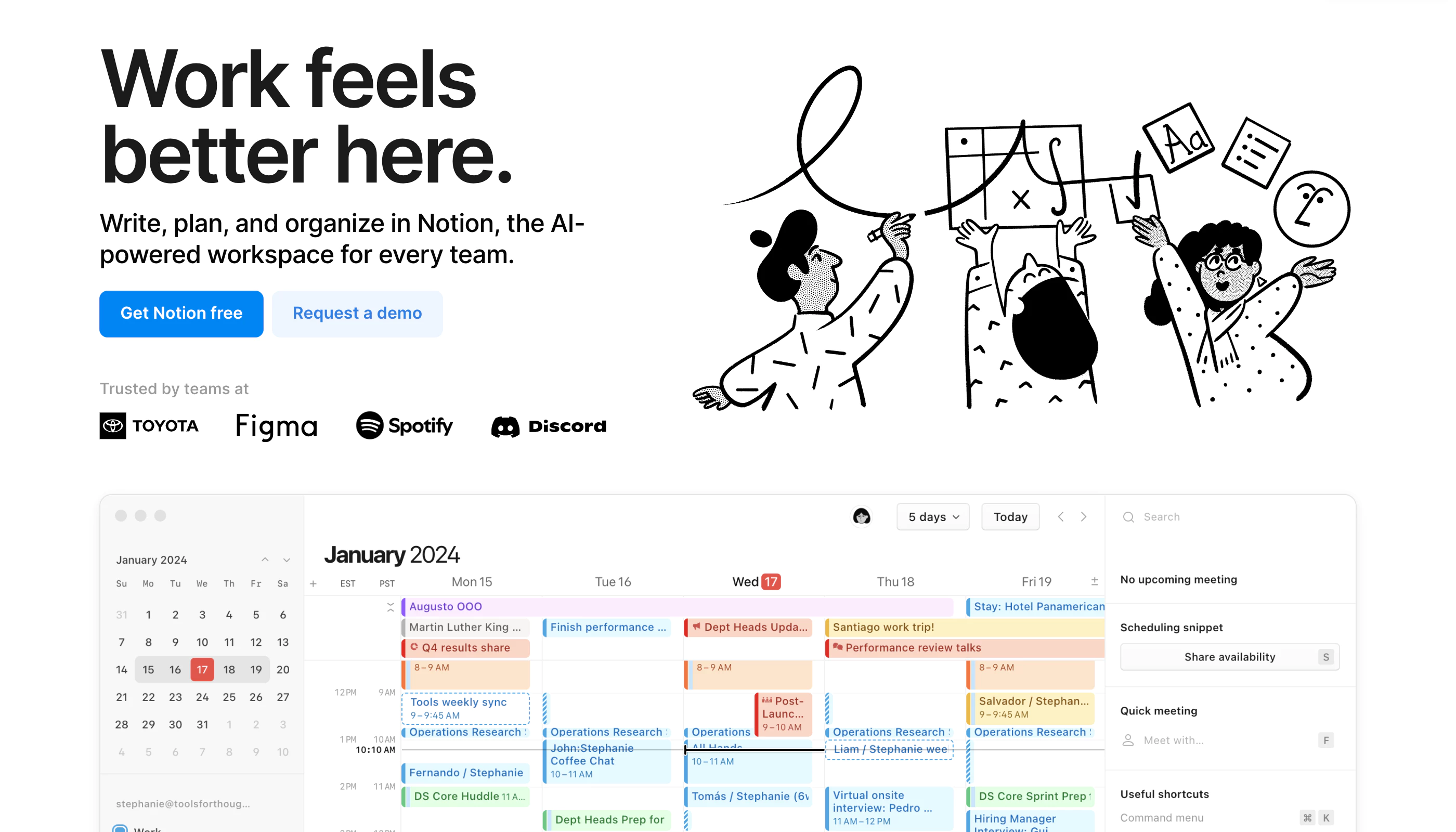
Notion is a highly customizable productivity platform designed for individuals, teams, and organizations. It offers tools for project management, note-taking, databases, and collaboration in a unified workspace. With real-time collaboration features, customizable workflows, and integrations with popular tools like Slack and Google Workspace, Notion caters to a wide range of use cases—from personal organization to complex team projects.
Pricing
- Free: Limited to 5MB file uploads and up to 5 guests.
- Plus: $12 per user/month (billed annually), includes unlimited file uploads and 30-day version history.
- Business: $18 per user/month, supports private team spaces, advanced permissions, and 90-day version history.
- Enterprise: Custom pricing, offers advanced security features and unlimited version history.
- Discounts & Promotions: 20% off with annual billing.
Key features
- 📝 Note-taking: Create rich text notes with media and embedded links.
- ✅ Task management: Organize tasks using to-do lists, Kanban boards, and calendars.
- 🗂 Database management: Build customizable databases for tracking information like CRM, project management, and more.
- 💻 Real-time collaboration: Share workspaces and collaborate with team members in real-time.
- 🛠️ Templates: Use over 50 pre-built templates for tasks, projects, and databases.

Raycast
Raycast is a Mac productivity app designed to streamline workflows and enhance efficiency for users, particularly those in tech-related fields. Raycast aims to provide a unified interface for accessing applications, files, commands, and workflows. The app is known for its speed, customizability, and integration with various tools and AI features.
Pricing
- Raycast: $0/month - Basic features and access to the app's core functionalities.
- Raycast Pro: $10/month - Includes additional features such as AI tools, custom themes, Mac syncing, and more advanced workflow automation.
- Team Pro: $15/user/month - Unlimited shared commands, snippets, quicklinks, and team members.
- Discounts & Promotions: 20% off with annual billing.
Key features
- 🔍 Quick Access: Allows users to quickly access applications, files, and commands through a unified interface.
- 🧩 Custom Extensions: Users can create and publish custom extensions to automate tasks and integrate third-party tools.
- 🤖 AI Integration: Incorporates multiple large language models (LLMs) such as GPT-4, Claude, Llama, and Gemini to enhance productivity.
- 📈 Cross-Platform Support: Expanding from Mac to include Windows and iOS versions, with the iOS app serving as a companion tool.
- 📝 Shared Snippets: Enables teams to store and insert frequently used text, such as canned responses and code reviews, to maintain consistency and efficiency.
- 🔗 Quicklinks: Allows teams to convert long links into simple bookmarks for easy access to resources like GitHub repos and project documentation.

Rize
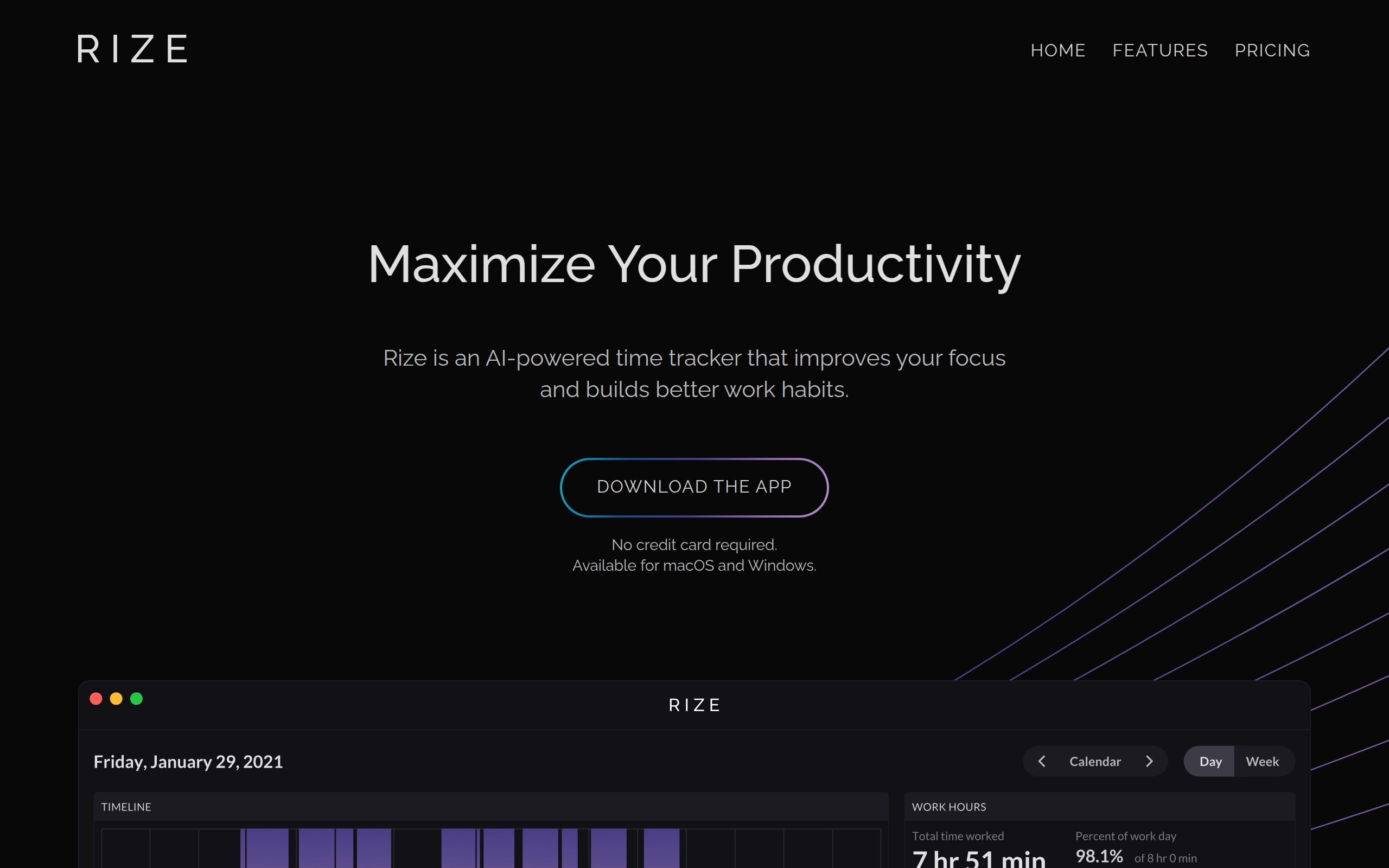
Rize is an AI-powered time tracker designed to improve focus and build better work habits. It is available for both macOS and Windows and offers a free tier as well as a paid subscription. The tool provides users with actionable insights to enhance their productivity. Rize's AI productivity coach analyzes your activity to advise you in real-time on when to focus, when to take breaks, and when you're getting off track.
Pricing
- Free: $0/month - Includes basic features with no credit card required.
- Standard: $10/month when billed monthly.
- Professional: $24/month when billed annually.
- Discounts & Promotions: 7-day free trial with full access to the product.
Key features
- 💻 Multi-Platform Support: Available for both macOS and Windows.
- 🕒 Automatic Time Tracking: Capture any time spent on your computer without having to start or stop timers.
- 📊 Daily & Weekly Reports: Receive a report of your time breakdown and productivity metrics every day via email.
- ⚙️ Customizable Categories: Easily create custom categories that give you better insights into how your time is spent.
- 📋 Customizable Tracking Schedule: Automatically start and stop tracking your work activity based on a set schedule.
- 🧘 AI Break Notifications: Get notified when to take a break based off of your work activity. No pomodoro timers necessary.
- 🥵 AI Overworking Notification: Get notified when you have worked a set number of hours in a day to prevent overworking yourself.
- 📅 Google & Outlook Calendar Integration: Create better categorization rules around your meetings by connecting your Google & Outlook calendars.
- 🤝 Meeting Categorization: Automatically categorize your meetings based on keywords like recruiting, interviews, stand-up, etc.
- 🏷️ AI Automatic Project Tagging: Tag blocks of time with project tags to further segment how your time is spent.
- ⏱️ Session Timer: Start and stop manually timed sessions to work in a Pomodoro technique way.
- 🎯 AI Focus Notifications: Receive AI notifications whenever Rize identifies an opportunity for deep work.
- ⛔️ Distraction Blocker: Automatically configured to display warnings when using distracting apps and websites, helping you stay focused and productive.
- 🎵 Focus Music: Access a curated selection of concentration-enhancing music tracks to boost your productivity during focused sessions.
- 🗂️ AI Time Categorization: AI-powered suggestions for efficient time categorization.
- 📜 Beautiful PDF Project Exports: Create stunning and visually appealing PDF project exports to share with clients.

Setapp
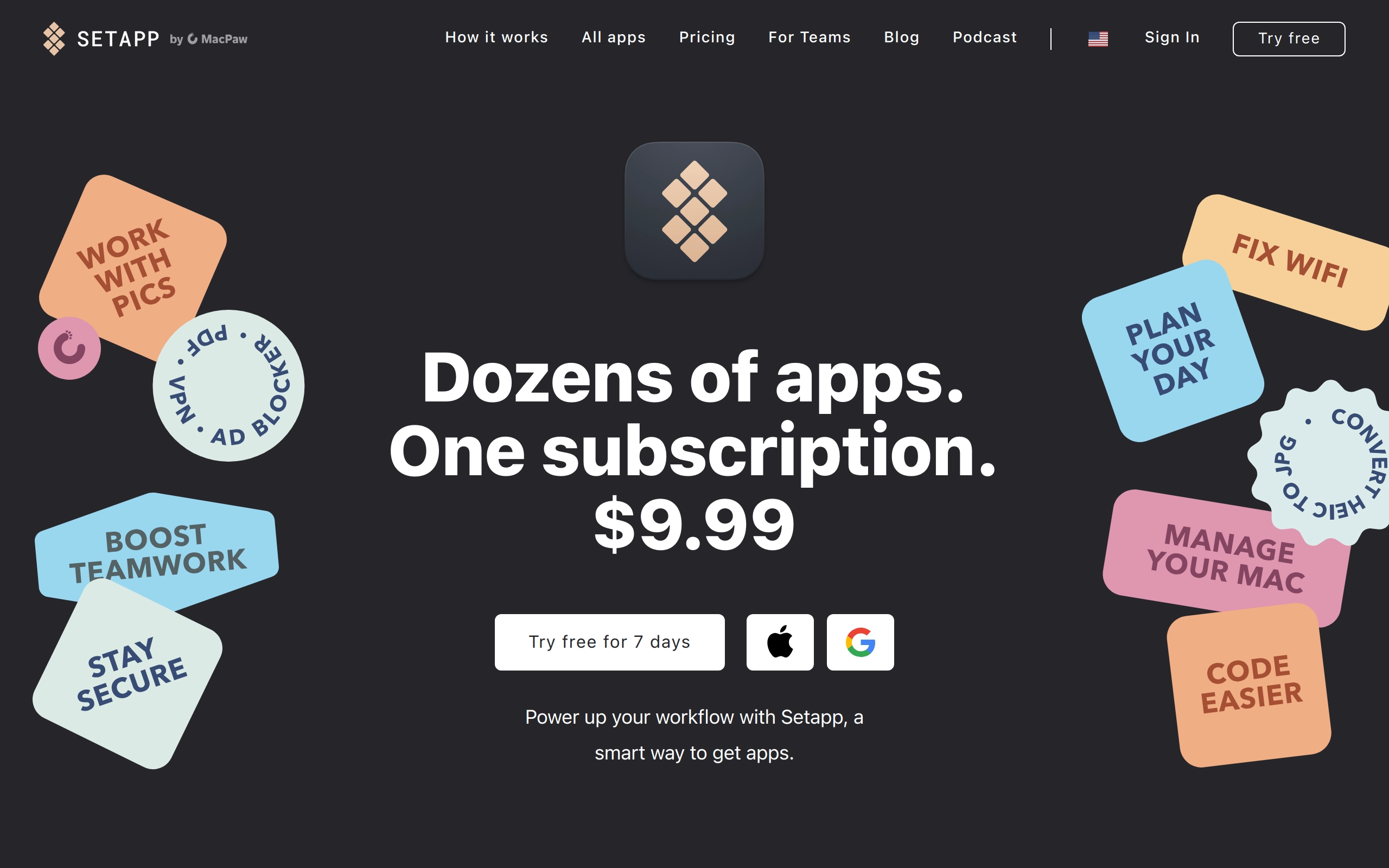
Setapp is a comprehensive software subscription service that provides users with access to over 250 premium Mac applications under a single subscription plan. The platform simplifies app discovery and usage by offering instant app recommendations based on user tasks.
Pricing
- Mac Only: $10/month
- Mac + iOS: $12.50/month
- Power User: $15/month (up to 4 Macs and 4 iOS devices)
- Discounts & Promotions: 10% off with annual billing
Key features
- 🔄 Single unified subscription model
- 📱 Access to 250+ premium applications
- 🔍 Smart app recommendation system
- 💻 Mac and iOS device support
- 🎯 Task-based app discovery
- ⚡ Instant access to all apps
- 💪 Curated selection of quality applications